Laptop vs Tablet for Studying – Which is the Best Option for Your Educational Needs and Productivity in New Zealand?
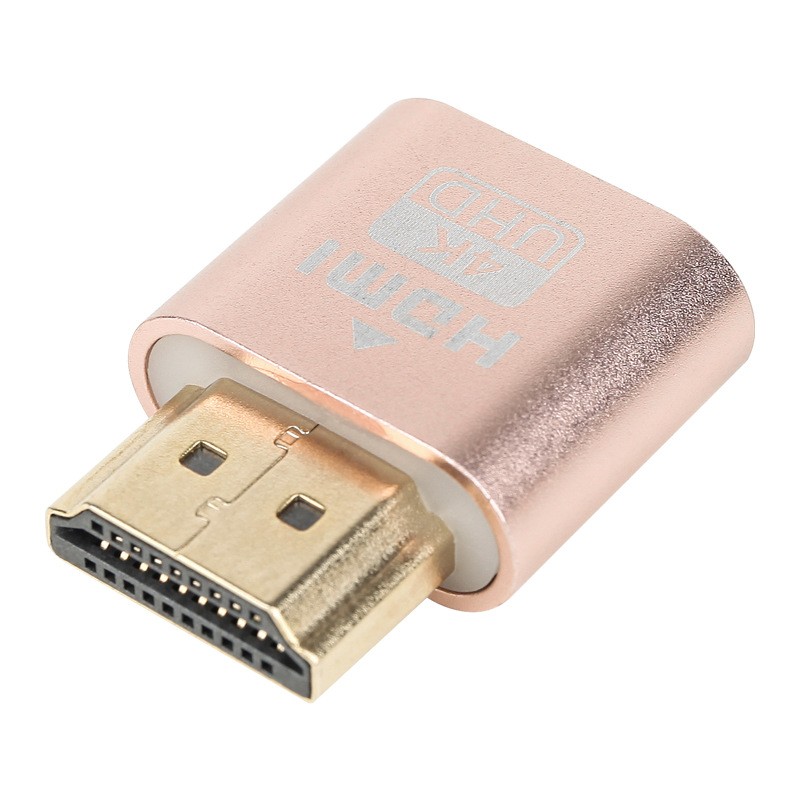
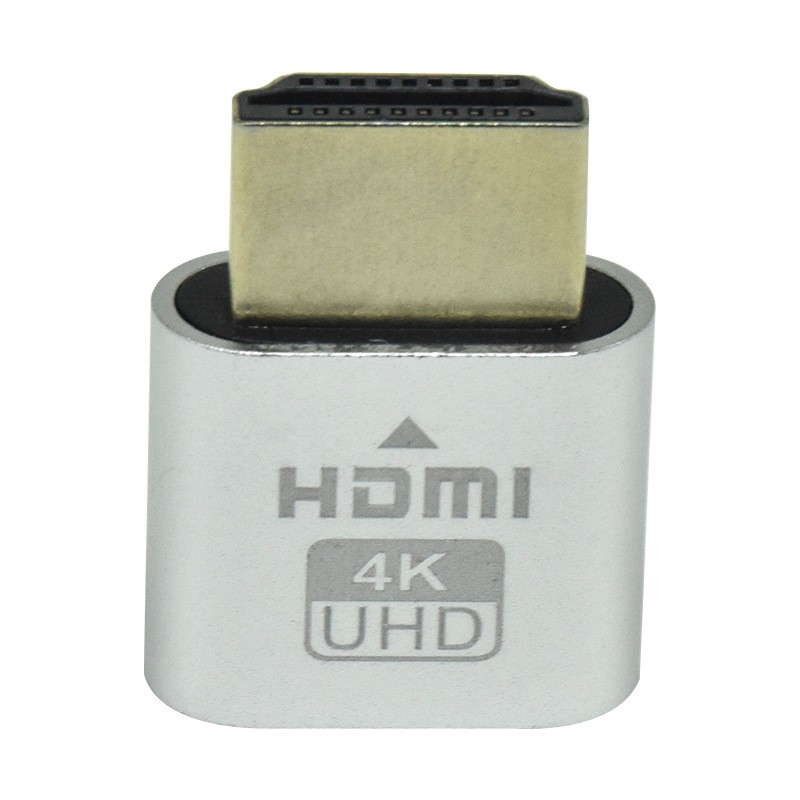
Graphics Card Spoof HDMI Fake Load VGA Analog Camouflage HD Lock Screen Virtual Display
Gift Tree
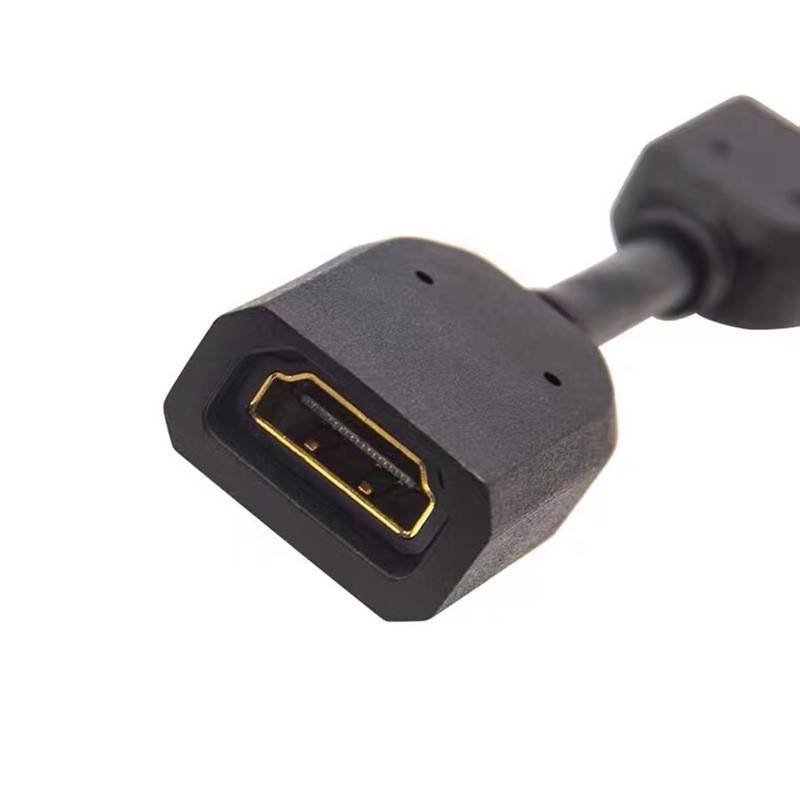
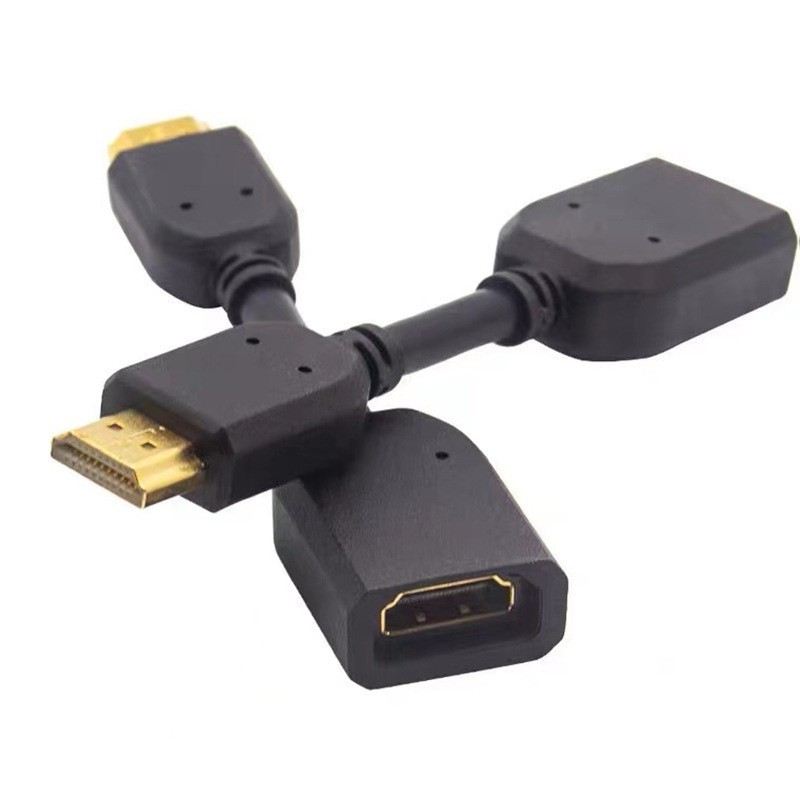
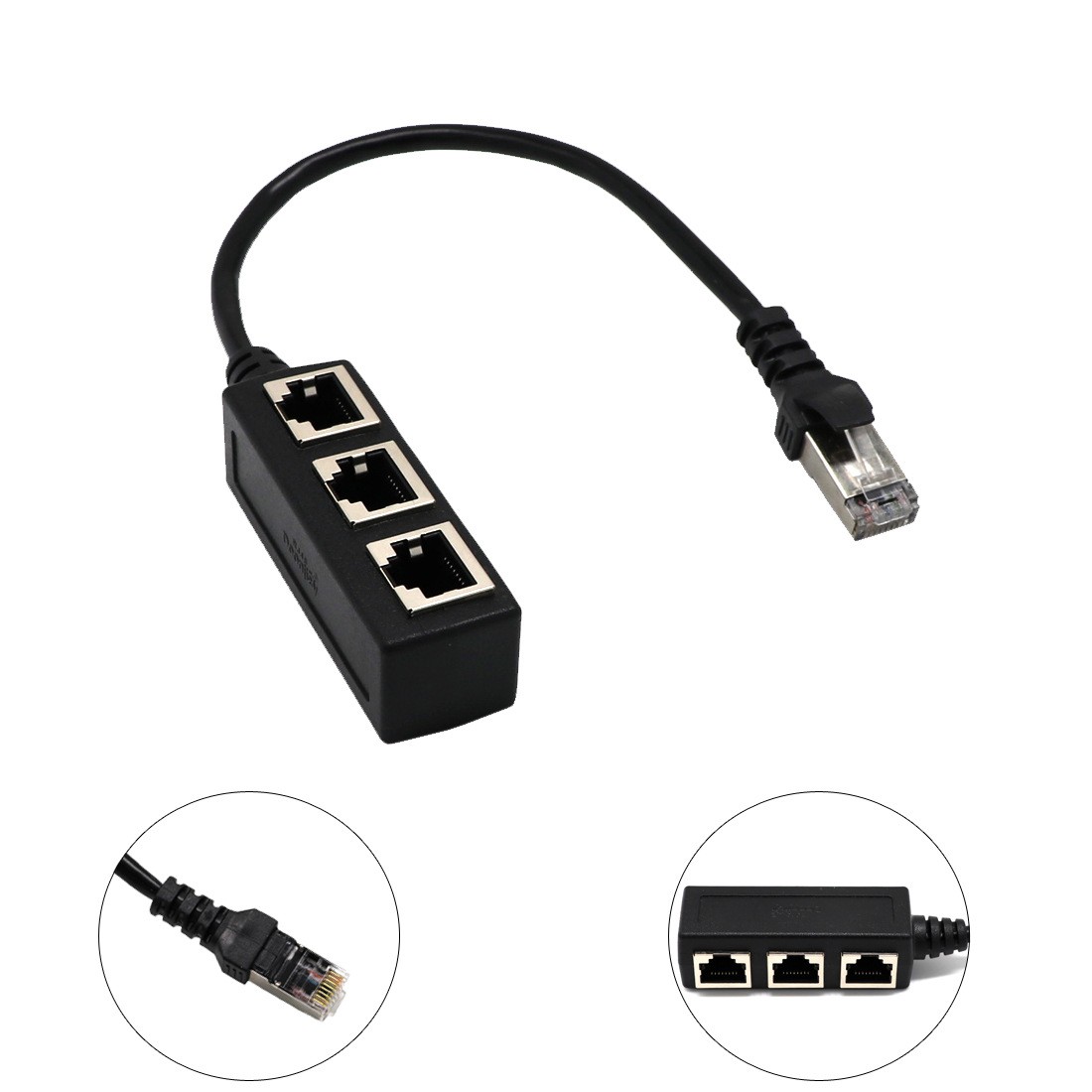
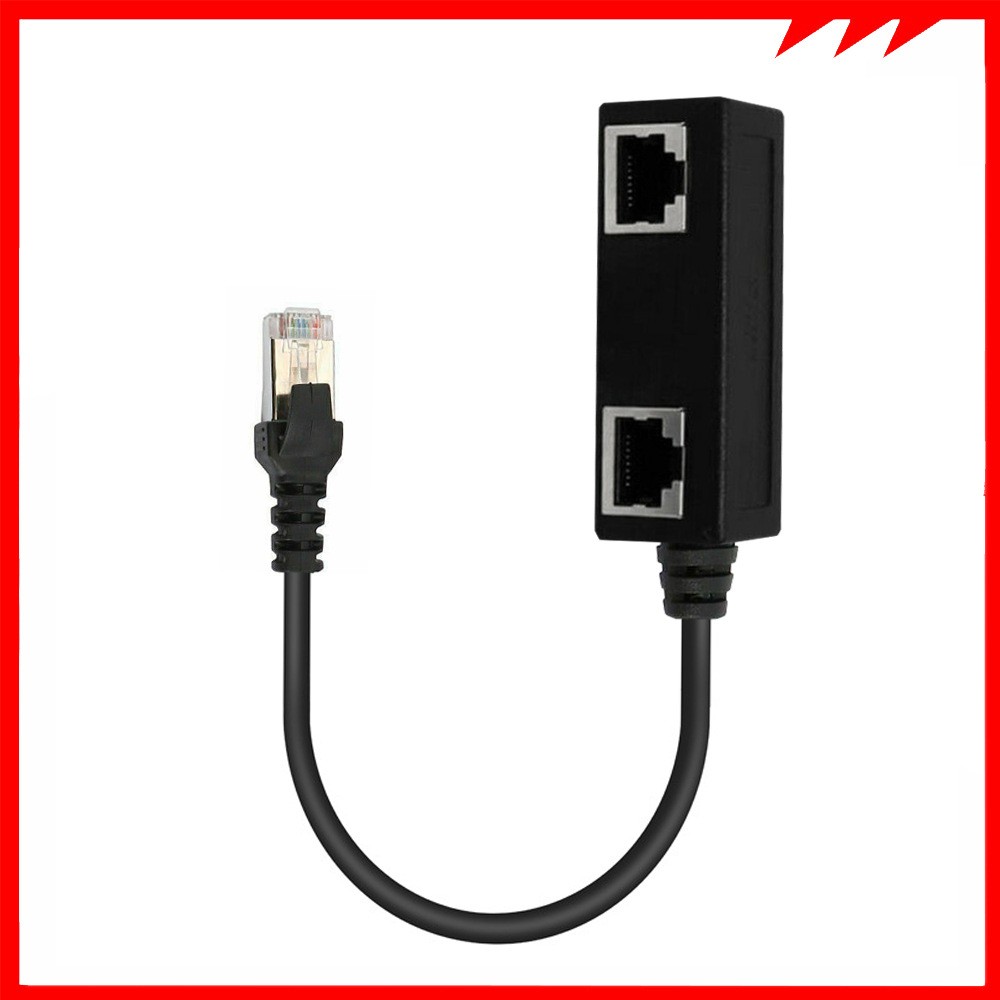
Network Cable Adapter Cable Connecting Line One Male 3 Bus CATE 6 Line
Gift Tree
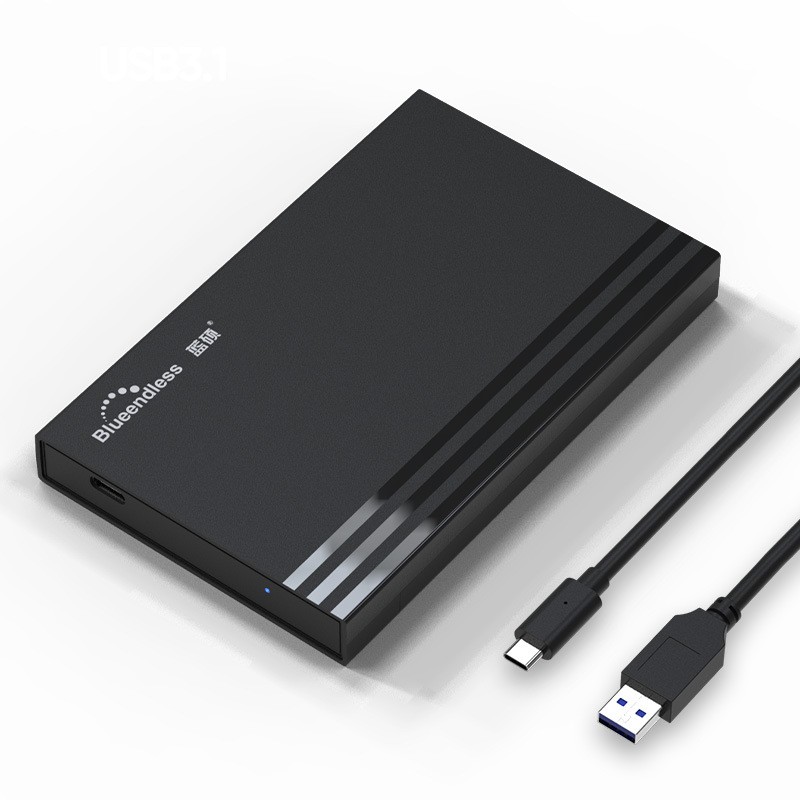

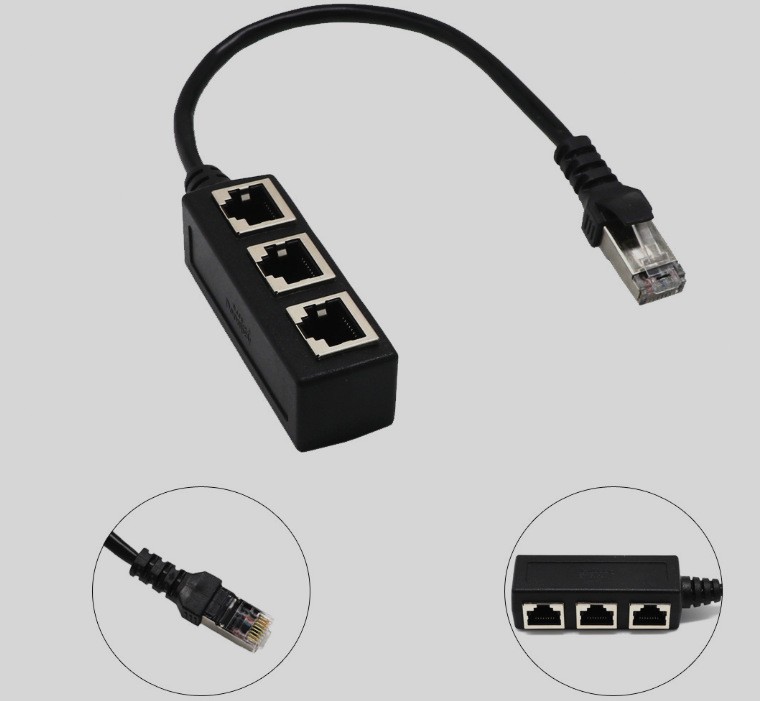
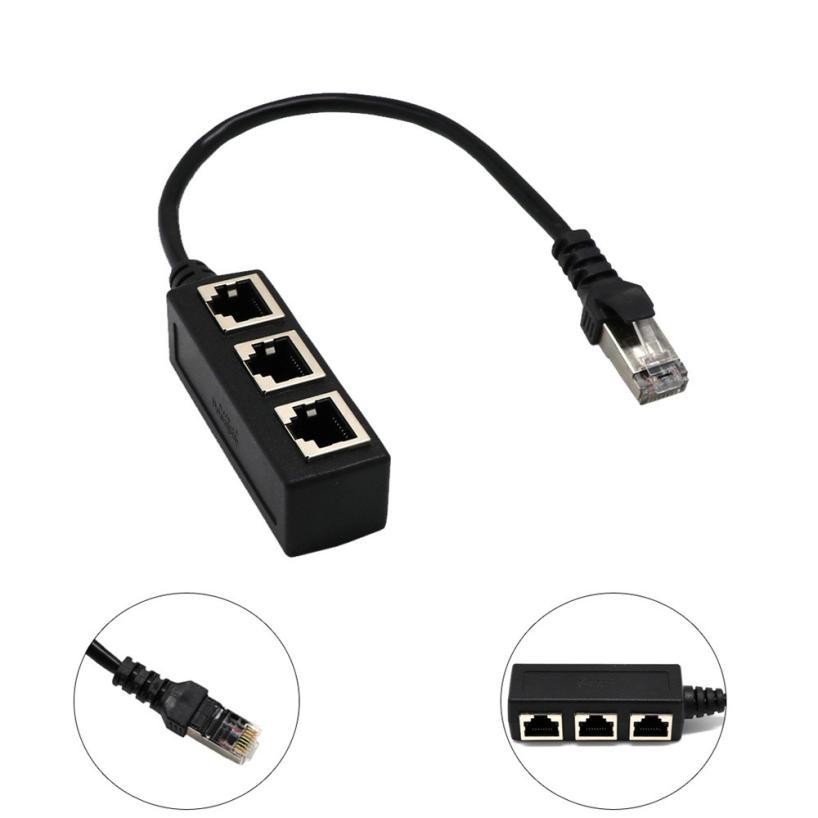
1 To 3 Socket LAN Ethernet Network RJ45 Plug Splitter Extender Adapter Connector
Gift Tree
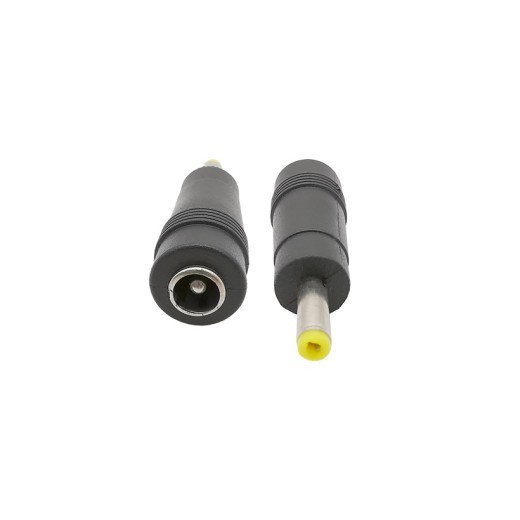
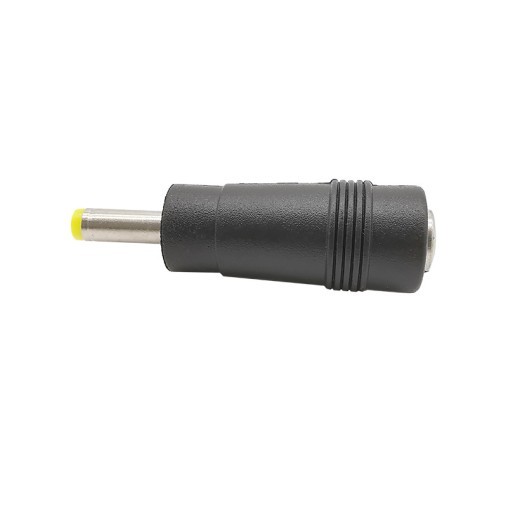
5521 Female To 4017 Male Adapter DC Power Conversion Plug 5.5X2.1 Female To 4.0X1.7 Male
Gift Tree
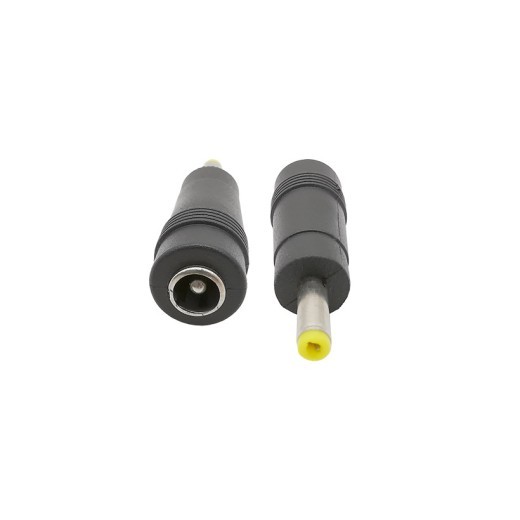
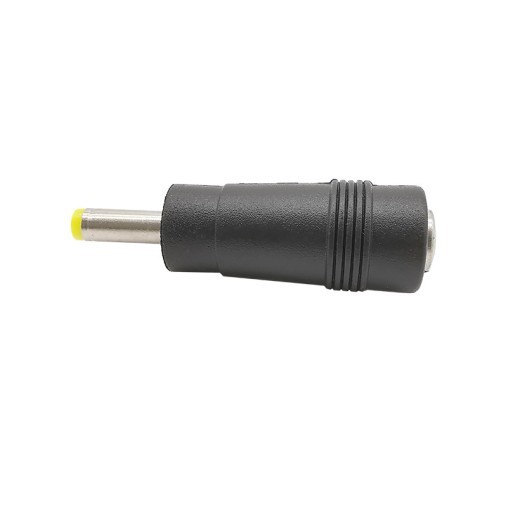
Adaptador de CC hembra 5521 a macho 4017, conector hembra 5,5 x 2,1 a macho 4,0 x 1,7.
Gift Tree
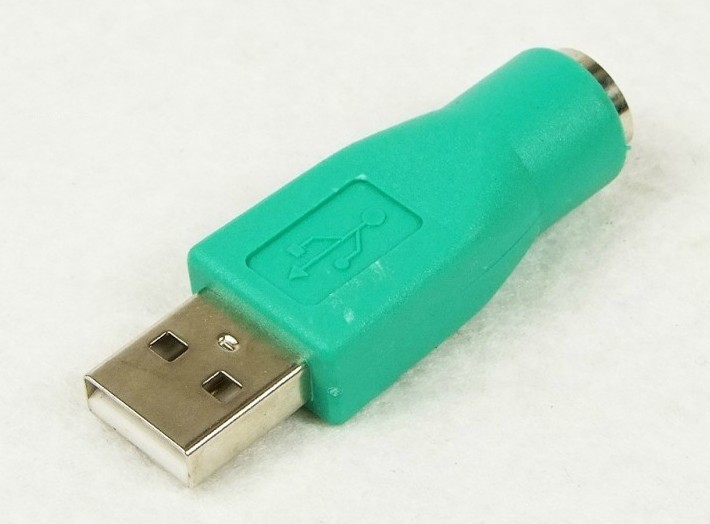
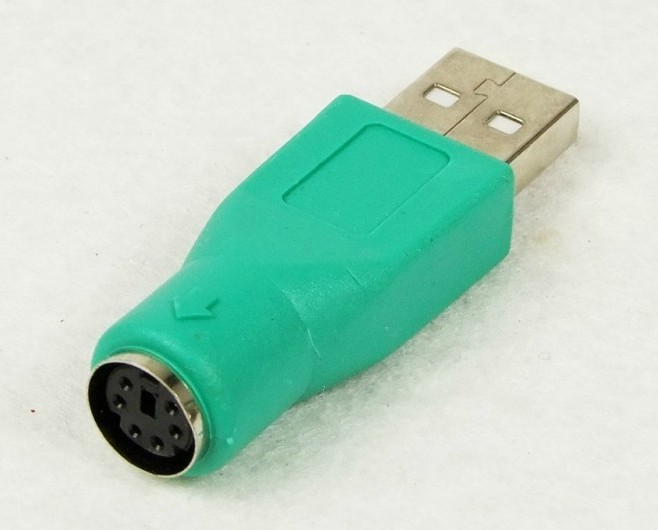

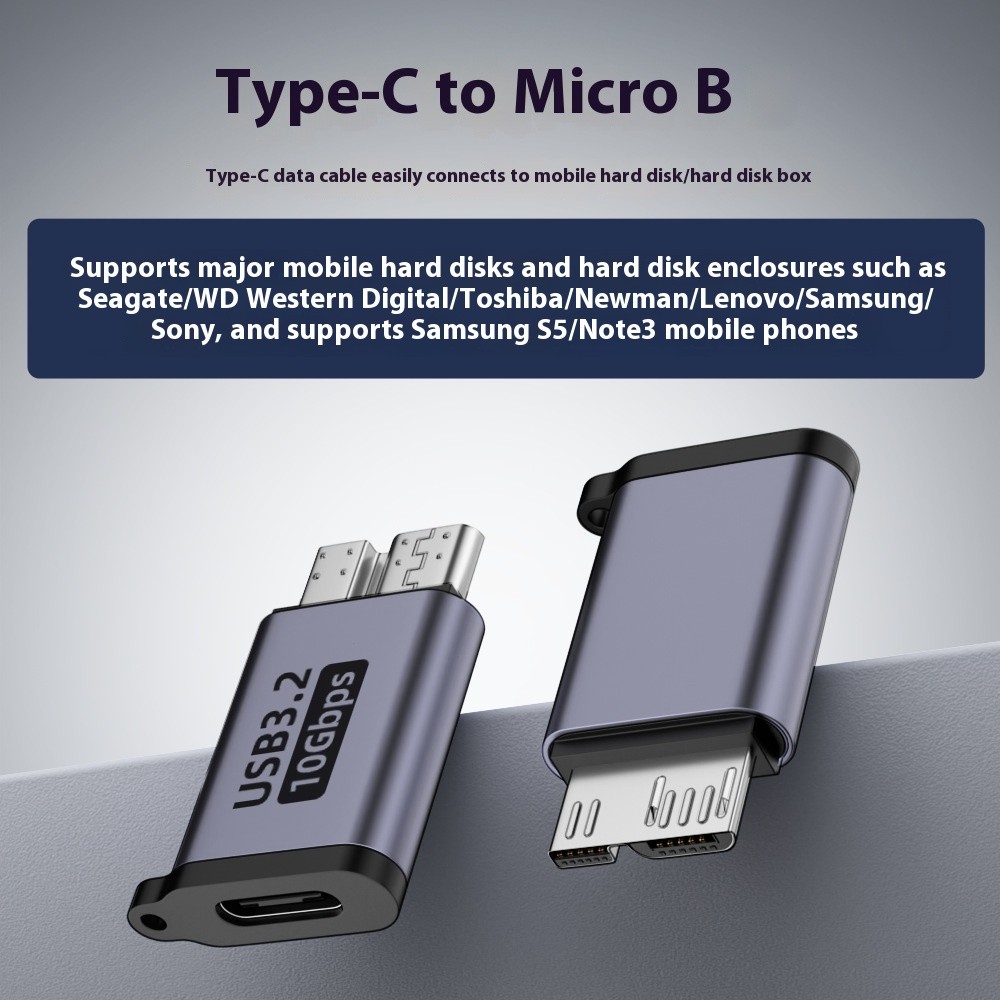
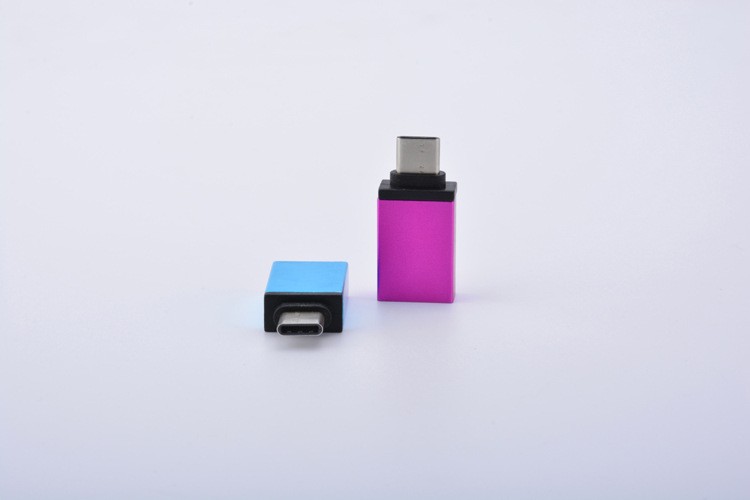
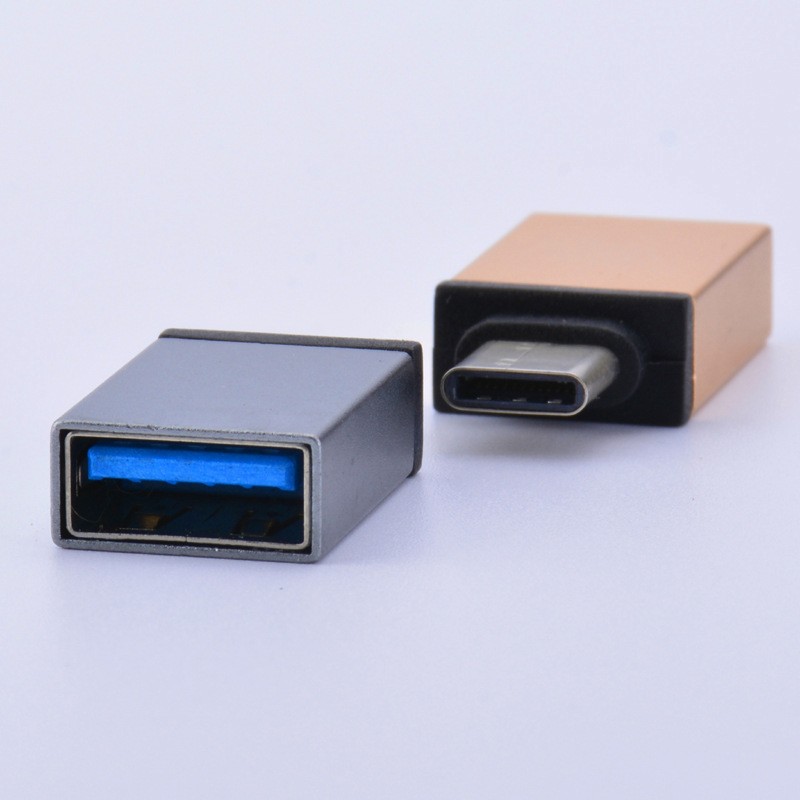
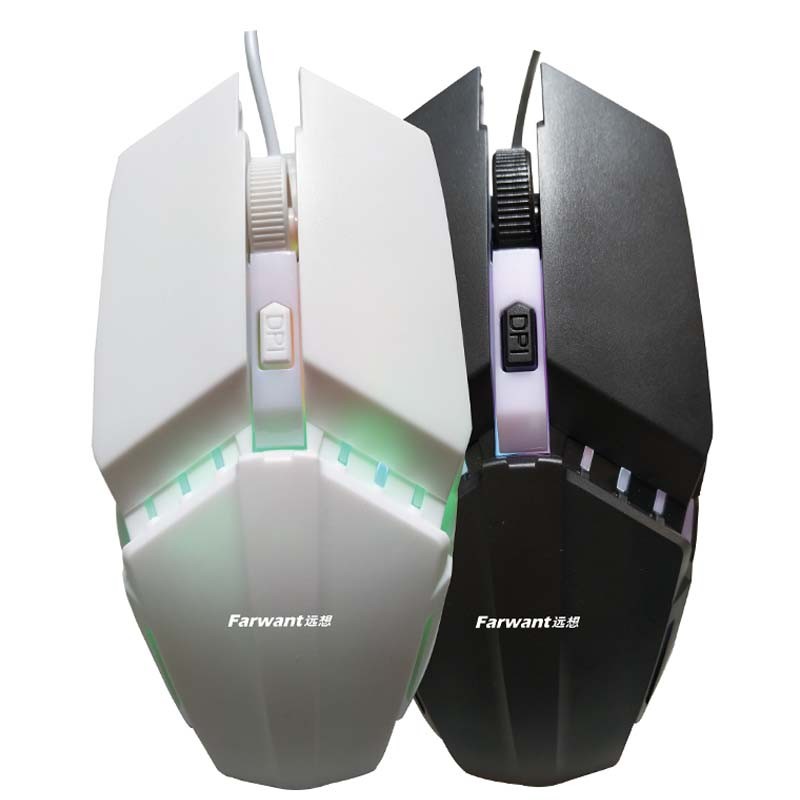
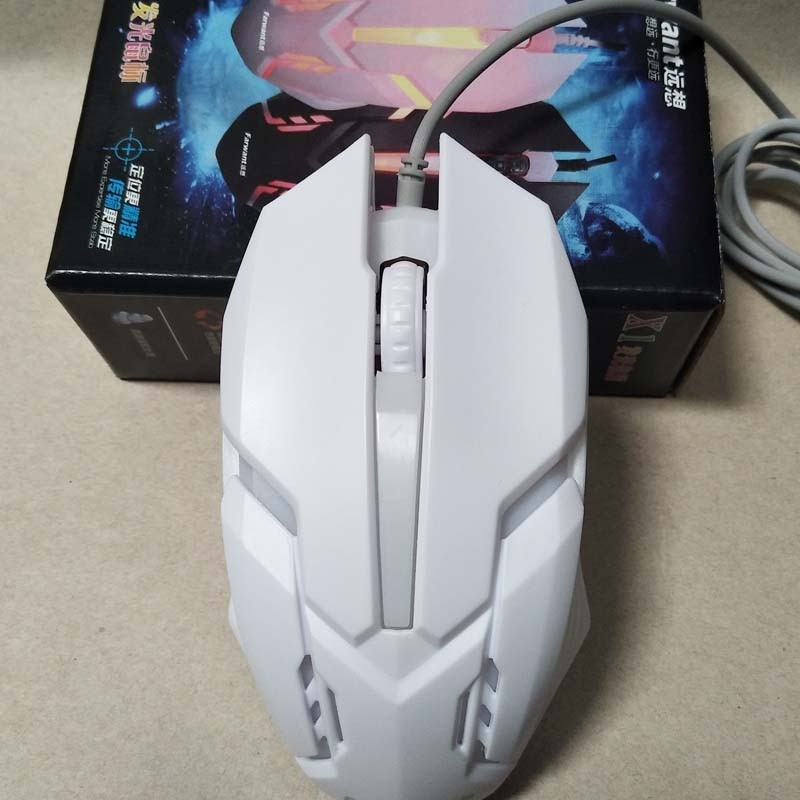
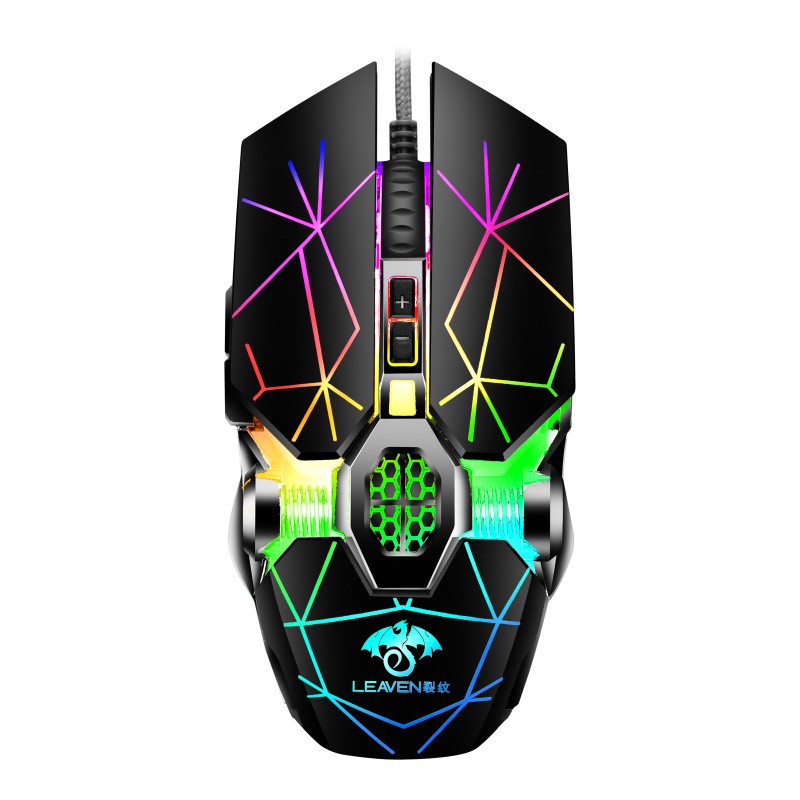
Wired Photoelectric Computer Office Home Gaming Light-Transmitting Mouse
Gift Tree
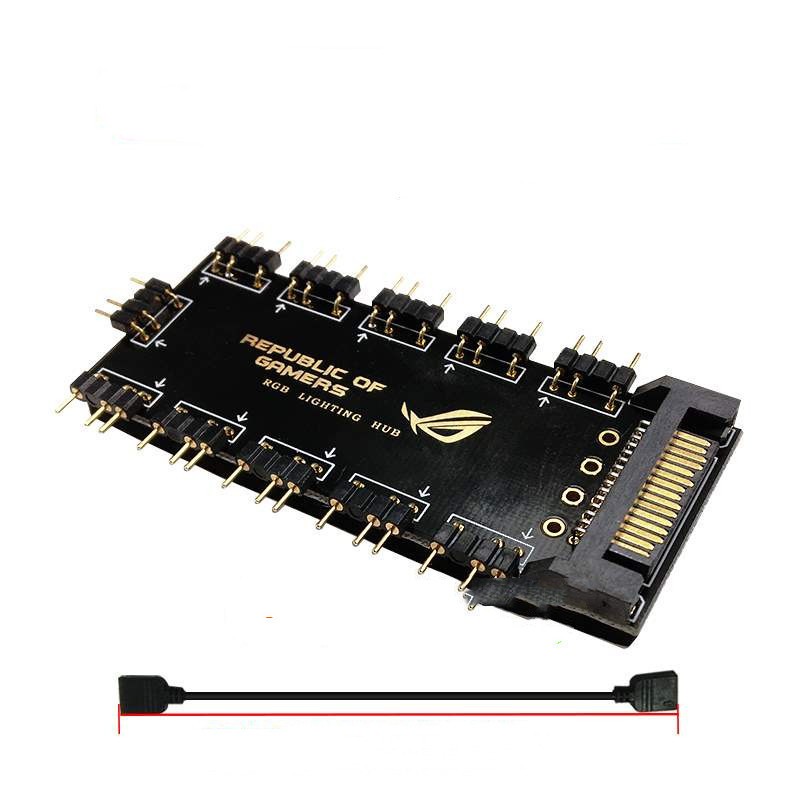
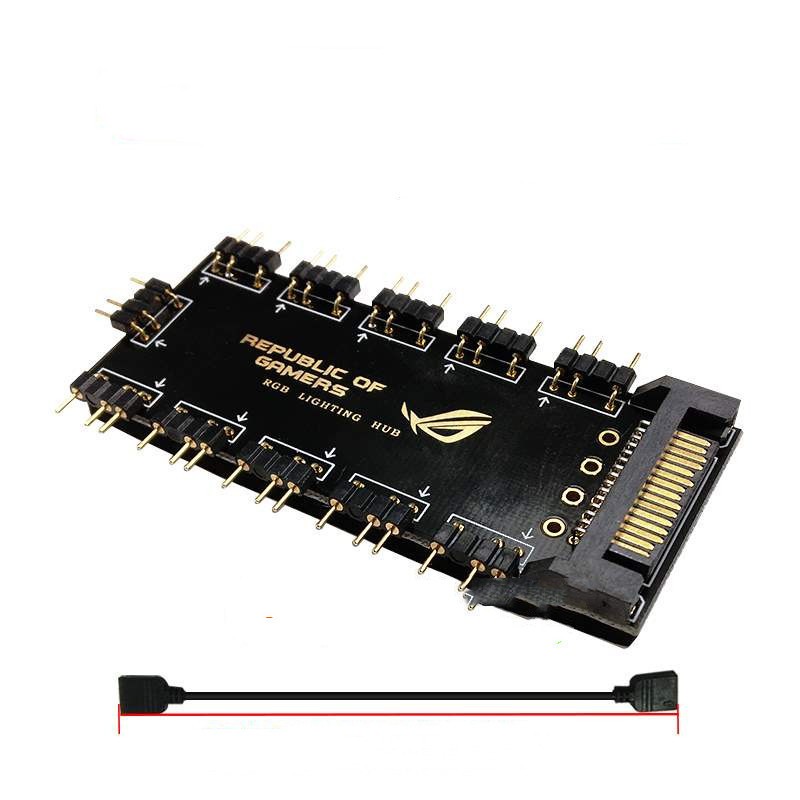
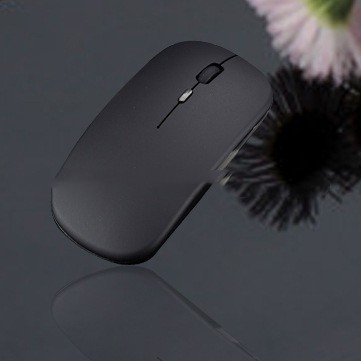
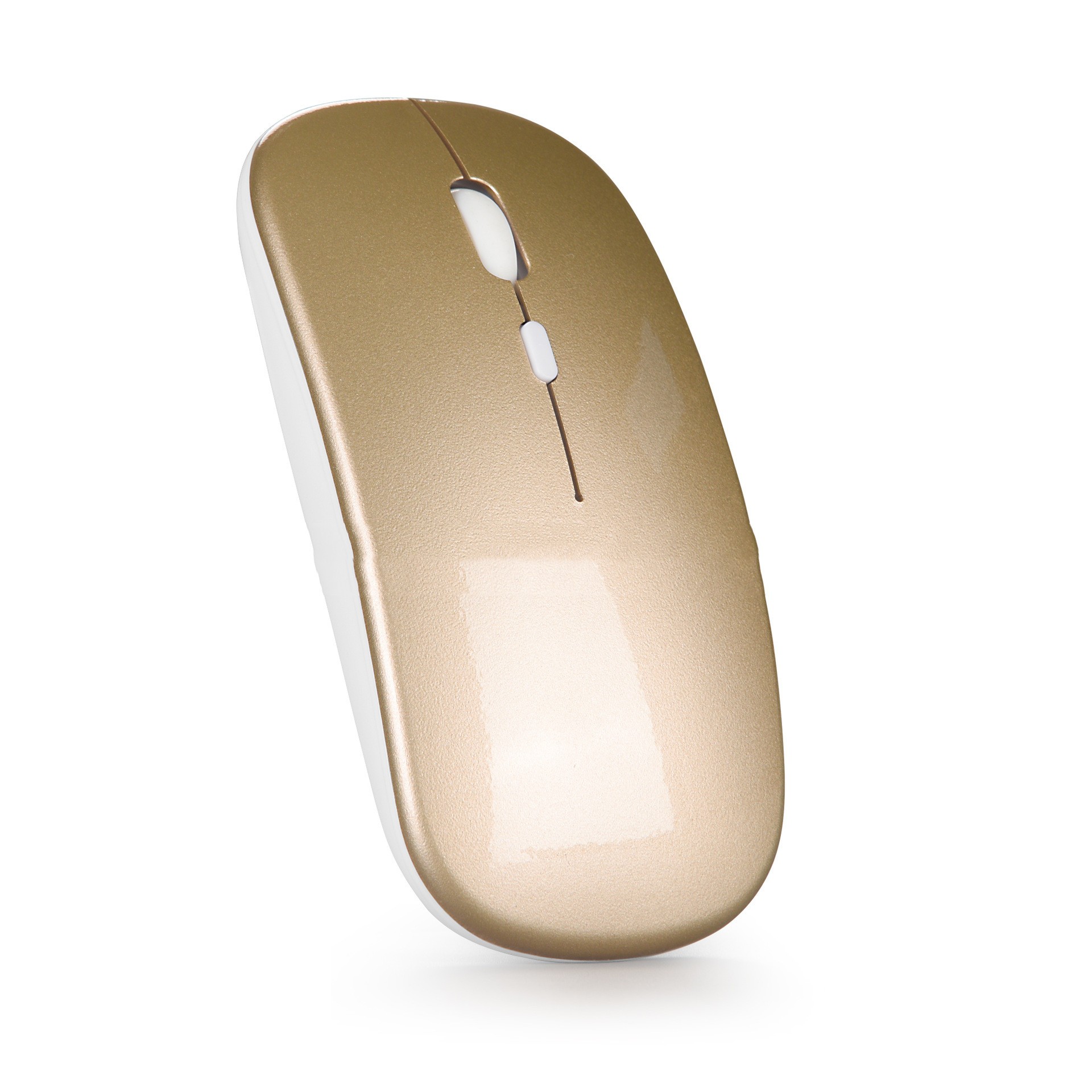
Bluetooth Dual-Mode Wireless Mouse Charging Silent Computer Notebook
Gift Tree
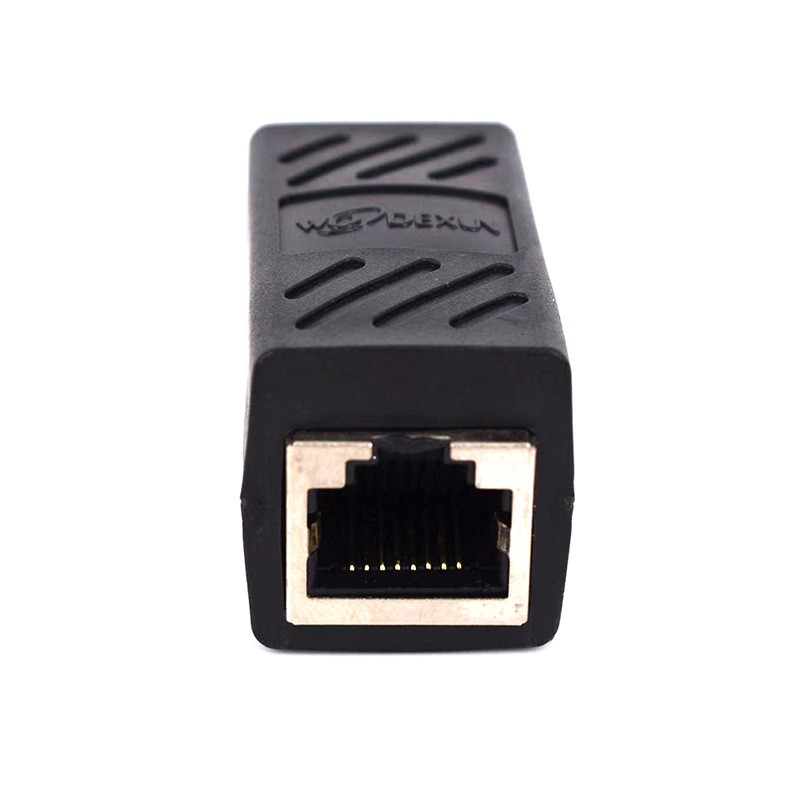
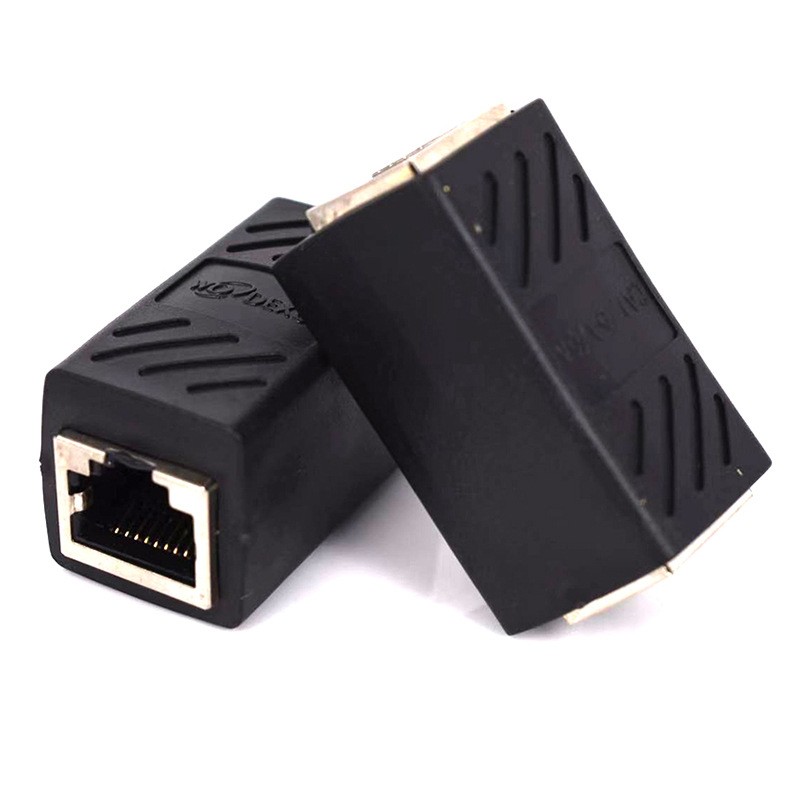
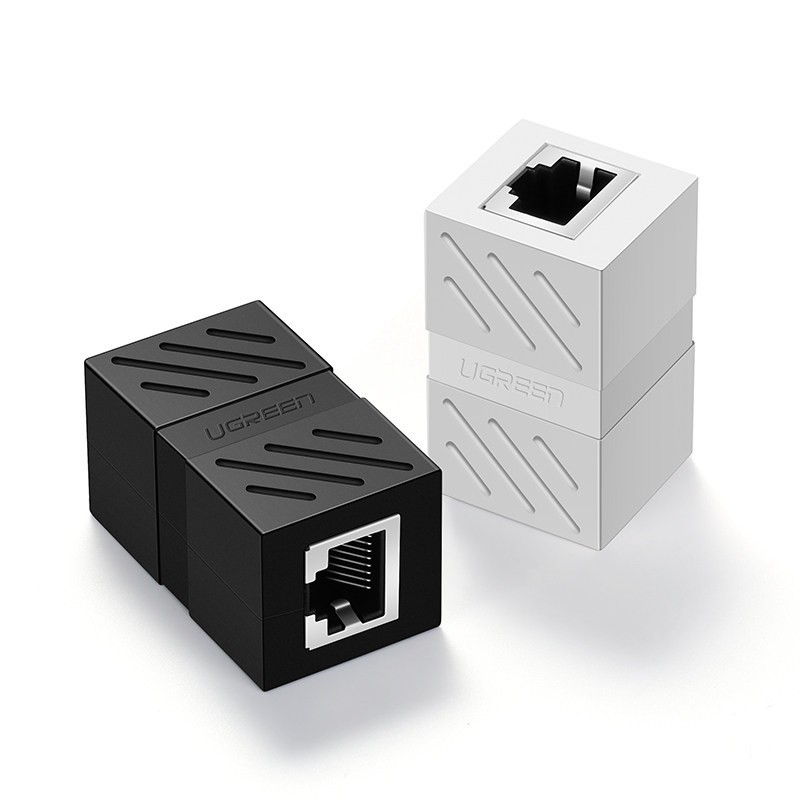
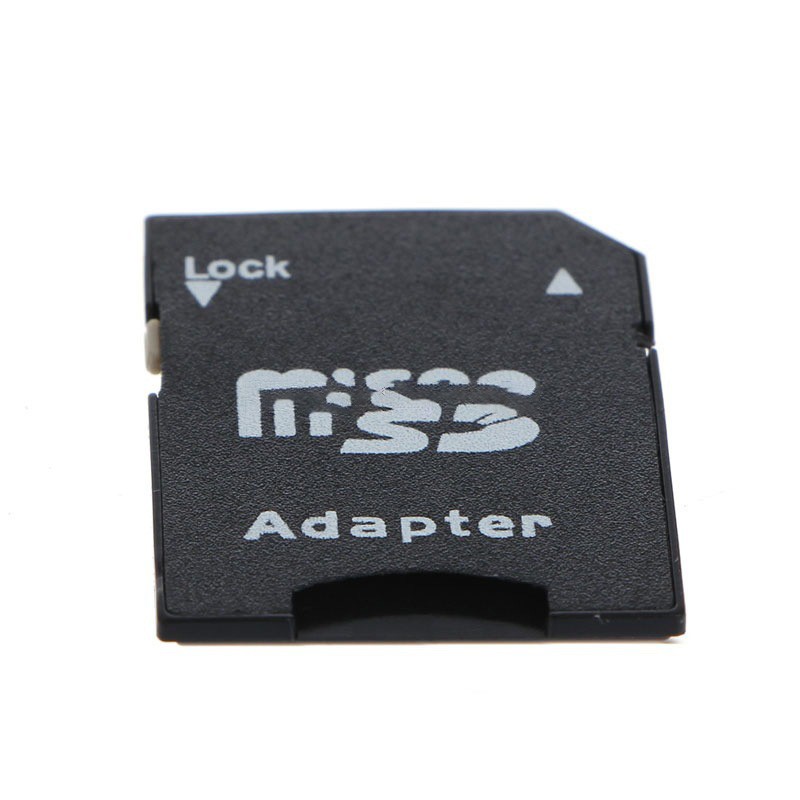
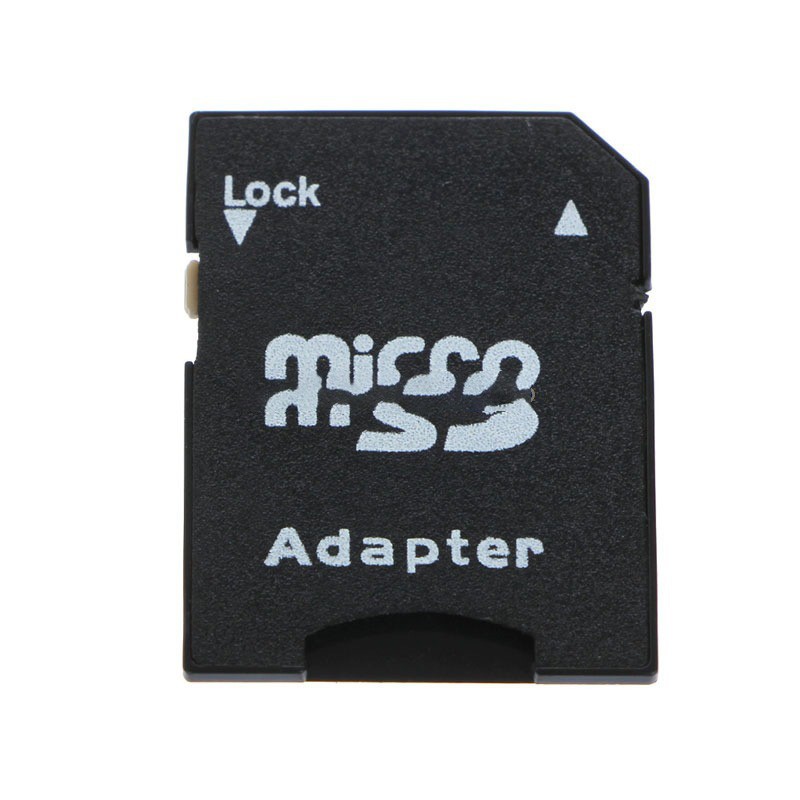
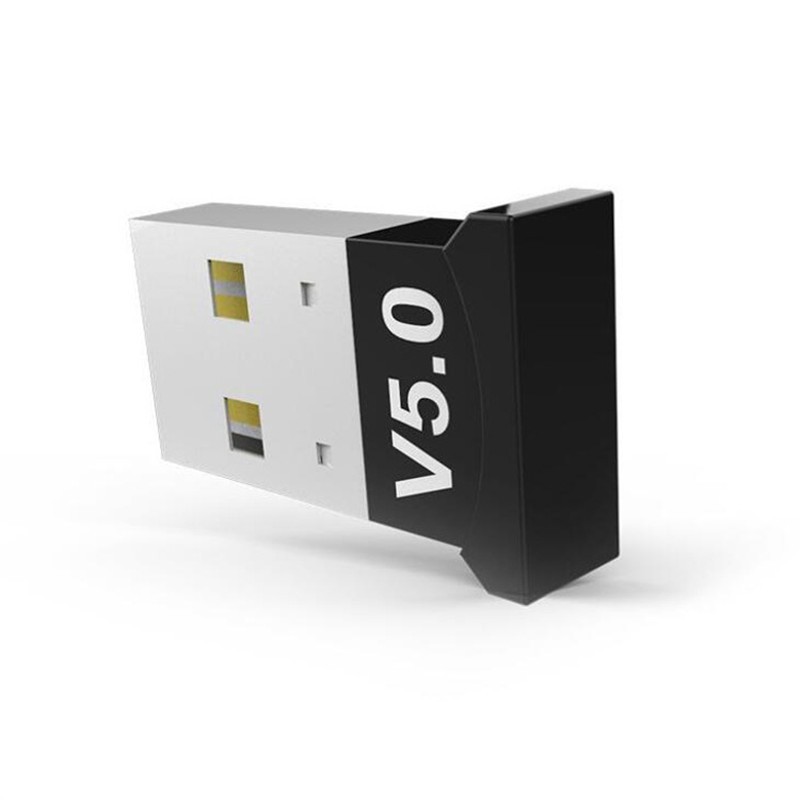
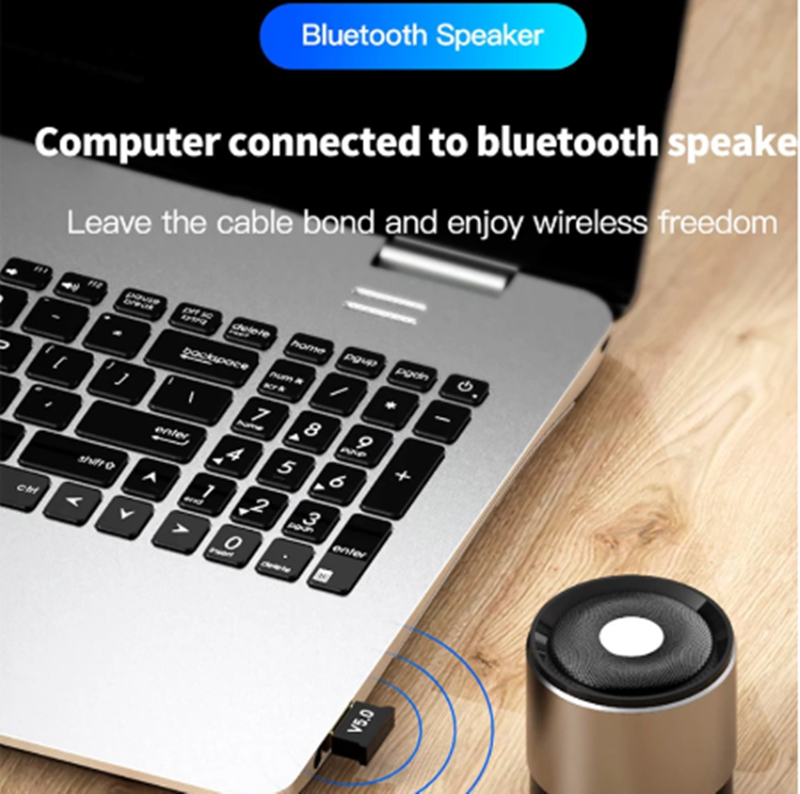
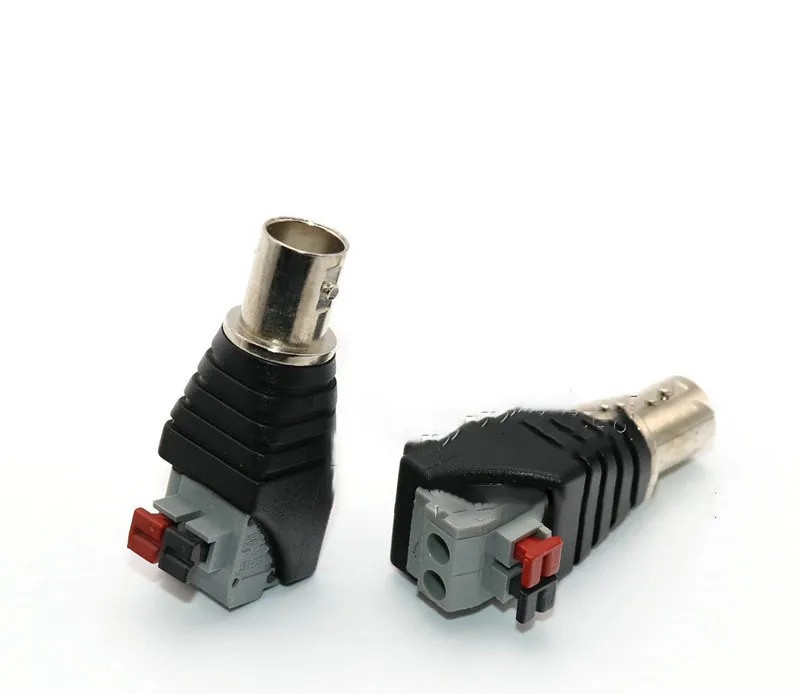
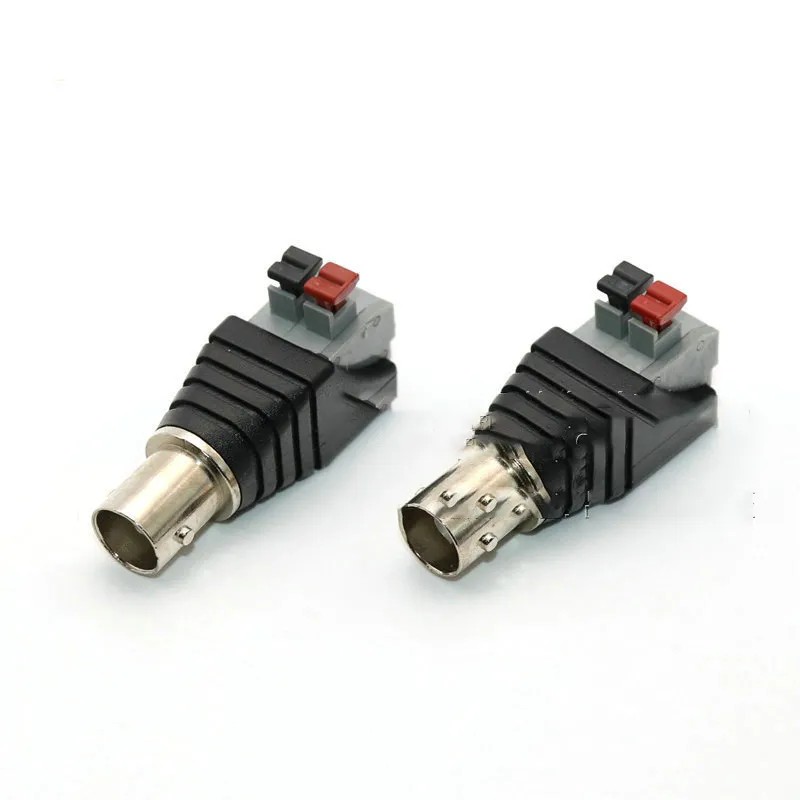
Mayitr 1pc Speaker RCA Connector Universal Wire A V Cable to Audio Male RCA Adapter Jack Press Plug Cabe for Audio Cable
Gift Tree
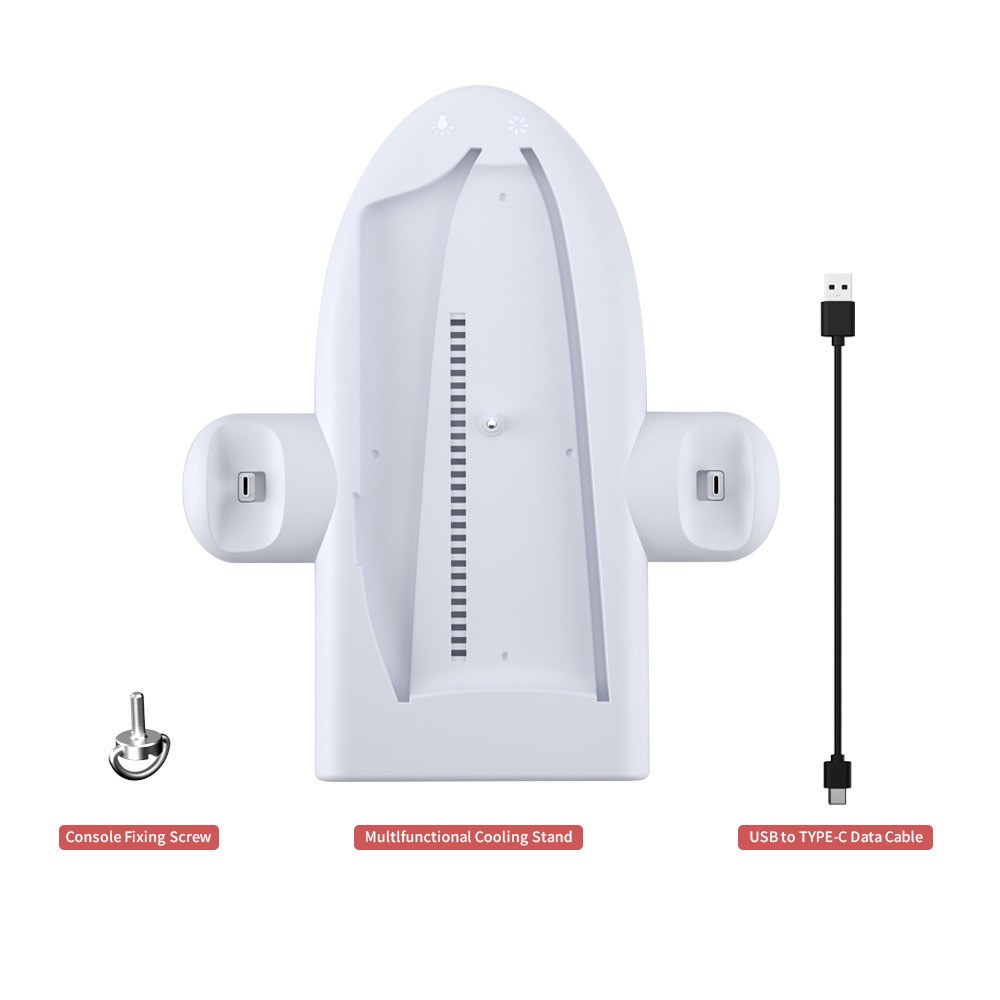
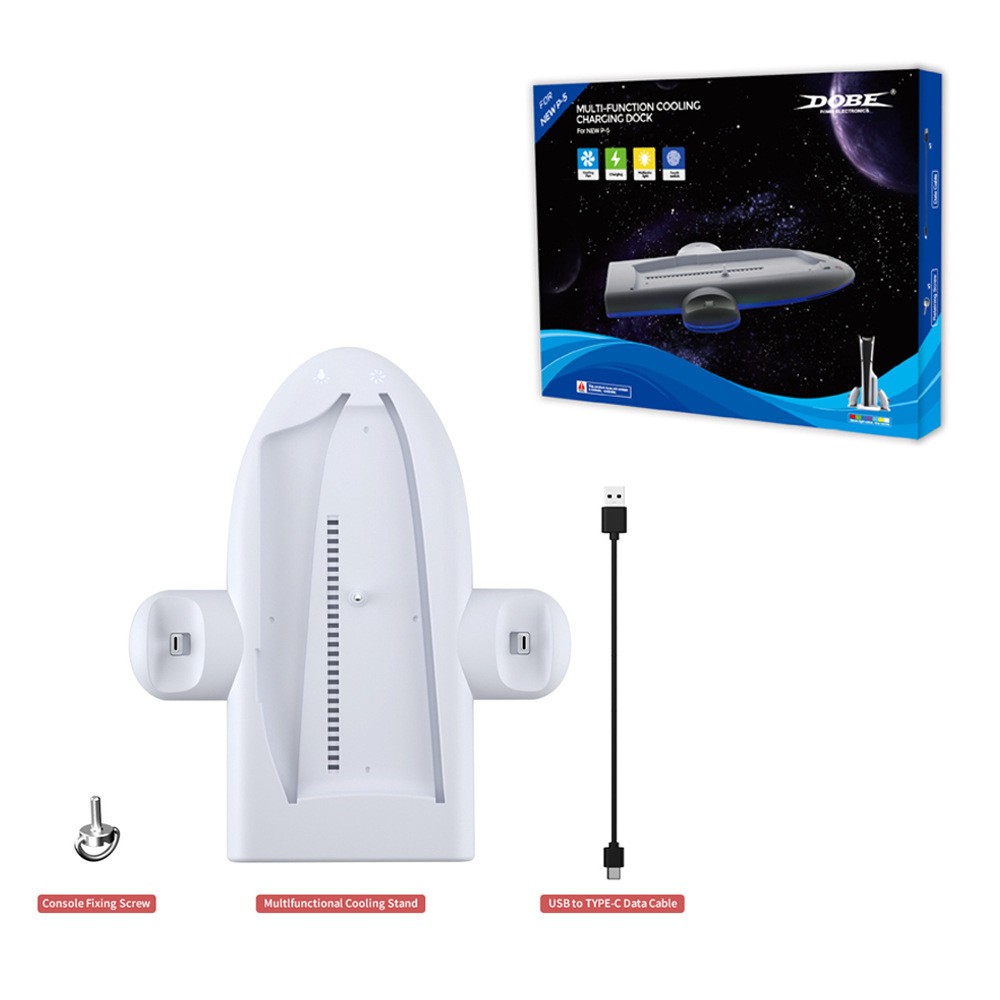
Host Multi-function Cooler Pad Fan PS5 Handle Fixed Charger Charging Belt RGB Colorful Ambience Light
Gift Tree


ZEALOT S98 160W Wireless Speaker - Waterproof Outdoor Portable Subwoofer
Gift Tree


MoreHope Mini Invisible Digital Hearing Aids - Wireless Hearing Amplifier with Rechargeable Box
Gift Tree
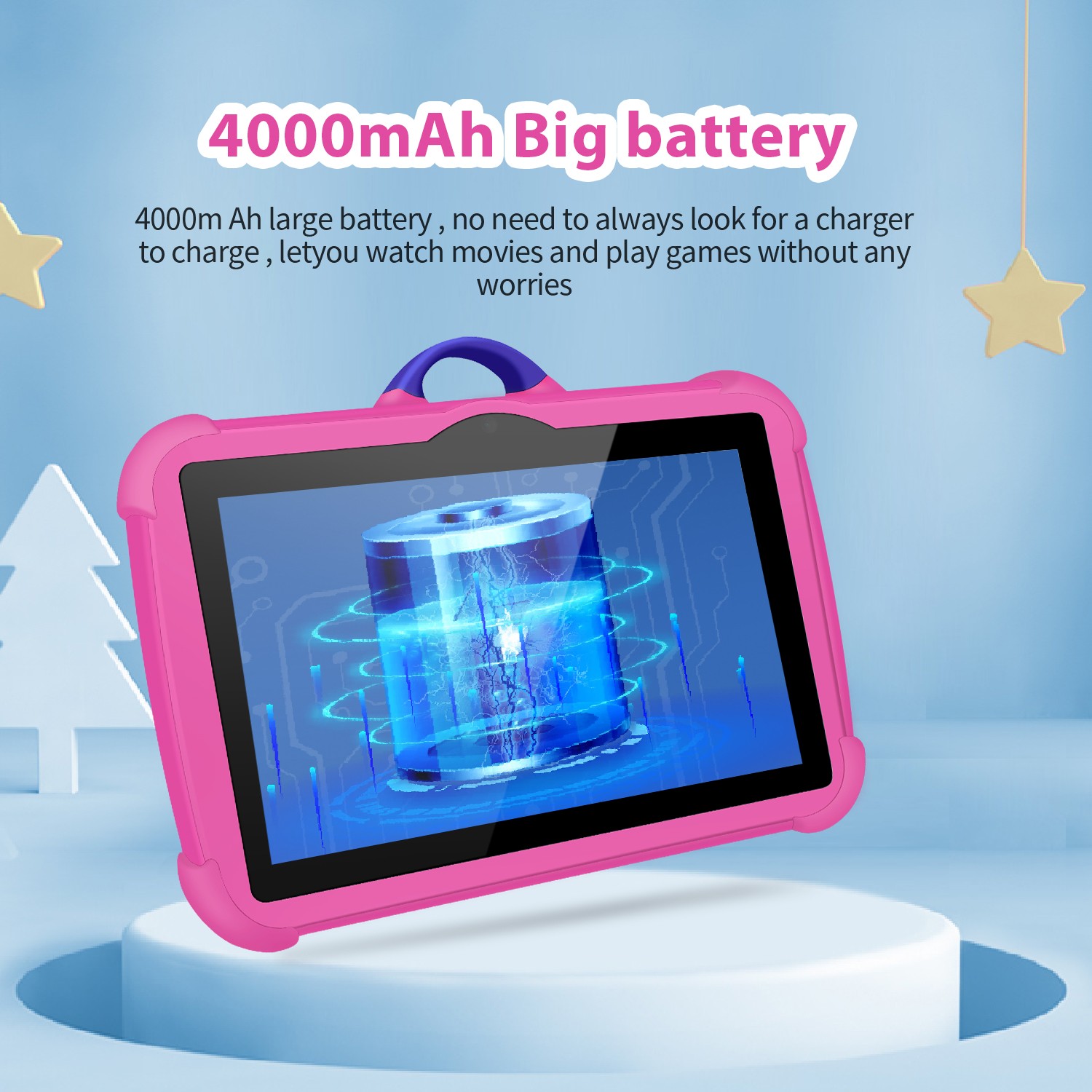
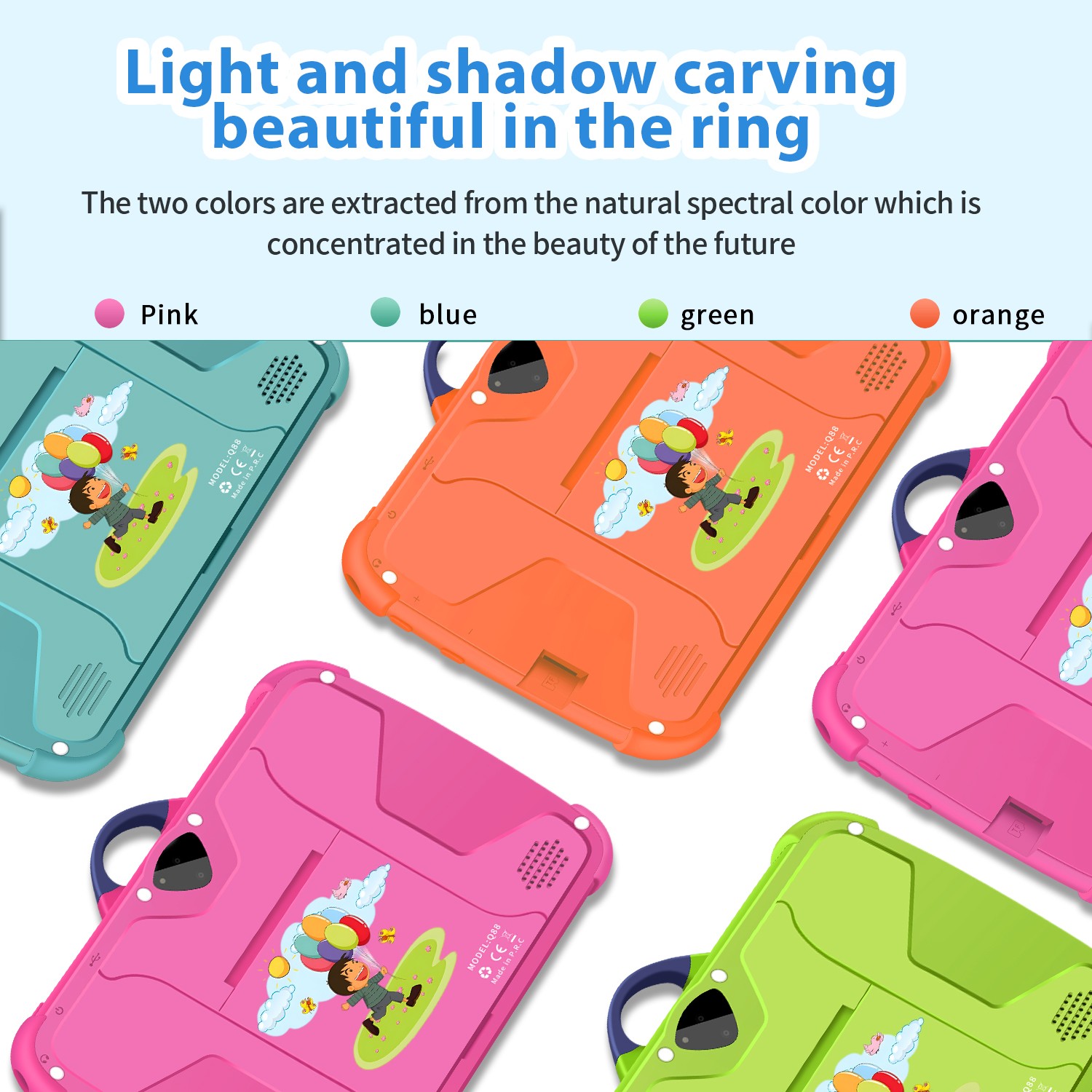




Genuine MINISO Barbie Series TWS Bluetooth Headphones – Pink Cute Creative Handbag Shape In-Ear Earplugs, Ideal Girls Holiday Gift
Gift Tree


12000mAh Emergency Weather Radio - Solar & Hand Crank Portable Radio
Gift Tree

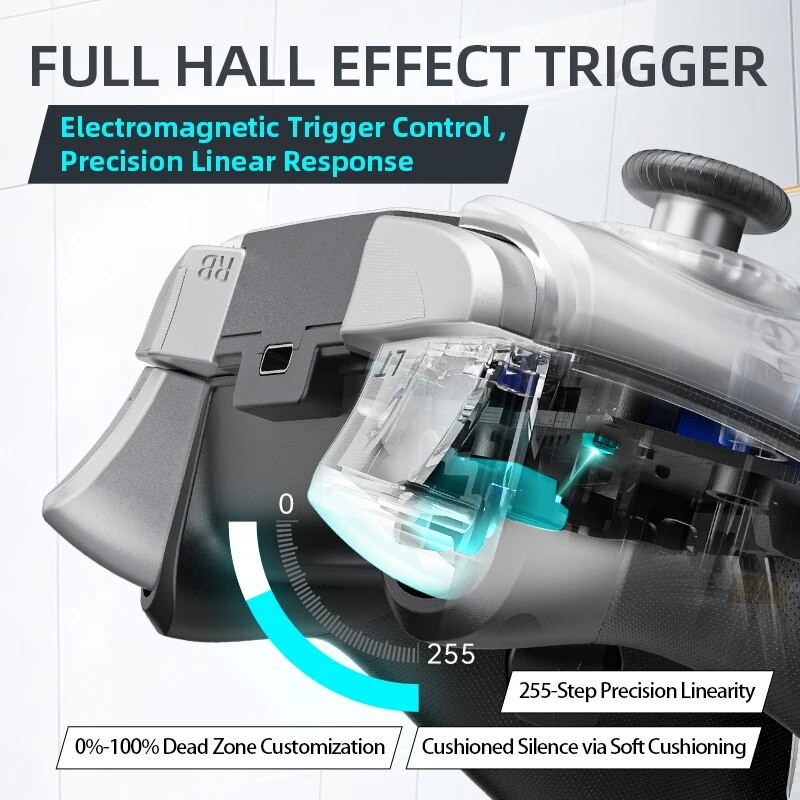
Machenike G5 Pro Elite Wireless Gaming Controller - Hall Trigger Joystick and Mecha-Tactile Buttons
Gift Tree
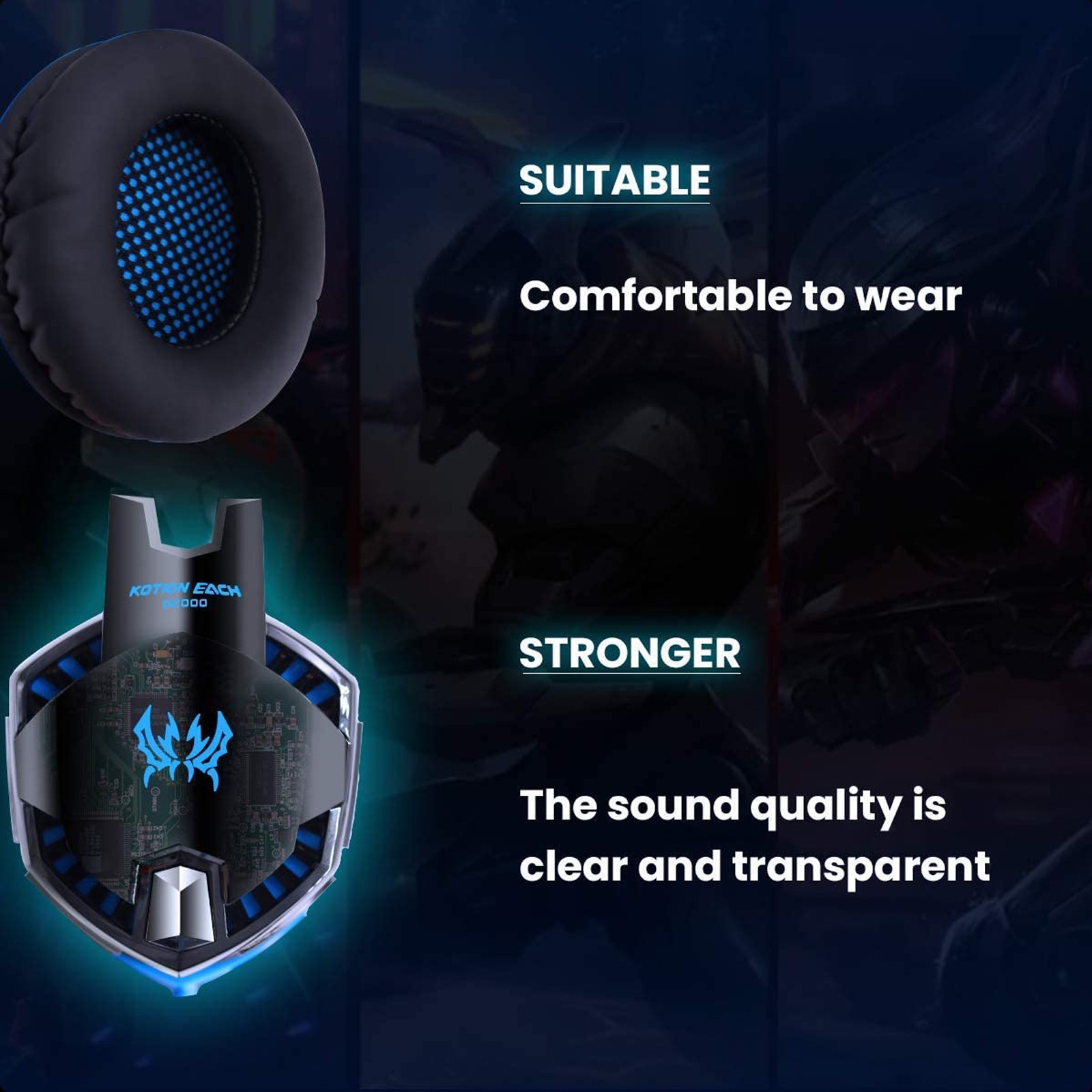

G2000 Gaming Headset – Immersive Audio, Noise Cancelling Mic, LED Lights, Soft Memory Earmuffs
Gift Tree
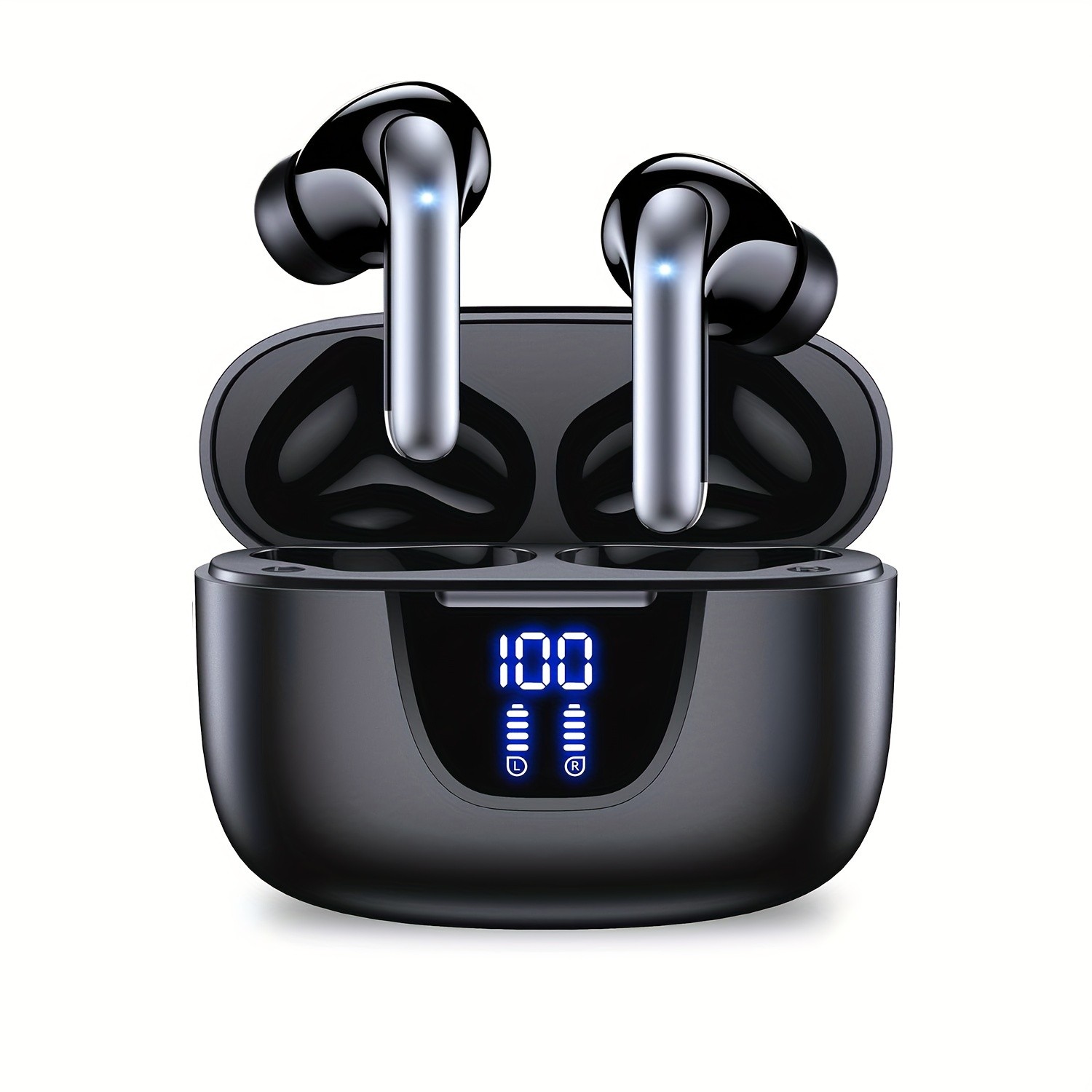

Wireless Earphone, Bluetooth 5.3 Headphones with 13MM Horn, Long Playtime, Type-C Fast Charging Case, Stereo In-Ear Headphones for iPhone and Android, Gaming, Business, Sports Headset with Microphone
Gift Tree
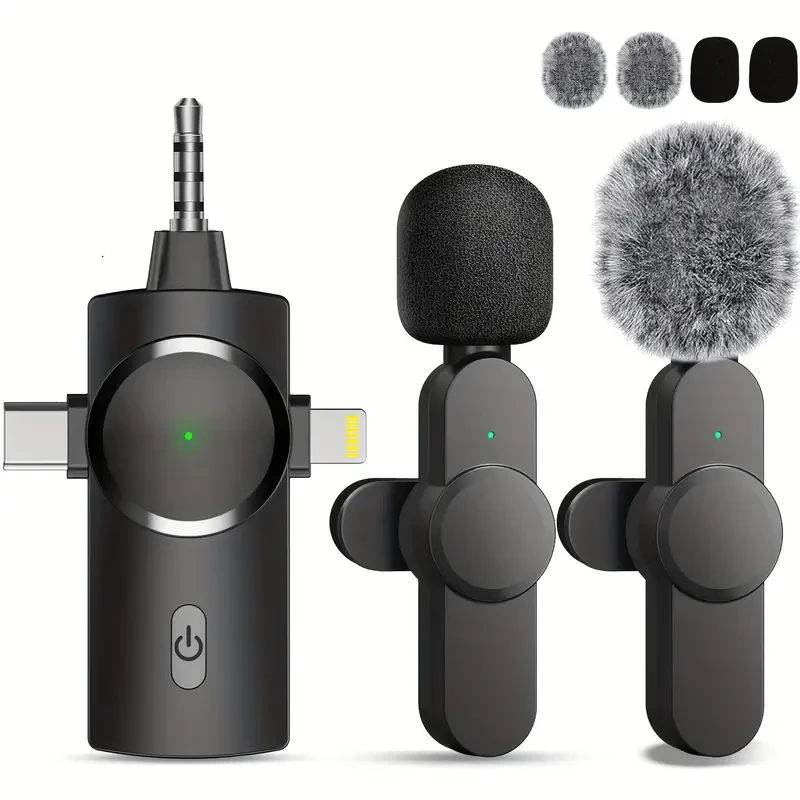

Wireless Tie Clip Microphone - Dual Windproof Sleeves and Multiple Plugs
Gift Tree

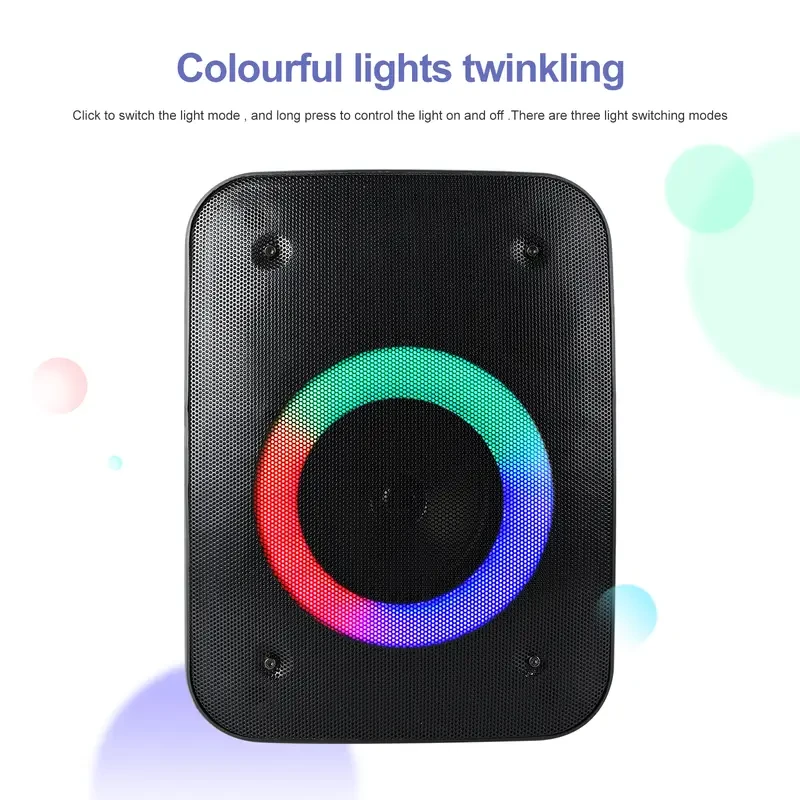
Wireless Portable Boombox Speaker - Rechargeable with 4-Inch Woofer
Gift Tree

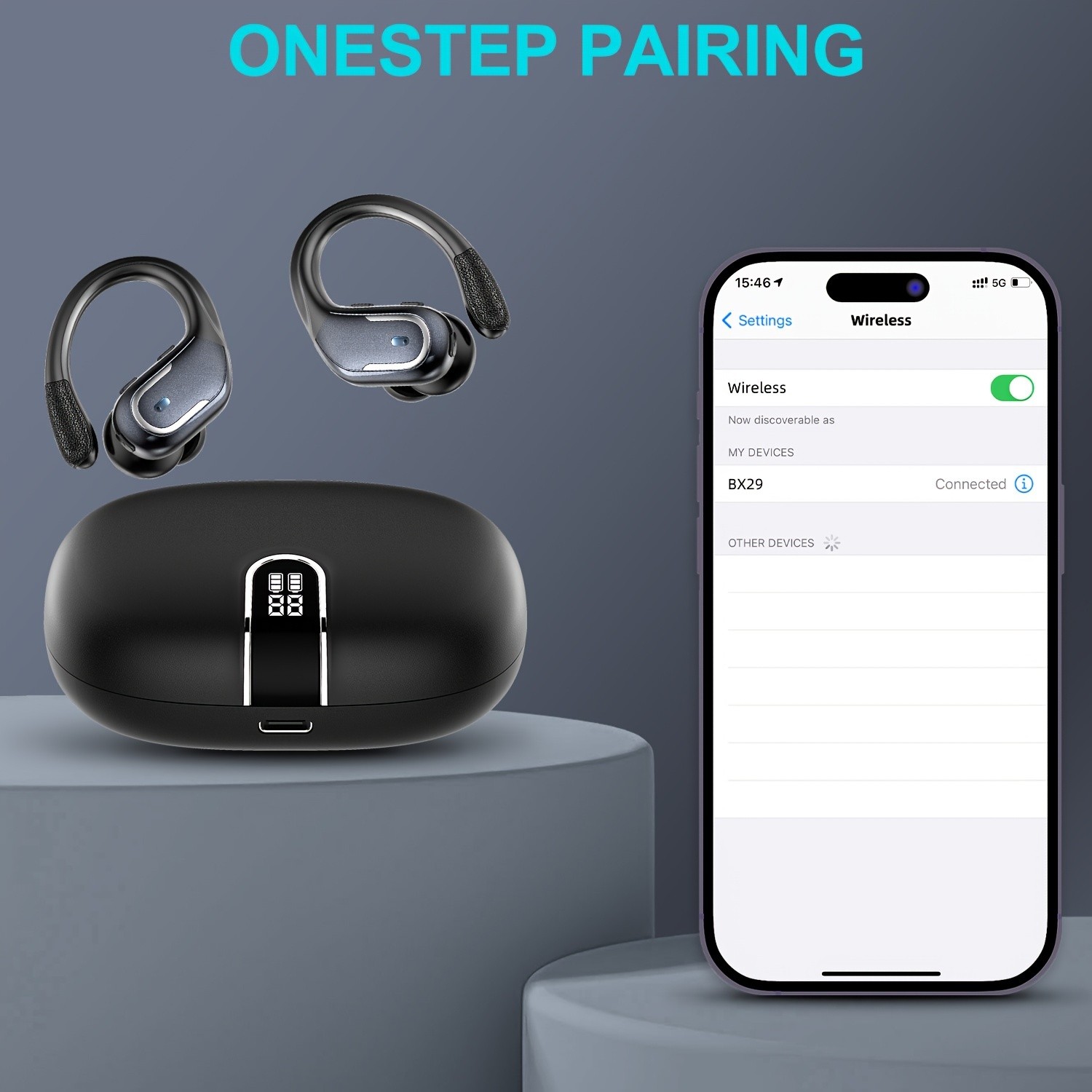
Wireless Headphones, Earbuds Wireless Running with ENC Noise Cancelling Mic, Bluetooth 5.3 Earphones, 3D Deep Bass Over-Ear Sports Earbuds with Earhooks for iOS/Android
Gift Tree

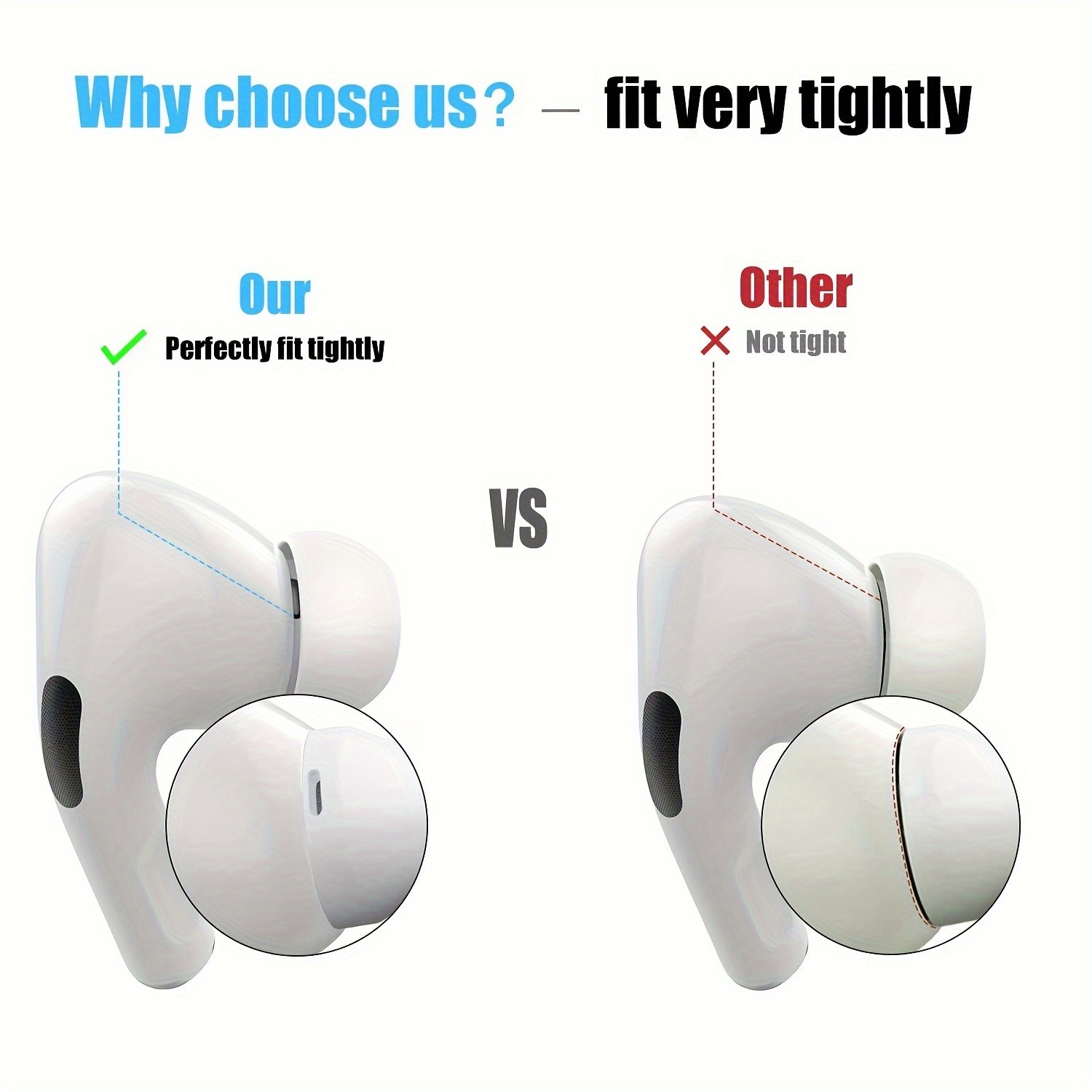
12-Piece Silicone Ear Tips for AirPods Pro & 2nd Gen with Noise Cancelling Design, Includes Portable Storage Case - Fits in Charging Case (S/M/L)
Gift Tree
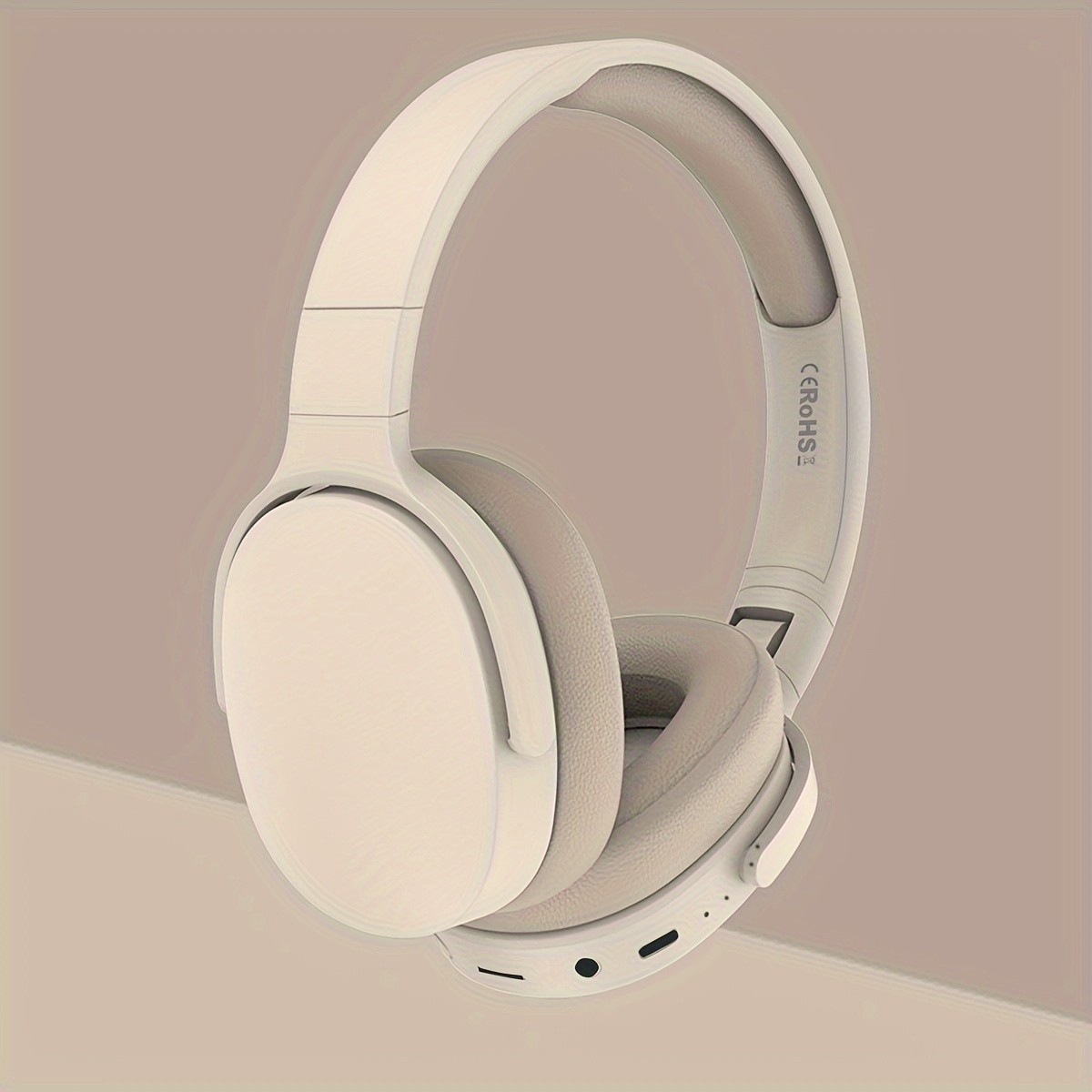
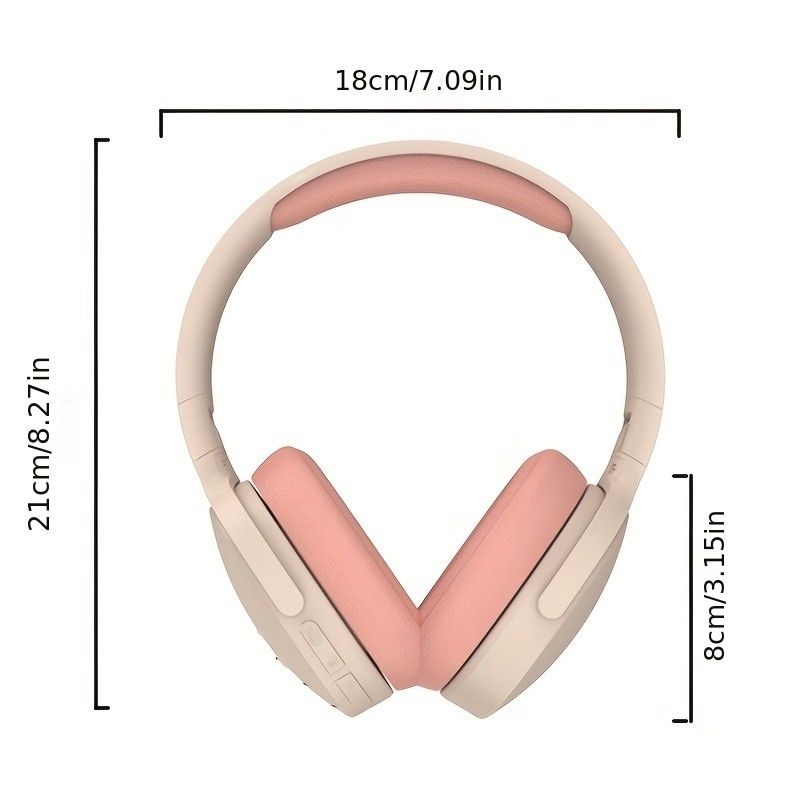
New Wireless Headset Headphone – Stereo Noise Cancelling, Long Battery Life, E-sports Gaming Headset, Foldable Headphones – Perfect Gift for Friends
Gift Tree
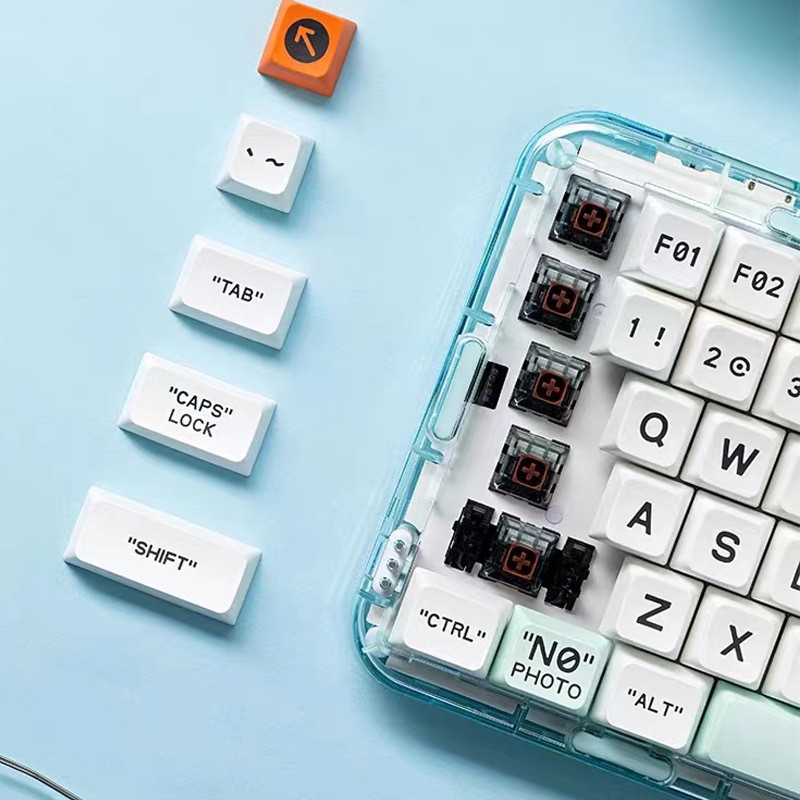
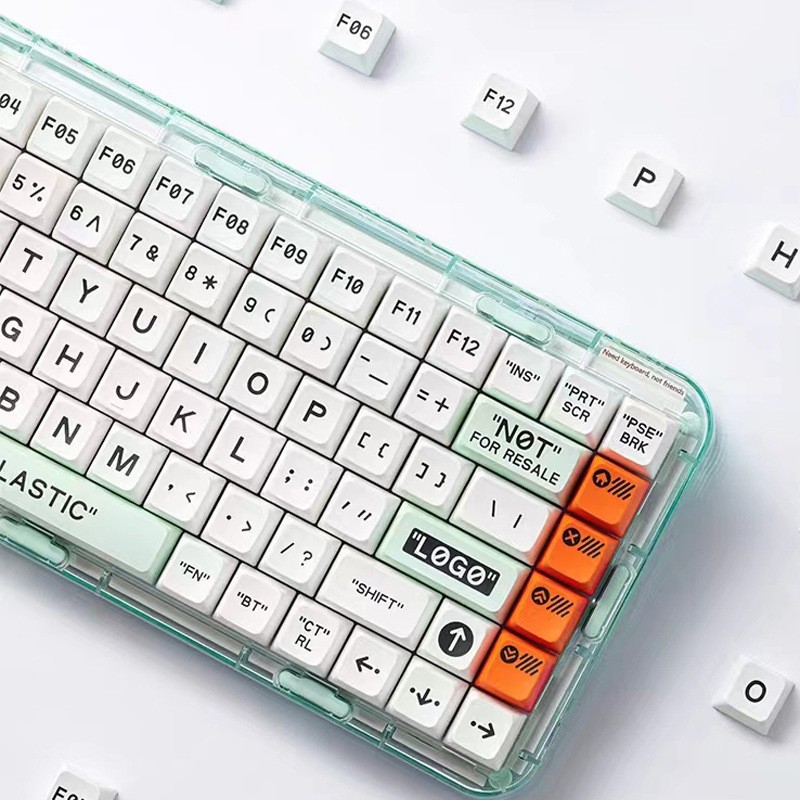
MelGeek Mojo84 Key Transparent Wireless Bluetooth Mechanical Keyboard
Gift Tree
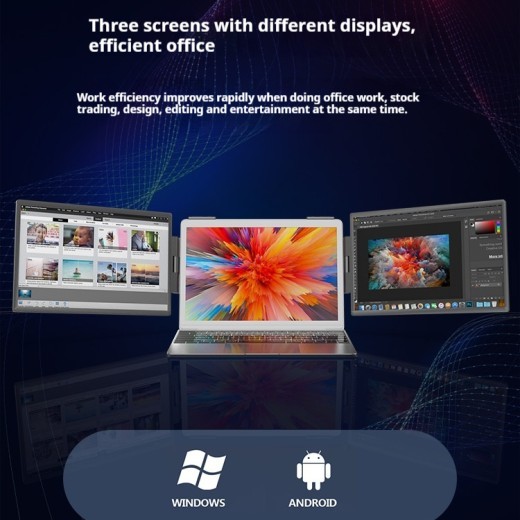
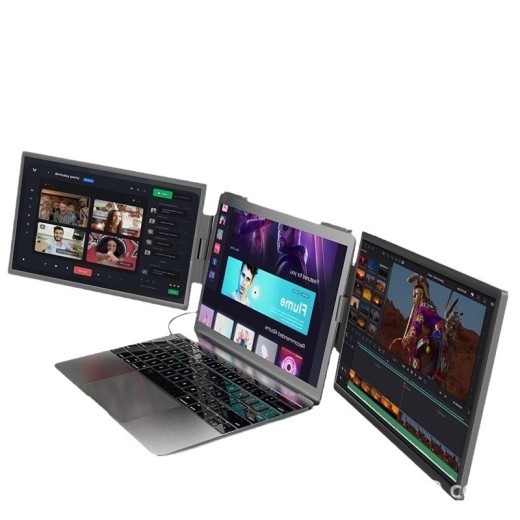
14-inch Dual-screen Portable Monitor Laptop With Wall-mounted External Expansion Screen Dual-screen Portable Screen
Gift Tree
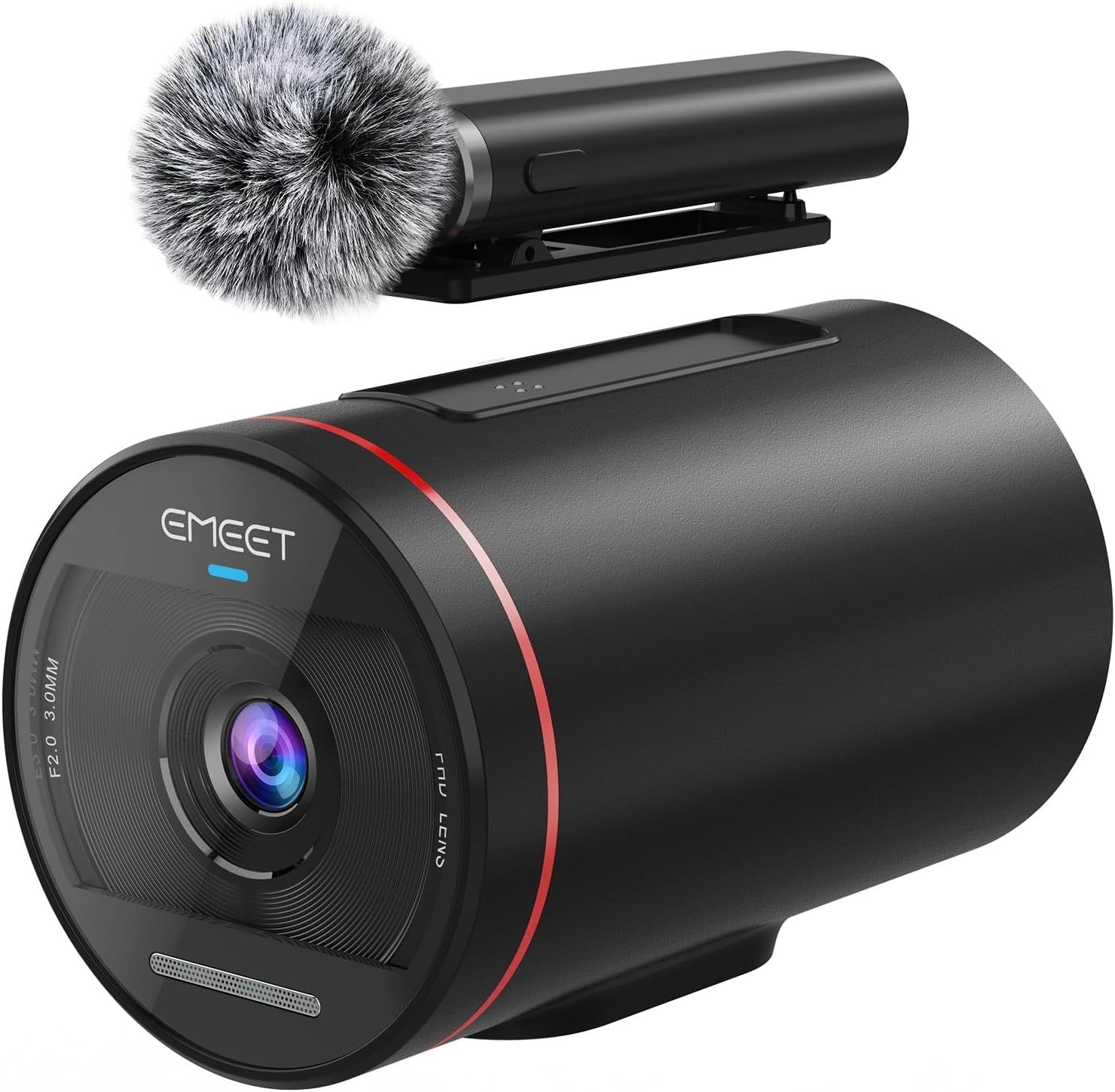

EMEET StreamCam One - Wireless Streaming Camera 1080P - FAST FREE SHIPPING
Gift Tree





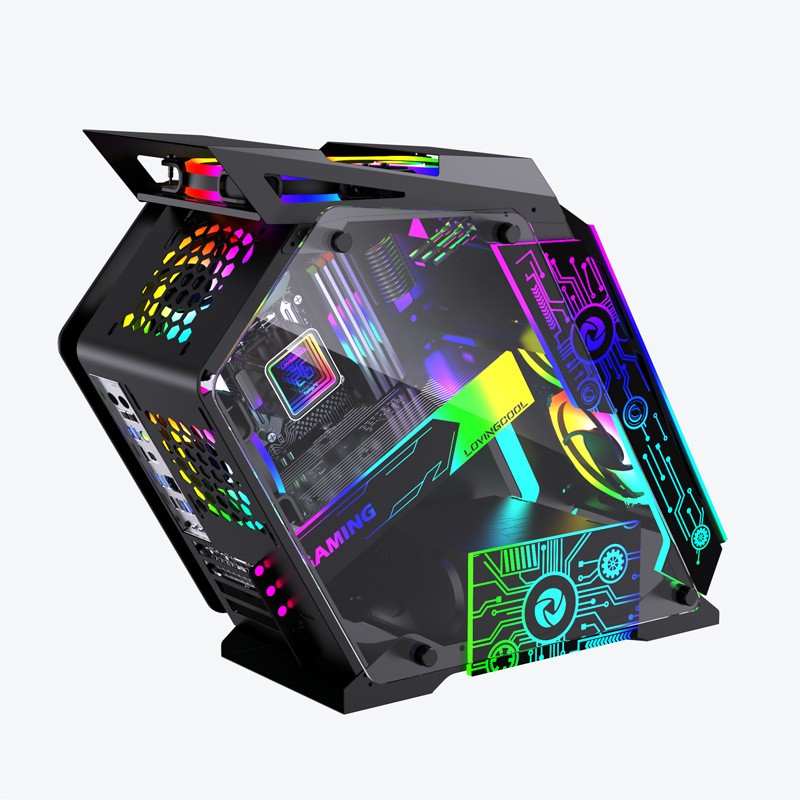
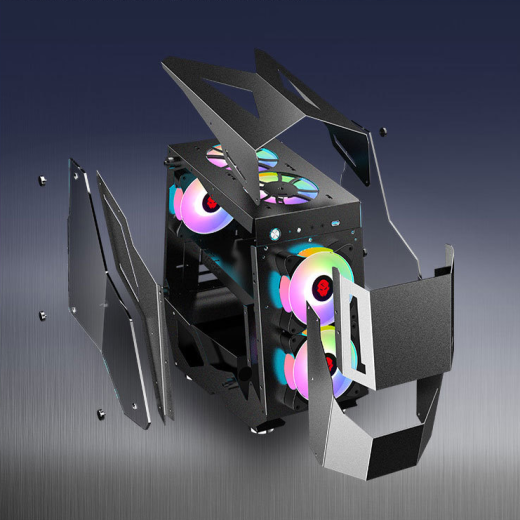
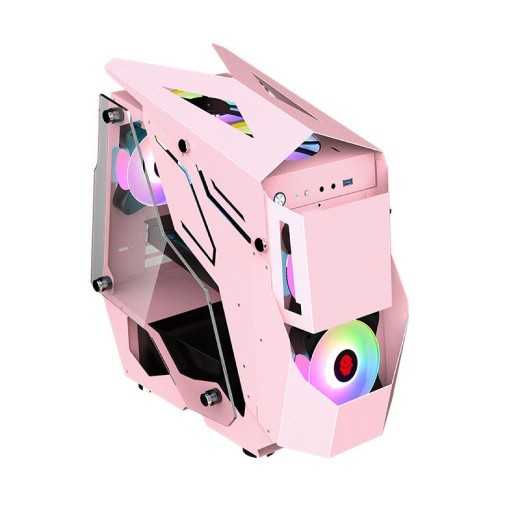
Table-type Box E-sports Internet Coffee Computer Special-shaped Table Box
Gift Tree


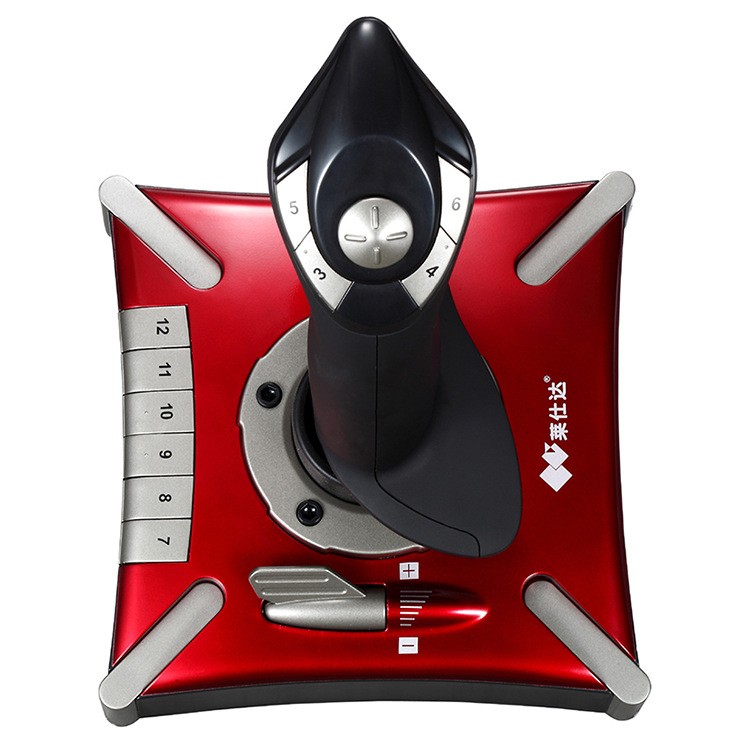

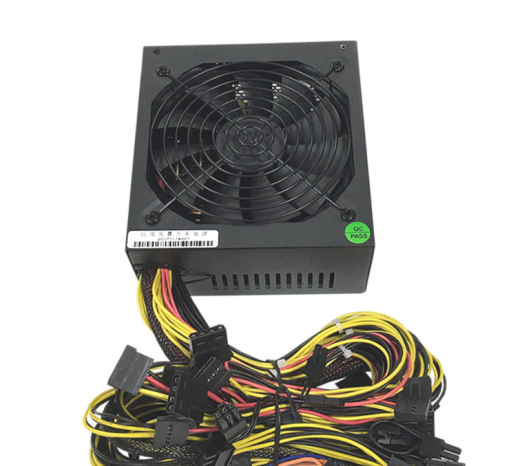
Full Voltage 110V Power Supply Rated 1600W 1800W 2000W Multiple Single-channel Power Supply
Gift Tree

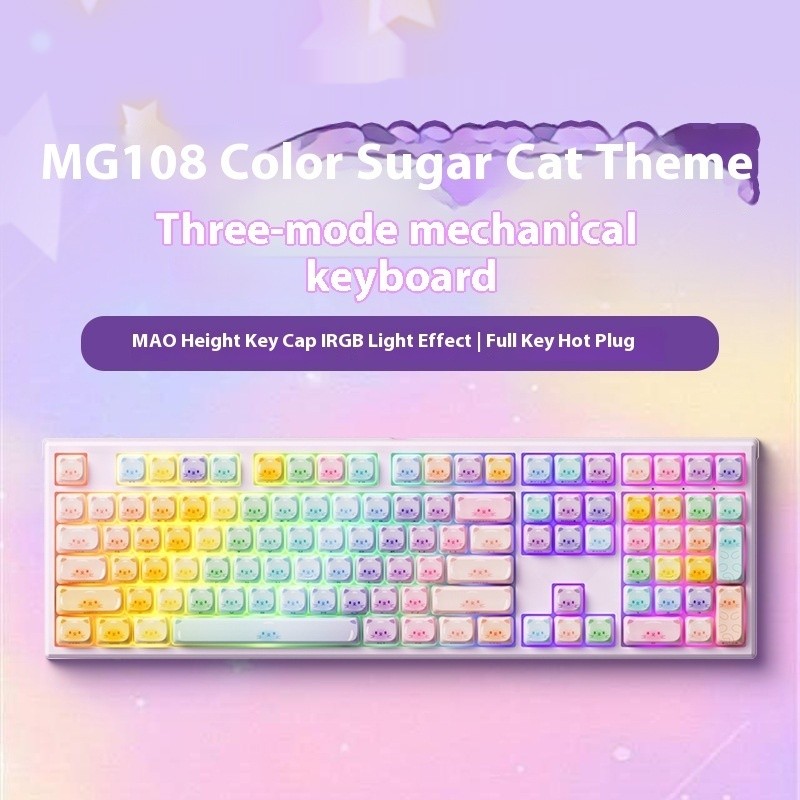
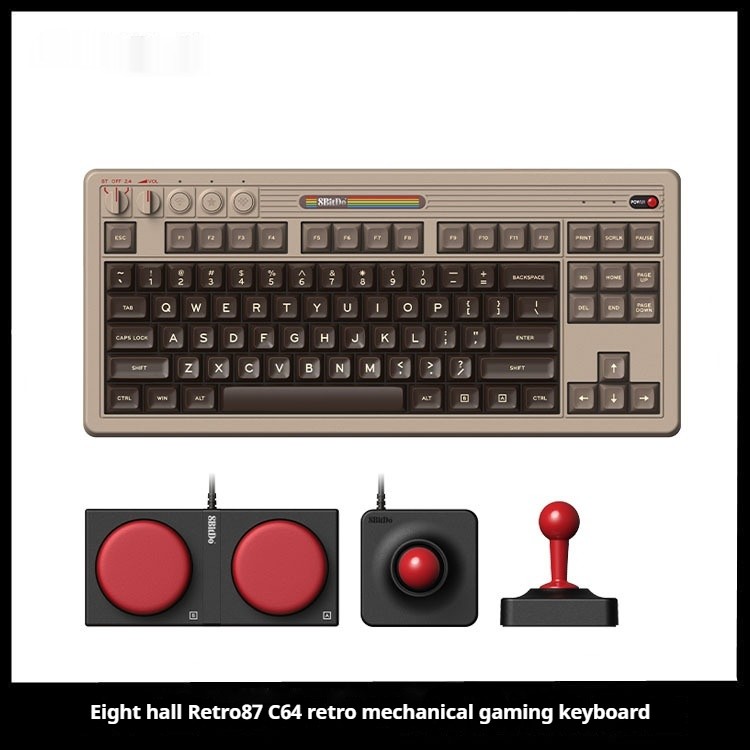
Colored Sugar Cat Mechanical Keyboard The Third Mock Examination Bluetooth
Gift Tree


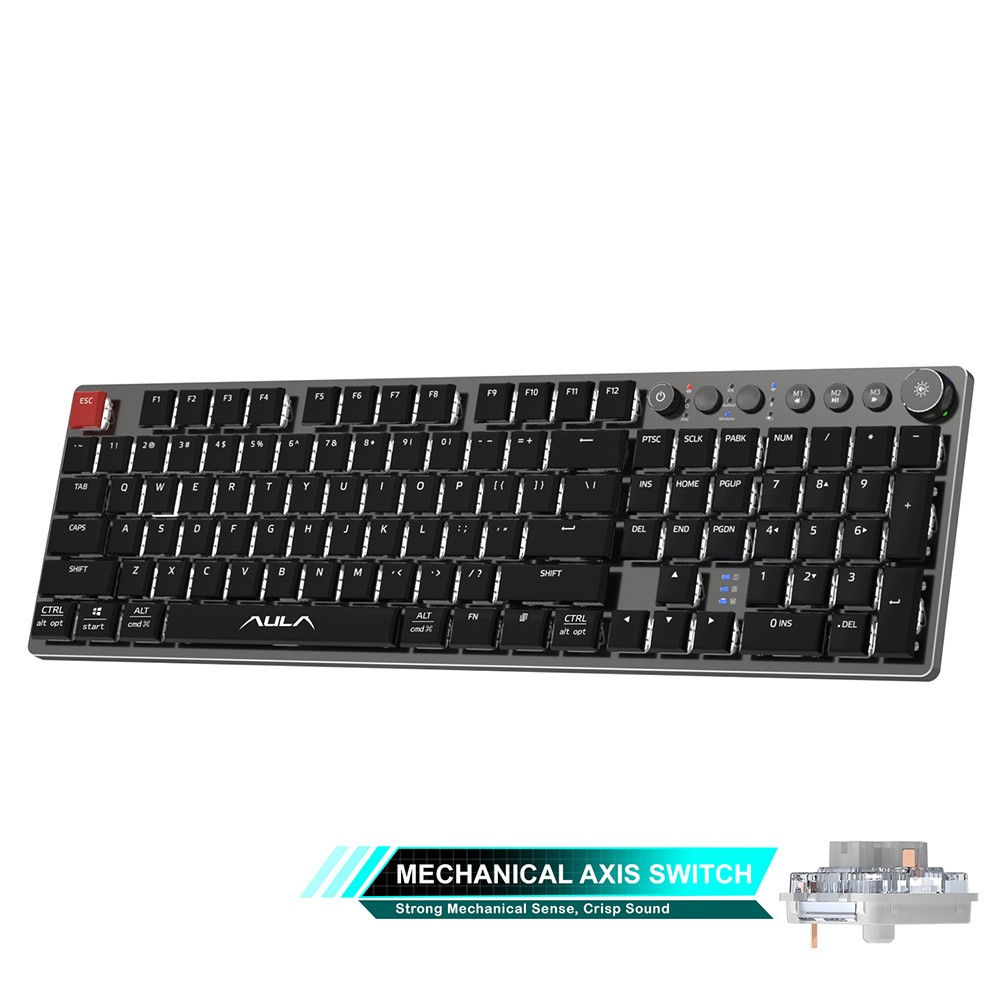

In today’s world, technology plays a pivotal role in education, and choosing the right device for studying can significantly impact your learning experience. Two of the most popular options for students and professionals alike are laptops and tablets. Both devices offer unique advantages and features, but when it comes to choosing the best device for study purposes, which one is right for you? In New Zealand, students, educators, and professionals alike are weighing the pros and cons of laptops versus tablets for academic tasks.
Laptops and tablets are both highly portable, and each offers different advantages in terms of performance, convenience, and flexibility. However, the choice between the two largely depends on the nature of your work, your preferred study habits, and your budget. Are you looking for a device that can handle complex software and multitasking? Or are you looking for something lightweight and easy to carry around for note-taking, reading, and simple tasks?
This guide will break down the key differences between laptops and tablets, exploring which device is best for various study needs. Whether you're a high school student, university undergrad, or someone in need of a flexible study tool, we’ll guide you through the factors to consider when making this important decision.
Key Features of Laptops for Studying
-
Performance: Laptops tend to offer higher performance than tablets, especially when it comes to multitasking and running
complex software. They are equipped with more powerful processors, greater RAM, and larger storage capacities, making them ideal for tasks
like running programming environments, video editing software, and multi-window browsing.
-
Full Keyboard and Trackpad: Laptops come with a built-in keyboard and trackpad or mouse, which makes them more suitable for
extended typing sessions and detailed work. This is a major advantage for students who need to write essays, reports, or code for their
studies.
-
Multitasking Capabilities: Laptops allow you to run multiple programs or applications simultaneously, which is particularly
useful for tasks such as researching online while writing or working with multiple documents at once.
-
Larger Screen Size: Laptops typically offer larger screens than tablets, which provides more workspace for reading,
writing, and studying. The larger display is beneficial when it comes to tasks such as graphic design, coding, or working with spreadsheets.
-
Software Compatibility: Laptops support a wider range of software programs and tools compared to tablets. If you’re working
on tasks that require specialized software like Adobe Photoshop, Microsoft Excel, or AutoCAD, a laptop is generally the better choice.
-
Battery Life and Charging: Depending on the model, laptops tend to offer decent battery life but often fall short of
tablets in terms of endurance. That said, they usually have larger batteries and can last through a full day of lectures or studying,
especially if you're not using power-intensive applications.
Key Features of Tablets for Studying
-
Portability and Lightweight Design: Tablets are known for their portability and ease of use, offering a much lighter and
more compact design compared to laptops. They are easier to carry in a backpack or bag, which is perfect for students who need to bring
their device to classes or libraries.
-
Touchscreen Interface: Tablets come with a touchscreen, making them ideal for activities such as note-taking, drawing, and
reading. Many students prefer tablets for tasks that benefit from a more interactive experience, like using digital textbooks or sketching
diagrams for assignments.
-
Battery Life: Tablets are generally more power-efficient and offer longer battery life compared to laptops. If you need a
device that can last for an entire day of study without needing a charge, a tablet could be a better option.
-
E-book and PDF Reader: Tablets are often preferred for reading e-books, PDFs, and digital documents. Many students use
tablets for accessing study materials or digital textbooks because of their portability and ease of use when reading or annotating.
-
Cost-Effectiveness: Generally, tablets are more affordable than laptops, making them a more budget-friendly choice for
students who don’t need a device with heavy processing power. Tablets provide excellent value for basic study tasks such as reading,
note-taking, and internet browsing.
-
Ease of Use: Tablets tend to be user-friendly, with simple interfaces and fewer complexities compared to laptops. For
students who want an easy-to-use device for accessing class notes or browsing educational resources, a tablet is an excellent choice.
Benefits of Using a Laptop for Studying
Laptops are often seen as the go-to option for students who need versatility and performance. The following benefits highlight why a laptop
may be the best option for studying:
1. Ideal for Multitasking
Laptops are designed to handle multitasking efficiently. If you need to switch between multiple apps, run simulations, or work with large datasets, a laptop will provide you with the necessary processing power and flexibility. The ability to run multiple programs simultaneously on a large screen allows you to be more productive and manage your work effectively.
2. Better for Complex Tasks
Laptops are equipped with processors and software that allow them to handle complex tasks such as video editing, programming, and design. Students studying subjects like engineering, architecture, or graphic design will find that a laptop offers the tools and power necessary to run specialized software and manage high-demand tasks.
3. Comfortable for Extended Use
For students who spend long hours studying or writing papers, a laptop’s built-in keyboard and trackpad provide a more comfortable typing experience compared to tablets. Laptops are ergonomically designed for long work sessions, offering full-size keyboards that make it easier to write and perform other detailed tasks.
4. Greater Customization
Laptops offer more opportunities for customization. You can upgrade their hardware, install a wider range of software programs, and expand storage as needed. This level of customization is essential for students who need a powerful and personalized device for their studies.
Benefits of Using a Tablet for Studying
Tablets are incredibly versatile and come with their own set of unique advantages, particularly for students who prioritize portability and
simplicity. Here’s why a tablet could be the better option for your study needs:
1. Portability for On-the-Go Studying
Tablets are incredibly light and easy to carry, making them ideal for students who need a portable device for studying in different locations. Whether you're commuting, attending lectures, or working in a coffee shop, a tablet is the perfect device for students who are always on the move.
2. Great for Reading and Annotating
Tablets are excellent for reading digital books, PDFs, and research papers. With features like adjustable text size, annotation tools, and digital highlighting, tablets provide a more interactive and convenient way to engage with study materials. For students who need to read a lot of textbooks or journal articles, a tablet offers a comfortable reading experience.
3. Longer Battery Life
Tablets tend to offer longer battery life than laptops. This is especially useful for students who need a device that will last through a full day of classes and study sessions without worrying about running out of battery. The energy efficiency of tablets makes them an excellent option for long study days.
4. Ease of Use for Simple Tasks
For tasks such as note-taking, accessing the internet for research, or managing schedules, tablets are incredibly simple to use. Their touch interface makes them intuitive and easy to navigate, providing a streamlined experience for students who need a hassle-free study tool.
Which One is Best for You? Laptop or Tablet?
Choosing between a laptop and a tablet for studying depends largely on your individual study needs and habits. Here are a few questions to
help you determine which device is the best fit for you:
1. What is Your Study Style?
If you need to work with multiple applications, handle complex tasks, or type lengthy essays, a laptop may be the better choice. However, if you prefer reading, light note-taking, and studying in more flexible environments, a tablet could be the perfect companion.
2. How Much Do You Need to Multitask?
If you need to multitask across different apps and programs, a laptop offers superior performance with its larger screen and better processing power. Tablets are more limited in multitasking, though recent models have improved in this area.
3. What’s Your Budget?
Tablets are generally more affordable than laptops, making them a better choice for students on a tight budget. Laptops, on the other hand, may be more expensive, but they offer more capabilities and durability.
4. What’s Your Primary Use Case?
If you’re focused on tasks that require advanced software, large file storage, or extended typing, a laptop will likely suit you best. However, for lighter tasks such as reading, annotating documents, and quick note-taking, a tablet offers sufficient power and portability.
Why Choose a Laptop or Tablet for Studying in New Zealand?
In New Zealand, students and professionals alike benefit from both laptops and tablets. Whether you’re attending university, working
remotely, or pursuing self-study, both devices offer essential benefits. Laptops provide the power and versatility for intensive work, while
tablets offer portability and ease of use for everyday tasks. Understanding your personal study habits and technological needs will help you
make an informed decision about which device is right for you.
Enter your content here


.jpg)









.jpg)





.jpeg)





.jpeg)



.jpeg)








.jpeg)



.jpeg)

.jpeg)

.jpeg)

.jpeg)




.jpeg)
.jpg)

.jpeg)






.jpeg)
.jpeg)




.jpeg)





.jpeg)


.jpeg)

.jpeg)

.jpeg)

.jpeg)







.jpeg)
.jpeg)
.jpeg)





.jpeg)



.jpeg)






.jpg)
.jpeg)









.jpg)


ulva-Logo.jpg)




.jpeg)



.png)















.png)