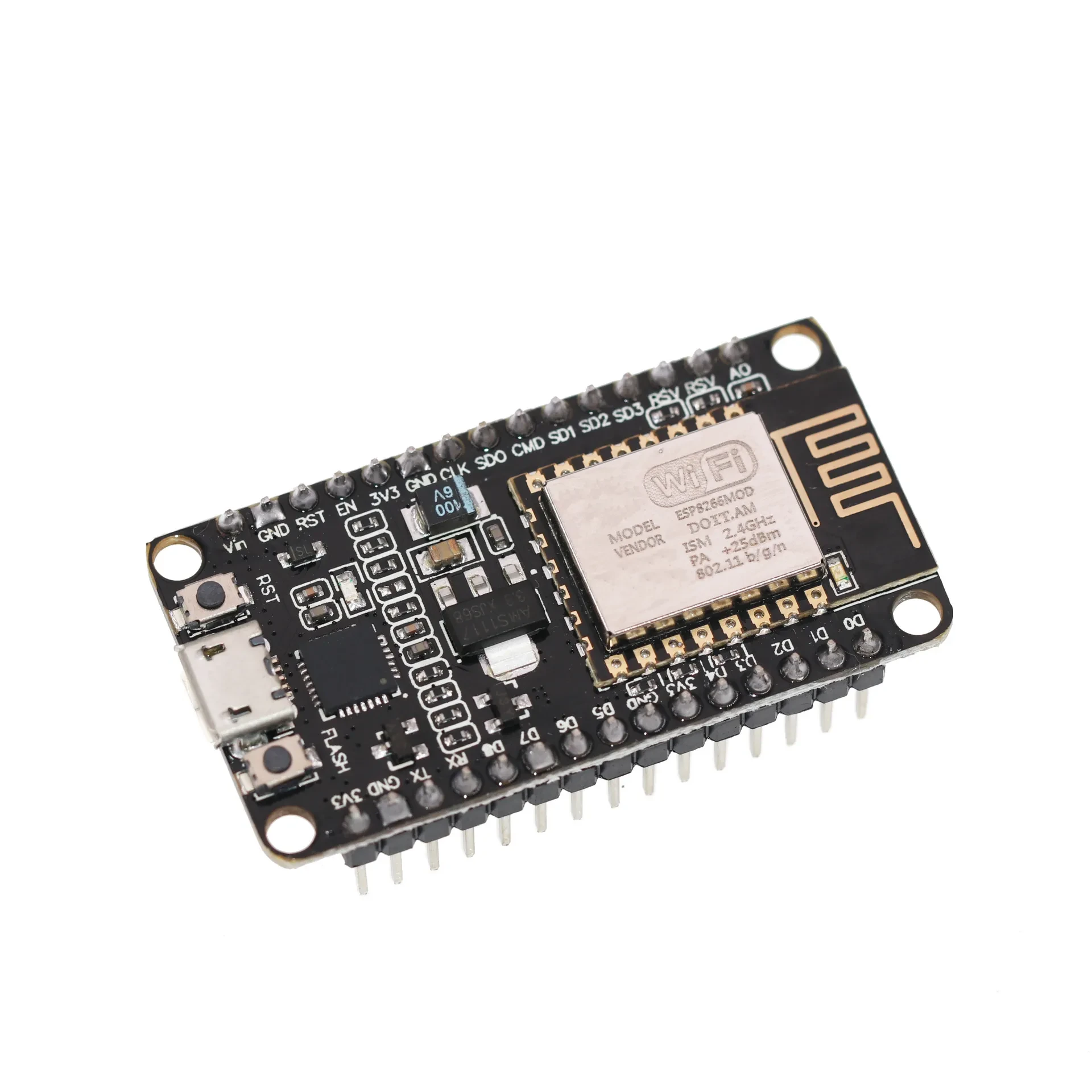
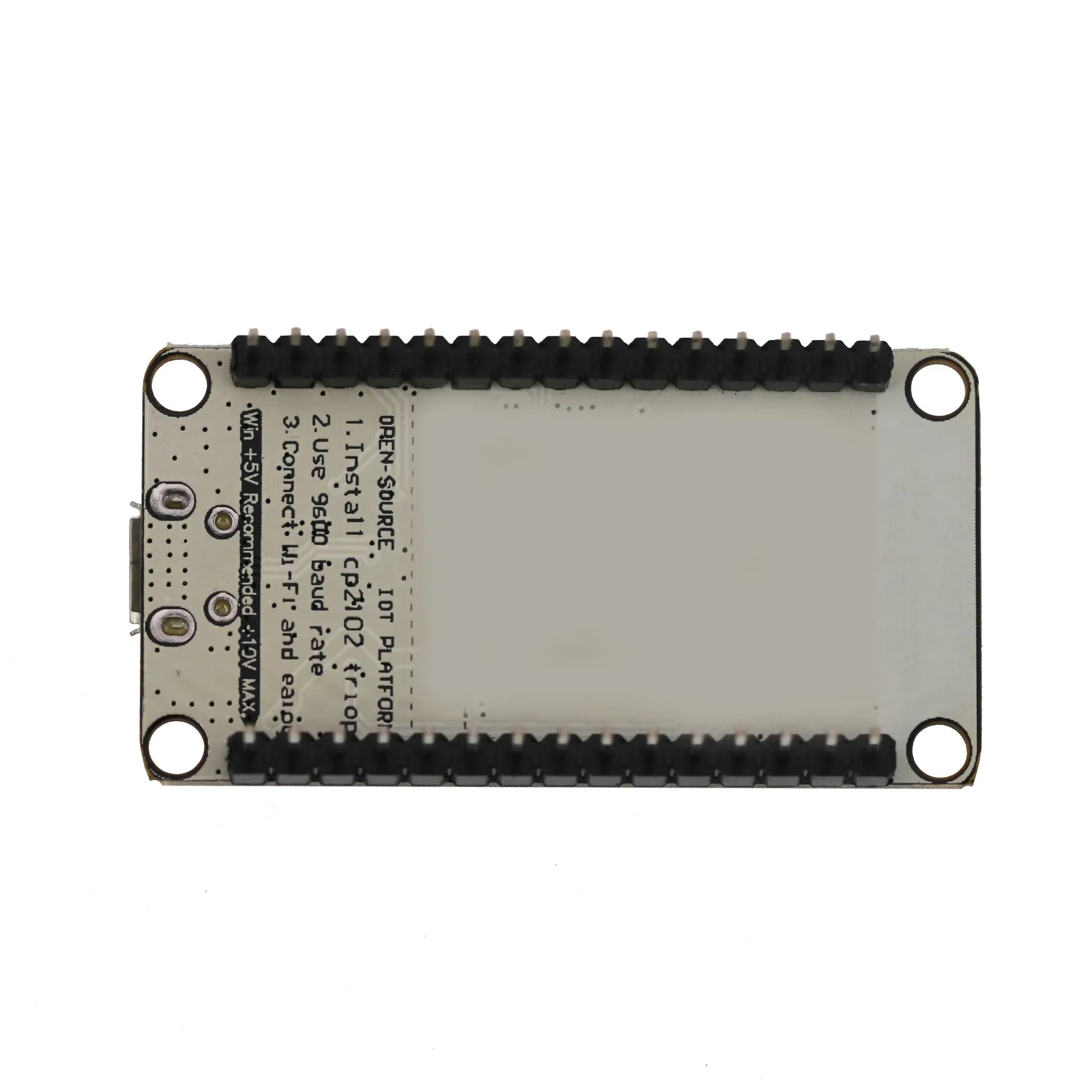
NodeMcu Lua WIFI Sunlephant Development Board

Use CH340G repalce theCP2102.
Open-source, Interactive, Programmable, Low cost, Simple, Smart, WI-FI enabled
FOR Arduno like hardware IO
Advanced API for hardware IO, which can dramatically reduce the redundant work for configuring and manipulating hardware.
Code like FOR arduino, but interactively in Lua script.
Nodejs style network API
Event-driven API for network applicaitons,
which faciliates developers writing code running on a5mm*5mmsized MCU in Nodejs style.
Greatly speed up your IOT application developing process.
1. ESP8266 has IO Pin
2. No need to download resetting!
3. A great set of tools to develop ESP8266!
Package Included:
1 x Standard CP2102 NodeMcu Lua Wireless Module Based ESP8266
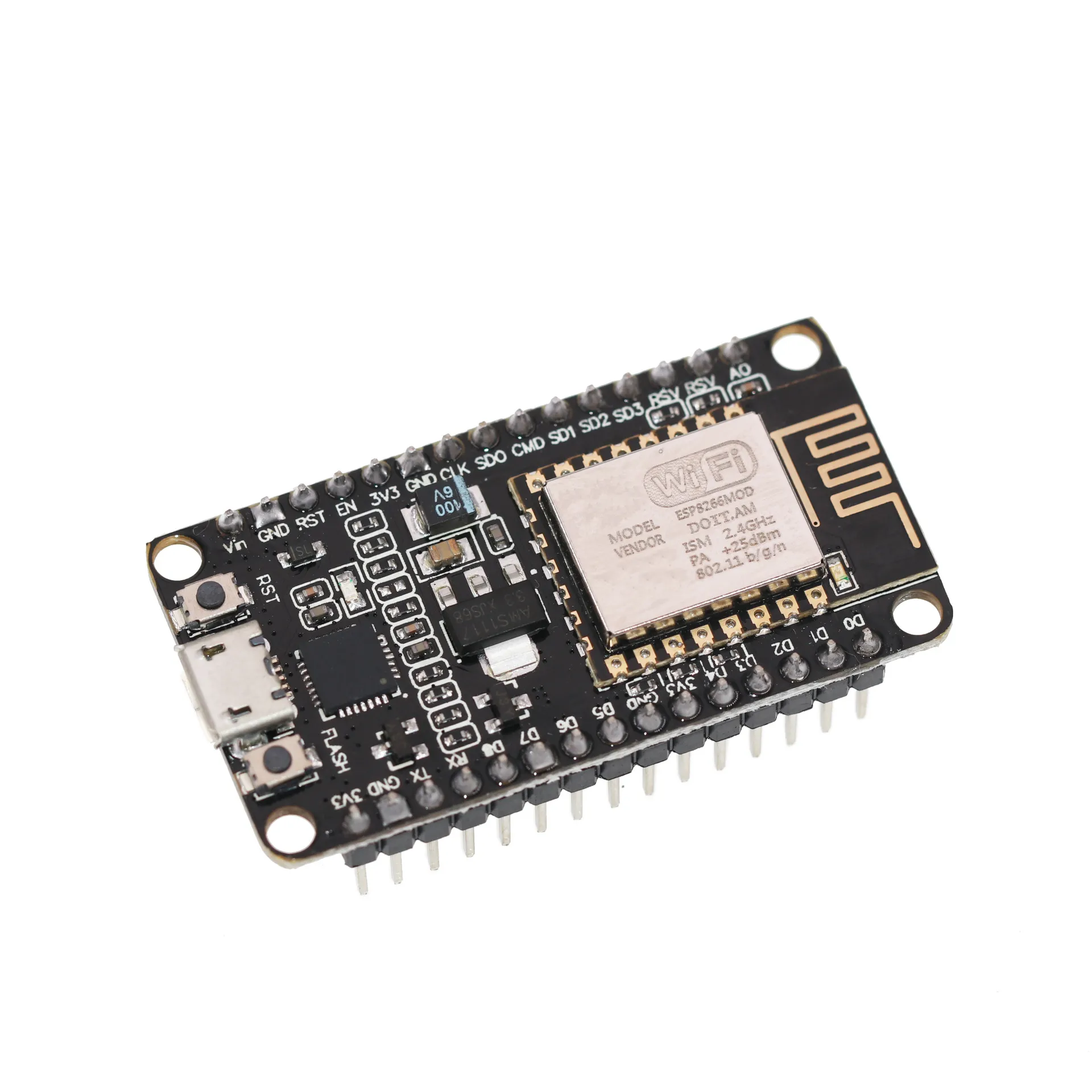
Compact IoT Development Board for Fast Prototyping
The NodeMcu Lua WiFi Sunlephant Development Board is designed for makers, students, and engineers who want an easy and powerful way to build
WiFi-enabled electronics projects. Based on the ESP8266 chip, it combines microcontroller functionality with built-in wireless connectivity,
making it ideal for IoT experiments, smart home systems, automation prototypes, and cloud-connected devices. Its compact size and
user-friendly layout make it especially suitable for quick testing, classroom learning, and low-cost project development.
Lua Script Support for Simple Coding
One of the key advantages of this development board is its support for the Lua scripting language. Instead of complex setup or heavy
programming environments, users can write lightweight scripts that run directly on the board. This makes it easier for beginners to get
started while still offering enough flexibility for advanced developers. Lua scripting enables fast experimentation, allowing users to
update code, test features, and debug prototypes efficiently.
Built-in WiFi for Connected Projects
The integrated WiFi module enables the board to communicate with routers, servers, mobile apps, and cloud platforms. Whether you are
building a smart sensor, remote control system, data logger, or wireless automation tool, the board offers reliable wireless performance. It
supports common IoT protocols and simple configuration steps, allowing devices to exchange data instantly with other networked systems.
Flexible Interface for Sensors and Modules
The Sunlephant version maintains compatibility with various digital and analog components. Pin headers make it easy to connect sensors,
relays, motors, LEDs, displays, and more. Whether you’re using standard breadboards or direct soldering, the layout supports quick expansion
and experimentation. This flexibility makes it ideal for robotics, environmental monitoring, smart household gadgets, and programming
education.
Stable Performance and Easy Power Options
Designed for everyday prototyping, the board includes stable voltage regulation and USB power support. Users can connect it directly to a
computer for coding and power, or use external supplies when integrating it into final projects. The board’s stability ensures consistent
performance during long-term testing or continuous IoT operation.
Perfect for DIY Projects, Learning, and IoT Innovation
Whether you’re a beginner exploring microcontroller programming or an engineer developing new connected devices, the NodeMcu Lua WiFi
Sunlephant Development Board offers a reliable and accessible platform. Its combination of built-in WiFi, Lua scripting, versatile pin
layout, and compact design makes it an essential tool for modern electronics and IoT development.
The product may be provided by a different brand of comparable quality.
The actual product may vary slightly from the image shown.
Shop amazing plants at The Node – a top destination for plant lovers
.png)








.jpg)









.jpg)





.jpeg)





.jpeg)



.jpeg)








.jpeg)



.jpeg)

.jpeg)

.jpeg)

.jpeg)




.jpeg)
.jpg)

.jpeg)






.jpeg)
.jpeg)




.jpeg)





.jpeg)


.jpeg)

.jpeg)

.jpeg)

.jpeg)







.jpeg)
.jpeg)
.jpeg)





.jpeg)



.jpeg)






.jpg)
.jpeg)









.jpg)


ulva-Logo.jpg)




.jpeg)



.png)















.png)