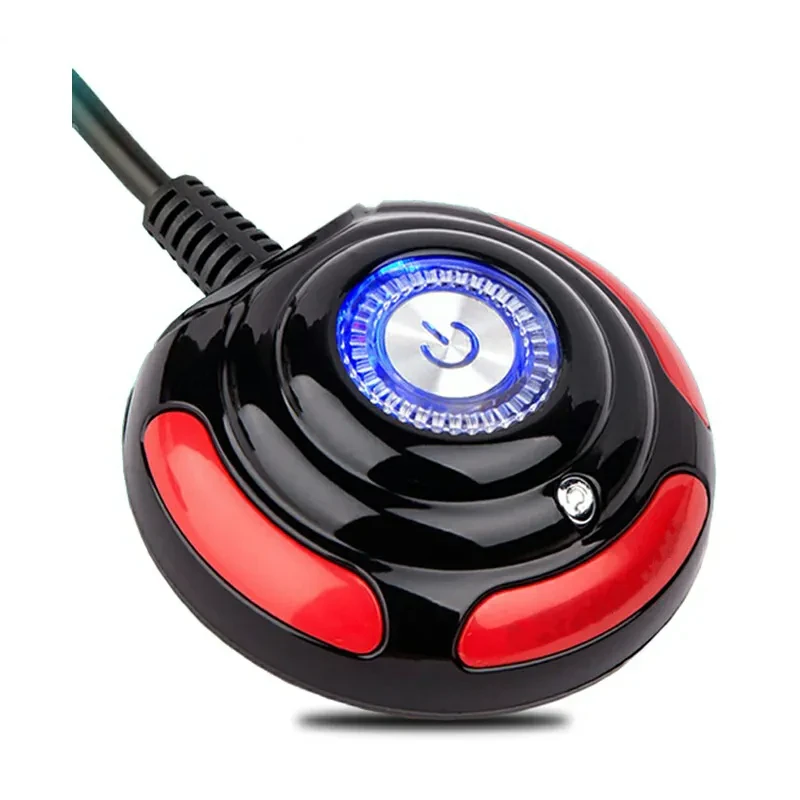
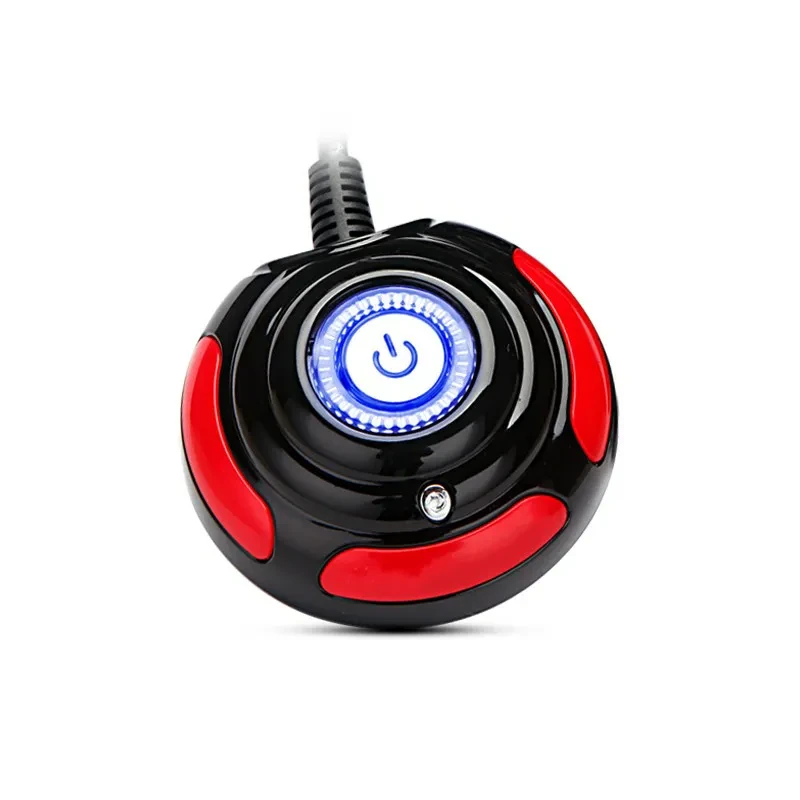
Jinhetian Computer Desktop Switch Internet Cafe Main Box Switch Boot

Product information:
1. 100% brand new and high quality!
2. equipped with on / off button, reset button and indicator light, easy to use.
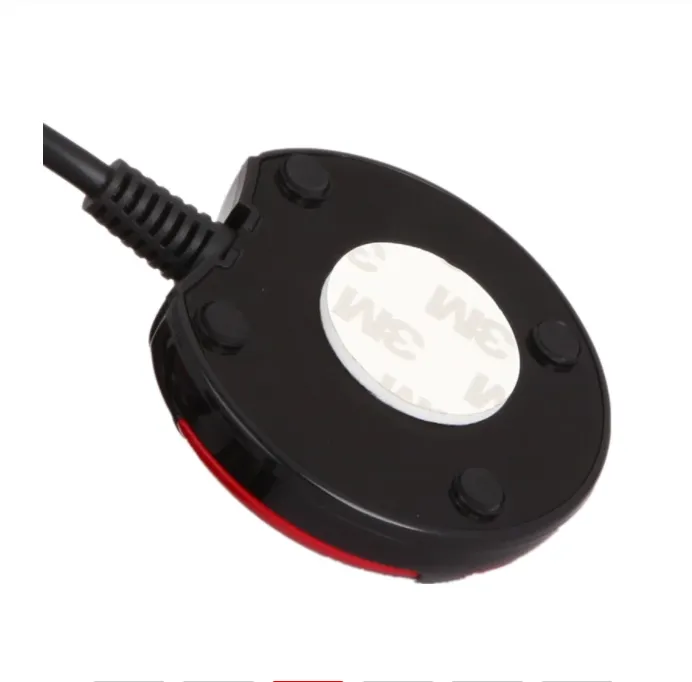
3. portable design, easy to install and not theft
4. cheap and good, it is a necessity of your favorite computer
. 5. item type: button switch
6. material: plastic + metal
7. color: Black + Red
8. Application: home, office, hotel, Internet bar, etc
9. cable length: 1.6m / 63inch
Packing list:
Main engine switch*1
Jinhetian Computer Desktop Switch – Remote Main Box Power Button for Internet Cafes & Home PCs
Convenient Remote Boot Control for Desktop Towers
The Jinhetian Computer Desktop Switch is designed to bring your main box power button within easy reach, making it simple to turn your PC on
and off without bending down, reaching under the desk, or opening cabinet doors. Ideal for internet cafes, gaming rooms, offices, and home
setups where the computer case is hidden away, this external switch lets you place a neat, compact power control module right on your
desktop. You can mount it beside the monitor, on top of the case, or near the keyboard so anyone can start or shut down the system
comfortably.
For internet café owners and shared environments, it makes everyday operation more efficient. Staff or users can quickly boot machines, restart them after maintenance, or power them down at closing time without fumbling around behind the counter or inside furniture.
External Main Box Switch with Simple Plug-In Installation
This Jinhetian desktop switch connects directly to the front-panel header inside your PC case using the included cable and plugs, acting as
an extension of your existing power button. Once installed, the external unit works just like the original power switch, but in a more
convenient location. There’s no need for complex tools or rewiring beyond accessing the motherboard front-panel pins, making it a practical
DIY upgrade for most standard ATX-style towers.
The compact design usually includes a clear power button, and some versions may feature additional indicators or buttons depending on the model. Once in place, it offers reliable, immediate response every time you press it, just like the built-in button on the case.
Perfect for Hidden Towers, Under-Desk Mounts, and Multi-PC Setups
If your desktop tower sits under the desk, inside a cupboard, or behind a partition, the Jinhetian Computer Desktop Switch saves you from
constantly crouching or reaching into awkward spaces. For multi-PC setups such as LAN rooms, training centres, and internet cafes, lining up
several of these desktop switches makes it easy to control many machines in a tidy, organised way. Users only interact with the switch on
the desk, while the cases stay safely tucked away where cables and components are less likely to be disturbed.
Why Choose the Jinhetian Computer Desktop Switch Internet Cafe Main Box Switch Boot
This external desktop switch is a simple but very effective accessory for any PC that’s hard to reach. With easy installation, a convenient
desktop-mounted power button, and suitability for internet cafés, offices, and home rigs, the Jinhetian Computer Desktop Switch helps make
everyday booting, restarting, and shutdown more comfortable, efficient, and organised.
The product may be provided by a different brand of comparable quality.
The actual product may vary slightly from the image shown.
Shop amazing plants at The Node – a top destination for plant lovers
.png)








.jpg)









.jpg)





.jpeg)





.jpeg)



.jpeg)








.jpeg)



.jpeg)

.jpeg)

.jpeg)

.jpeg)




.jpeg)
.jpg)

.jpeg)






.jpeg)
.jpeg)




.jpeg)





.jpeg)


.jpeg)

.jpeg)

.jpeg)

.jpeg)







.jpeg)
.jpeg)
.jpeg)





.jpeg)



.jpeg)






.jpg)
.jpeg)









.jpg)


ulva-Logo.jpg)




.jpeg)



.png)















.png)