HP Laptop Speakers (Desktop Soundbar) — “Bring the Cinema Home” Sound for Laptops, PCs & Everyday Devices

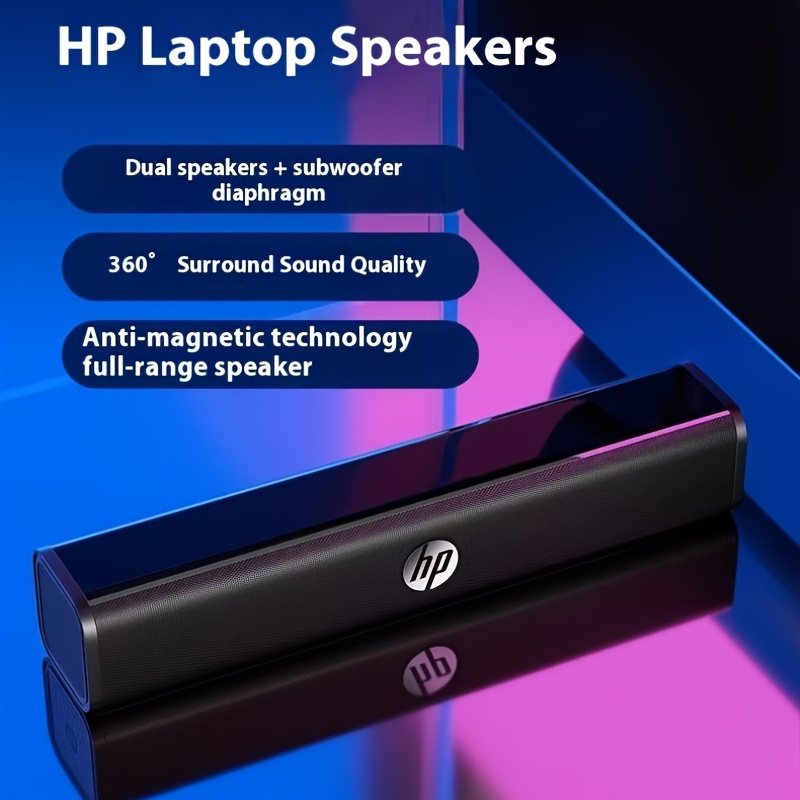
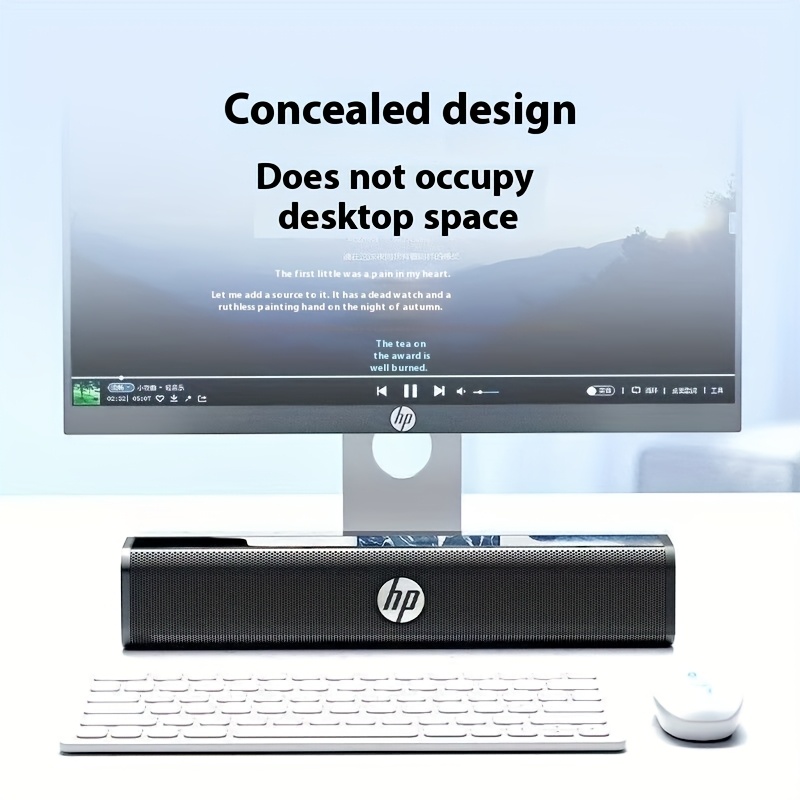
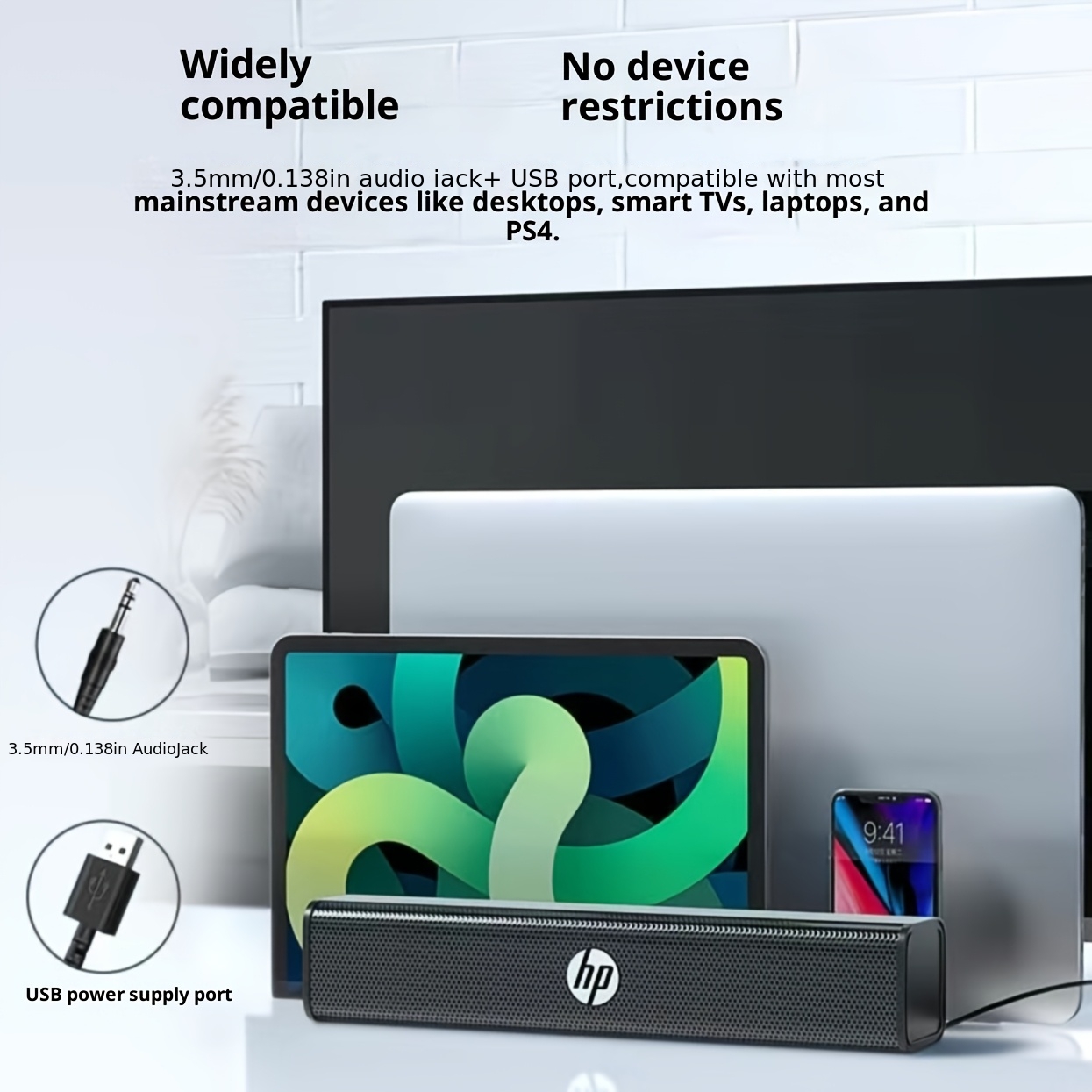
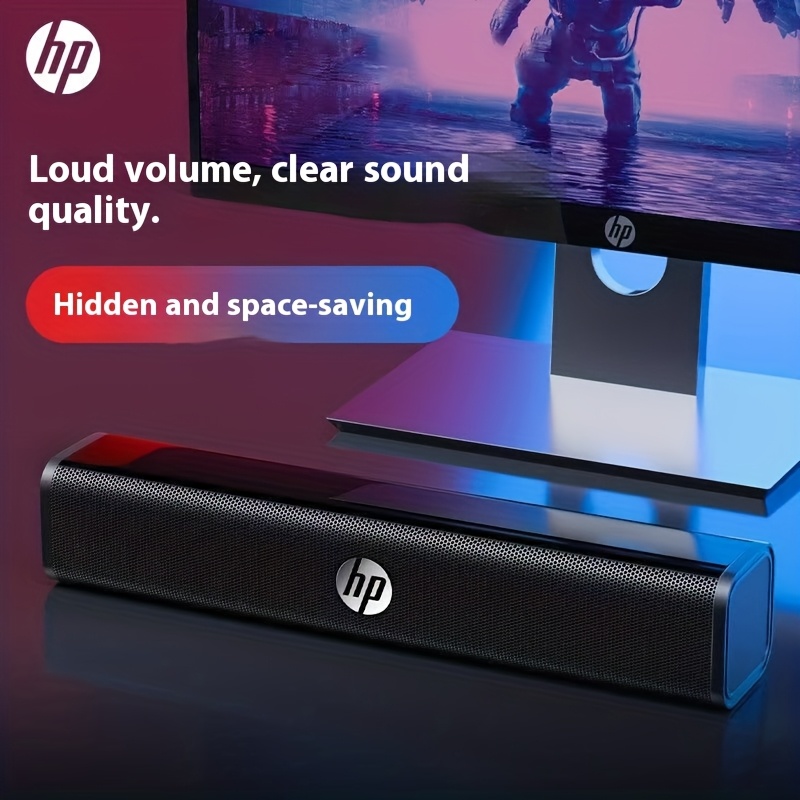
If your laptop audio sounds thin, quiet, or “boxed in,” you’re not alone. Most built-in laptop speakers are designed for convenience, not impact—meaning dialogue can be hard to hear, music can feel flat, and movies lose that cinematic depth that makes them enjoyable. The HP Laptop Speakers desktop soundbar is designed as a clean, space-saving upgrade that instantly lifts your sound experience without turning your desk into a tangle of cables and bulky speaker boxes.
Built in a compact soundbar form factor, this speaker bar sits neatly under your monitor, in front of your laptop, or alongside your TV/monitor setup. The aim is simple: give you fuller, clearer sound with a wider feel—so meetings sound more natural, YouTube and streaming become more immersive, and gaming effects finally have the presence you expect.
Whether you’re setting up a home office in Auckland, studying in a small flat in Wellington, or building a tidy workstation in Christchurch, this is a practical audio upgrade for people who want “better sound” without complicated setup.
What This HP Desktop Soundbar Is Designed For
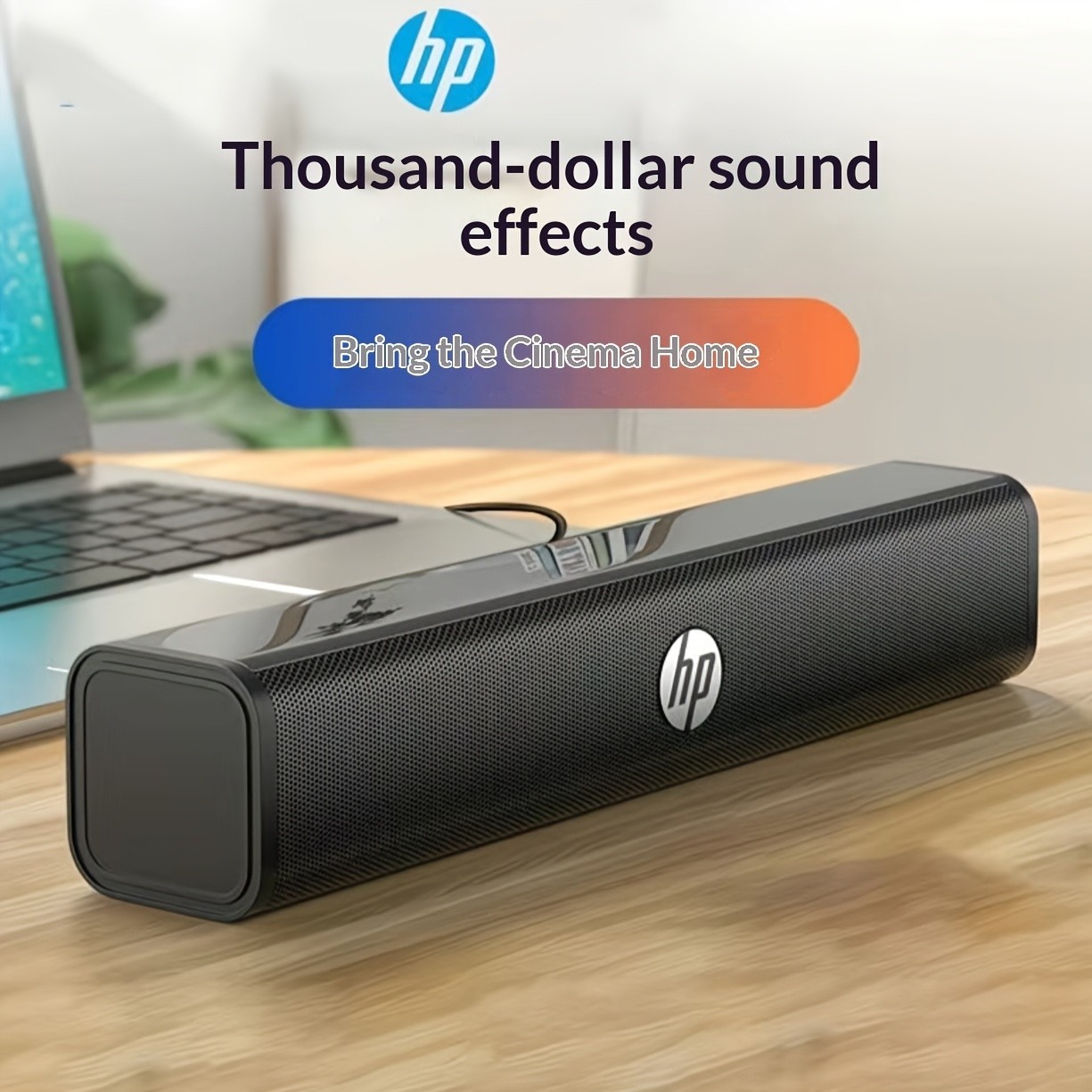
This speaker bar is built around a few key priorities: compact size, clean desk aesthetics, easy connectivity, and a fuller sound profile than typical laptop speakers. The marketing message—“Bring the Cinema Home”—reflects what most buyers actually want: richer audio that makes movies, music, and games more enjoyable.
A Cleaner Alternative to Traditional Desktop Speakers
Traditional desktop speakers often bring two problems:
- They take up space on both sides of your monitor.
- They create cable clutter (power + audio + speaker-to-speaker wires).
A single-bar design reduces that footprint significantly. You get a unified front sound source that suits modern desks, minimalist workspaces, and multi-purpose rooms.
A Practical Upgrade for Everyday Listening
This soundbar-style speaker is well suited to:
- Online meetings and calls (clearer voice output)
- Streaming movies and series (more body and presence)
- Music and radio while working (better balance than laptop speakers)
- Gaming (more engaging effects and clearer positional feel)
- Study spaces (a more comfortable listening experience at lower volumes)
Key Highlights (As Shown)
The product positioning focuses on three standout benefits:
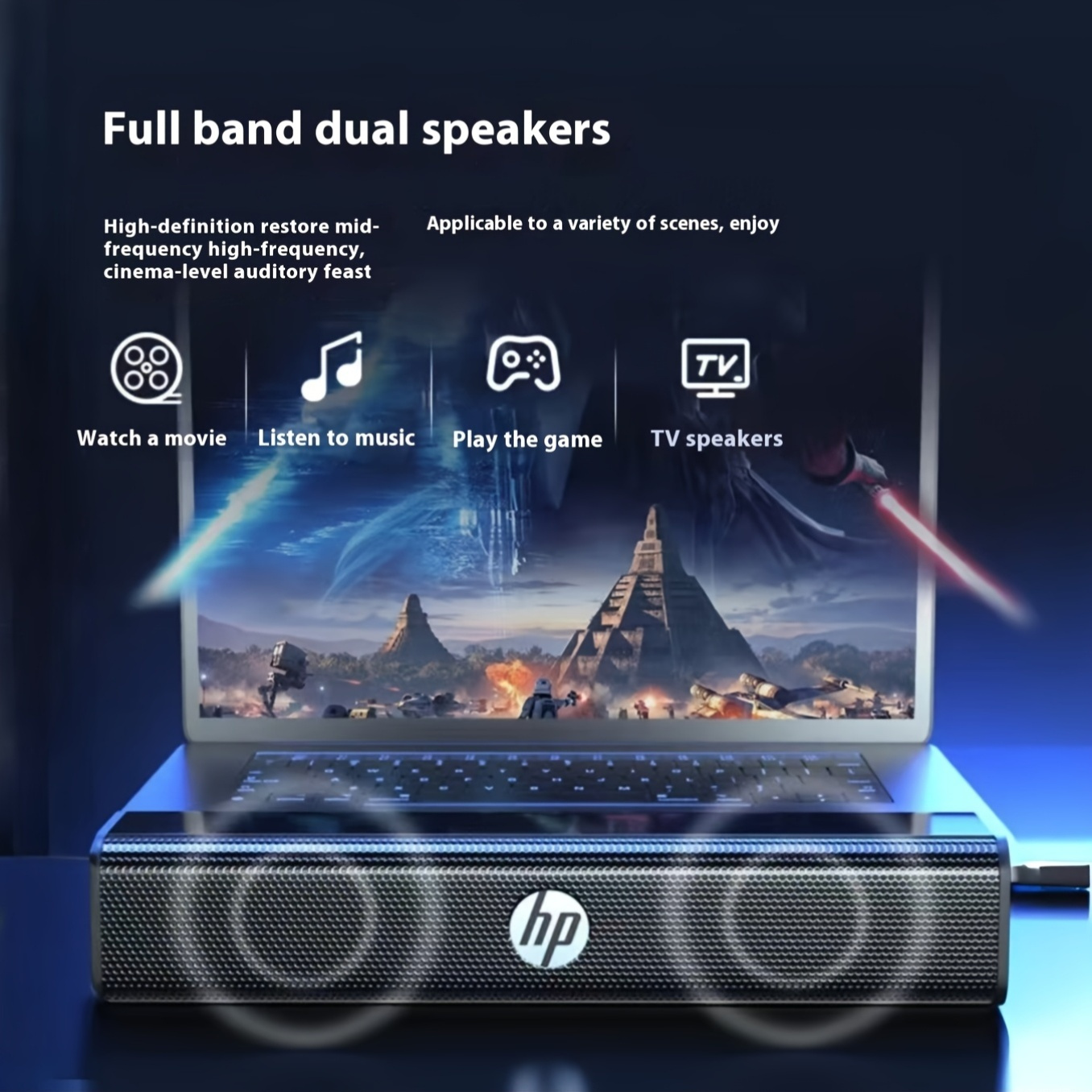
- Dual speakers with enhanced bass-style diaphragm
- 360° surround-style sound presentation
- Compatibility with a wide range of devices
These points describe the intention: a speaker that sounds larger than it looks, fills a room more evenly than a single laptop speaker, and connects easily to what you already own.
Why HP Laptop Speakers Make Sense for NZ Homes, Offices, and Study Spaces
New Zealand households often have multi-use spaces: the dining table becomes a desk, the spare room becomes a home office, and the lounge becomes the weekend movie room. In that reality, you need tech that’s compact, portable, and reliable—without requiring a permanent setup.
This HP soundbar-style speaker supports that lifestyle. It can live on your desk Monday to Friday, then shift to your TV/monitor setup on the weekend. It’s also a strong match for student rooms and smaller apartments where every centimetre matters.
Sound That Feels Bigger Than a Compact Speaker Bar
A small speaker can still deliver a surprisingly room-filling feel when it’s designed with:
- Two speaker drivers that share the workload for clearer mids/highs
- A bass-enhancing diaphragm concept to add warmth and fullness
- A cabinet shape (soundbar form) that projects forward and spreads sound more evenly
The result is a listening experience that feels less “tiny laptop speaker” and more “proper audio output”—especially at moderate volumes where you want clarity without harshness.
What “360° Surround Sound” Means in Real Life
In compact desktop speakers, “360°” typically refers to a wider sound dispersion rather than true multi-speaker surround like a full home theatre. In practice, that means:
- Sound feels less directional and more spacious
- You don’t have to sit in a perfect “sweet spot” to hear clearly
- The room fills more evenly, which helps for shared viewing or casual listening
This is especially useful in open-plan NZ homes where sound easily gets lost, and you want a speaker that projects cleanly without needing to crank it.
Made for Busy Workdays and Easy Switching
If you’re constantly moving between:
- Zoom/Teams meetings
- Music playlists
- YouTube tutorials
- Netflix streaming
- Gaming sessions
…then you’ll appreciate an audio upgrade that doesn’t require drivers, complicated pairing, or constant troubleshooting.
A desktop soundbar is the “set-and-forget” style solution: you connect it, position it, and your daily audio becomes instantly more enjoyable.
Design & Desk Fit: A Soundbar That Looks Right Anywhere
The HP Laptop Speakers design is intentionally understated and modern, which matters more than people admit. If a product sits on your desk every day, it should look like it belongs there.
Compact Footprint for Minimalist Setups
A soundbar form factor is ideal for:
- Small desks
- Shared workspaces
- Laptop stands with limited side space
- Monitor risers and keyboard trays
- Dual-monitor setups where left/right speakers don’t fit cleanly
Instead of “two boxes” competing for space, you get a single bar that aligns neatly with your screen and keeps your desk visually calm.
Strong for Home Offices and Professional Environments
If you use your setup for work, client calls, or training sessions, you want a speaker that looks professional:
- Clean grille front
- Simple, modern silhouette
- No distracting lights or overly “gamer” styling (unless that’s what you want)
This makes it suitable for home offices, small business desks, reception areas, and shared workstations.
Audio Performance: Clearer Voice, Fuller Music, Better Movie Presence
This is where a laptop speaker upgrade really pays off. You don’t just want “louder.” You want:
- Clearer dialogue
- Less tinny highs
- Fuller mids for voices and instruments
- More warmth in the low end so everything sounds natural
Dialogue Clarity for Meetings, Calls, and Online Learning
Laptop speakers often struggle with voice reproduction because of size limitations and placement. A dedicated speaker bar can make speech sound:
- More forward and understandable
- Less “thin”
- Less fatiguing over long meetings
That matters in real-life NZ routines: remote work, online courses, webinars, and training sessions where you need to stay engaged and hear details.
Why This Helps in Noisy Homes
Many people work from home with:
- Kids in the next room
- Flatmates cooking
- Street noise
- Fans/heat pumps running
Clearer voice output means you can keep volume lower while still understanding what’s being said—making it easier to stay focused.
Music That Sounds More Balanced
Music relies on balanced mids and controlled highs. Laptop speakers often push harsh high frequencies to “fake” detail. A better speaker bar aims to deliver:
- Cleaner mids for vocals
- Smoother highs for cymbals and detail
- Added warmth for bass presence
You’ll notice improvements across:
- Pop, R&B, EDM (more body)
- Acoustic and vocal music (clearer vocals)
- Podcasts and talk radio (natural voice tone)
Movie and Streaming: The “Cinema at Home” Effect
When a movie feels cinematic, it’s not just the picture—it’s the soundstage:
- Dialogue sits in the centre
- Music spreads wider
- Effects have punch and depth
A compact soundbar can enhance this by producing a broader, more room-filling sound than a laptop’s downward-firing speakers.
Better Watching in Small Rooms
In smaller spaces—like many NZ apartments or bedrooms—a speaker that throws sound forward can feel like a major upgrade, even at moderate volume.
Connectivity & Compatibility: Works With All Devices (In Real-World Use)
Most buyers want a speaker that “just works” with what they already own. The phrase “works with all devices” usually points to broad compatibility through standard connections.
Because specific ports can vary by model, the safest and most practical way to describe this product is: it is intended to connect to common devices via standard speaker connections used across laptops, desktops, monitors, and media devices.
Typical Compatible Devices
This type of speaker bar is commonly used with:
- Laptops (Windows and macOS)
- Desktop PCs
- Monitors (when monitor has audio out)
- Tablets (when compatible audio output is available)
- TVs or streaming boxes (when a suitable audio output is present)
Common Setup Options You Can Expect
Depending on the exact configuration, a desktop soundbar typically runs in one of these simple ways:
- USB power + audio input (via USB or AUX)
- Single-cable USB (power and audio through one connection)
- AUX-only audio with separate power supply (less common in desktop bars today)
Regardless of the exact wiring, the user goal remains the same: plug in, select the speaker output, and enjoy better sound.
Plug-and-Play Use on Windows (General)
Most users experience an easy setup like:
- Connect the speaker (USB and/or audio cable)
- Windows detects the output
- Select the speaker as your sound output device
- Adjust volume and enjoy
Simple Use on macOS (General)
A typical setup is:
- Connect the speaker
- Open Sound settings
- Select the speaker output
- Confirm volume level
If you run a mixed setup (work MacBook + personal Windows PC), a plug-and-play speaker bar is an easy shared solution.
Ideal Use Cases in New Zealand
This speaker makes sense when you want a straightforward audio upgrade that matches everyday NZ life—work, study, downtime, and entertainment.
Home Office Audio Upgrade
For remote workers and small business owners:
- Clearer call audio
- Better training and webinar sound
- More enjoyable music while working
- Cleaner desk layout
Student Rooms and Study Spaces
For students who want focus without a full entertainment setup:
- Better audio for online learning
- More comfortable study playlists
- Cleaner setup that fits small desks
Desktop Gaming
For gaming setups where you want immersive sound but not a headset all day:
- Fuller effects
- More presence and impact
- Improved atmosphere for open-world games
- Less fatigue than constant headset use
Casual TV/Monitor Viewing
If your TV or monitor audio is weak (common on slim screens), a compact speaker bar can help:
- Improve dialogue clarity
- Add fullness to movies
- Make casual viewing more enjoyable
Soundbar vs Headphones vs Full Speaker Set: What to Choose?
Choosing the right audio setup is about your space, lifestyle, and expectations.
Why Choose a Desktop Soundbar?
A desktop soundbar is ideal if you want:
- Better sound than a laptop
- Minimal space usage
- Simple setup
- A more open listening experience than headphones
When Headphones Are Better
Headphones may be better if:
- You need privacy (flatmates, late-night use)
- You require detailed audio work
- You want noise isolation
When a Full Speaker System Is Better
A larger 2.0 or 2.1 system may be better if:
- You want deeper bass and higher volume
- You have more desk space
- You want a more powerful room setup
For many NZ homes and desks, a compact soundbar sits in the “sweet spot”: easier and smaller than a full system, more enjoyable than laptop speakers.
Setup Guide: Getting the Best Sound Fast
Even a great speaker will underperform if placed poorly or set up incorrectly. Here’s how to get the best results.
Placement Tips for Best Sound
To get a clearer sound stage:
- Place the soundbar centred under your monitor (or in front of your laptop)
- Keep it facing forward, not angled away
- Avoid pushing it hard against a wall (this can muddy bass)
- Keep it on a stable surface to reduce vibration noise
Volume and EQ Tips (Simple, Effective)
If your device offers EQ presets:
- For dialogue: choose “Voice” or “Speech”
- For music: choose “Balanced” or “Pop”
- For movies: choose “Cinema” or “Movie”
- For gaming: choose “Game” or “Immersive”
If you don’t have EQ, simply:
- Keep device volume around 70–85%
-
Control final loudness with the speaker’s volume (if available)
This often reduces distortion and improves clarity.
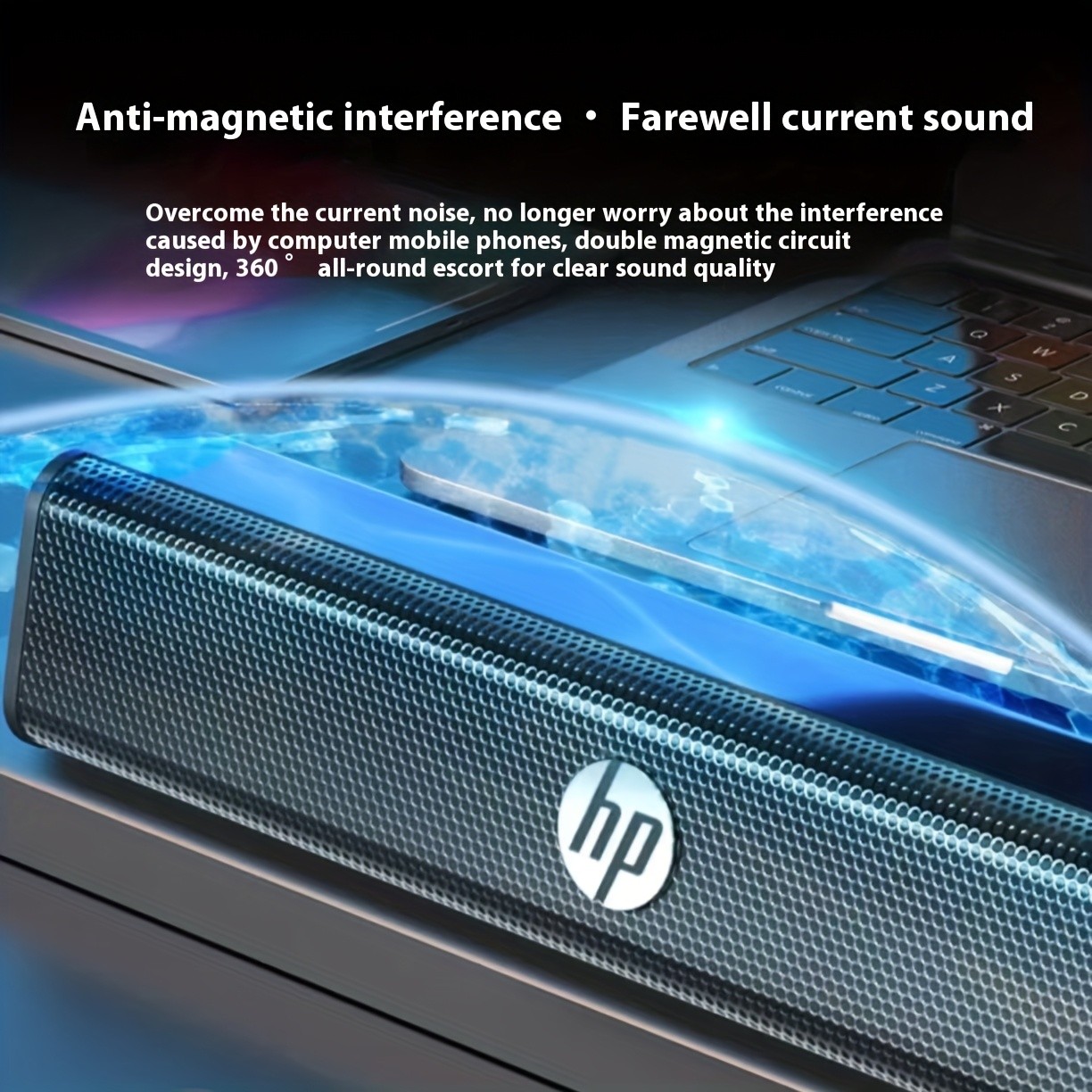
Reducing Noise and Interference
If you experience hiss or electrical noise:
- Try a different USB port (on PC)
- Keep the cable away from power adapters
- Avoid running the cable alongside high-power cords
- Ensure the connection is fully seated
What to Expect in Real-World Audio Improvement
People often ask: “Will it sound like a full home theatre?” A compact desktop soundbar is not meant to replace a full surround system—but it can deliver a noticeable improvement over laptop speakers in the ways that matter daily.
The Most Noticeable Improvements
Most users notice:
- Clearer voices (calls, shows, videos)
- Fuller overall sound (less thin)
- Wider feel compared to a laptop’s tiny speakers
- Better enjoyment at moderate volumes
The Biggest Value: Comfort and Clarity
The real benefit isn’t just “more sound.” It’s:
- Less listening fatigue
- Better comprehension in calls
- More enjoyment in downtime
- A desk setup that feels complete
Build Quality and Daily Durability
A desktop speaker gets touched daily—volume changes, cable adjustments, moving desk setups. You want something that holds up.
Suitable for Everyday Use
A soundbar like this is generally designed for:
- Frequent on/off cycles
- Daily audio output for meetings and entertainment
- Easy relocation between rooms
Good for Shared Spaces
If multiple people use the same desk or shared computer:
- The simple speaker-bar setup reduces confusion
- It’s easy for anyone to use without pairing or apps
- It’s less prone to being knocked over than two separate speakers
Who This HP Laptop Speakers Soundbar Is Best For
This product is a strong fit if you identify with any of the following:
You Work From Home and Want Better Audio
You want:
- clearer meeting audio
- better focus music
- a professional-feeling workstation
You’re a Student or Study From Home
You want:
- clean desk setup
- better audio for online classes
- a speaker that doesn’t dominate your room
You Watch Movies on a Laptop or Monitor
You want:
- clearer dialogue
- more “cinema-like” presence
- sound that fills the room better
You Game but Don’t Want Headphones All the Time
You want:
- immersive effects
- more enjoyable gameplay sessions
- a more social setup when friends are around
Product Care and Maintenance
Keeping a speaker bar performing well is simple.
Cleaning
- Wipe the exterior with a soft, dry microfibre cloth
- Avoid spraying liquids directly on the grille
- Keep dust from building up around ports and cable joins
Cable Handling
- Avoid sharp bends in the cable
- Don’t pull the cable out by yanking—hold the connector
- If relocating, coil gently rather than tightly winding
Frequently Asked Questions
Will this work with my laptop?
In most cases, yes—if your laptop supports standard audio output through common ports (USB and/or AUX, depending on the model). It’s intended for broad device compatibility and straightforward setup.
Is it loud enough for a room?
It’s designed to produce a fuller, more room-filling sound than laptop speakers. For typical rooms—bedrooms, offices, small lounges—it generally offers an enjoyable upgrade, especially for speech, streaming, and casual listening.
Is it good for Zoom and Teams calls?
Yes—this type of speaker bar is commonly used to improve voice clarity for calls, meetings, training, and online learning.
Does it replace a full sound system?
It’s an upgrade for everyday use and compact spaces, not a replacement for a multi-speaker surround system. The benefit is simplicity, desk-friendly size, and noticeably improved sound compared to built-in speakers.
The product may be provided by a different brand of comparable quality.
The actual product may vary slightly from the image shown.
Shop amazing plants at The Node – a top destination for plant lovers
.png)








.jpg)









.jpg)





.jpeg)





.jpeg)



.jpeg)








.jpeg)



.jpeg)

.jpeg)

.jpeg)

.jpeg)




.jpeg)
.jpg)

.jpeg)






.jpeg)
.jpeg)




.jpeg)





.jpeg)


.jpeg)

.jpeg)

.jpeg)

.jpeg)







.jpeg)
.jpeg)
.jpeg)





.jpeg)



.jpeg)






.jpg)
.jpeg)









.jpg)


ulva-Logo.jpg)




.jpeg)



.png)















.png)