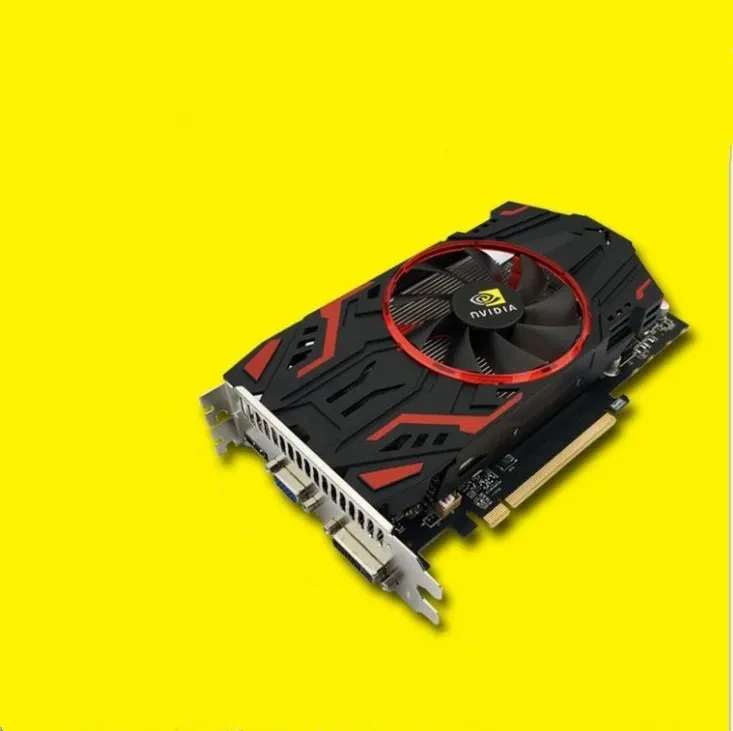
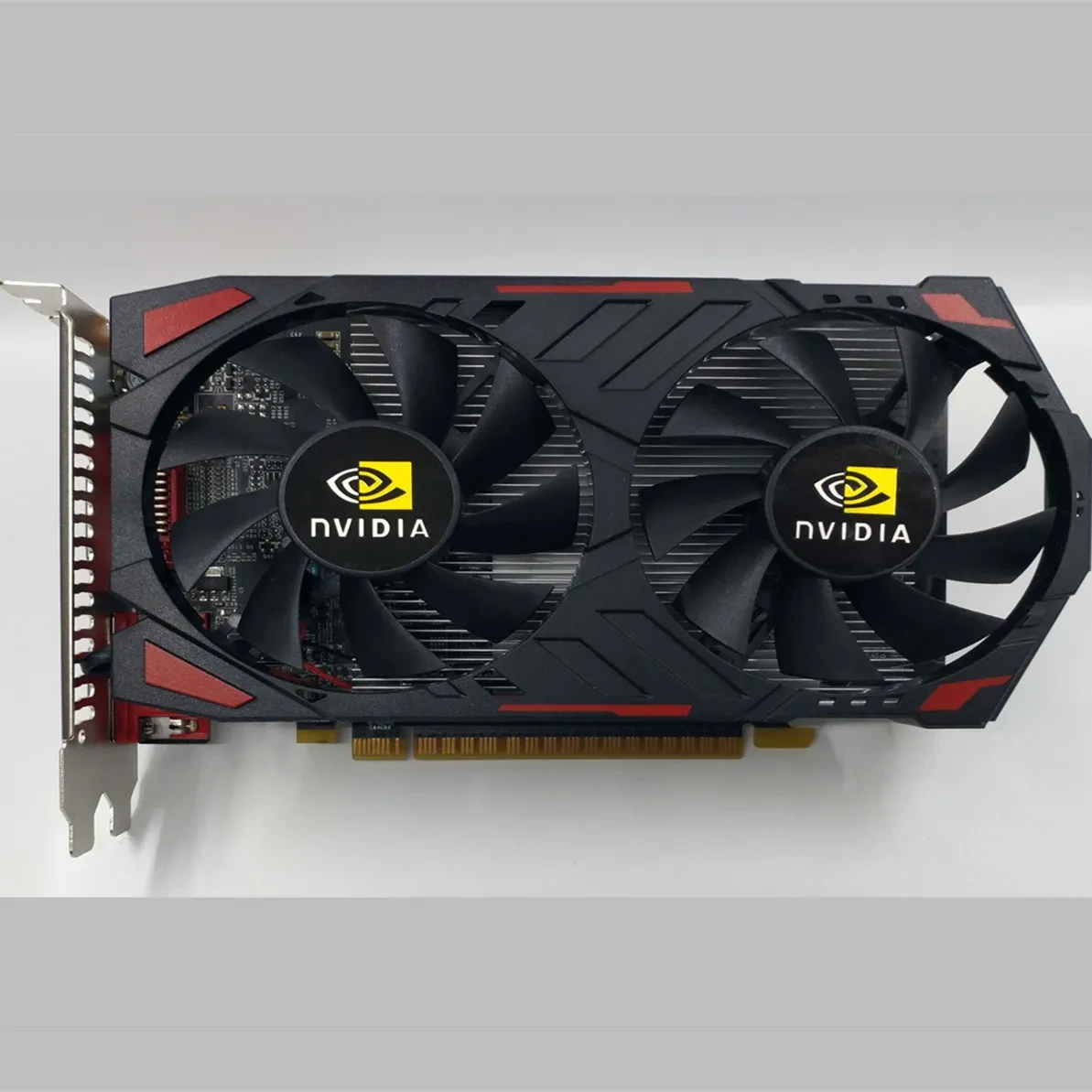
Desktop Computer Game Standalone Graphics Card

Overview:
GTX1050 2G independent graphics desktop game graphics card PCI-E independent graphics card manufacturers wholesale display
Specification:
Product name: game independent graphics card
Chip maker: Nvidia
Chip model: 1050
Core frequency: 550MHz (MHz)
Video memory frequency: 600MHz (MHz)
Chip manufacturing process: 90 nm
Package Content:
Discrete graphics*1
Note:
With HDMI head, you can connect to your TV and enjoy high-definition pictures.
With a DVI head and a VGA head that can be connected to a monitor or an LCD screen.
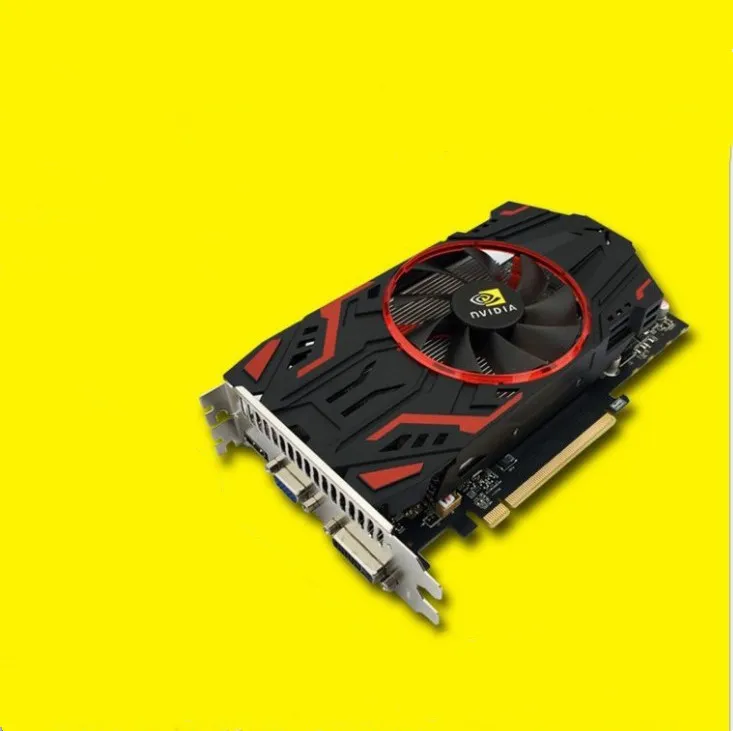
Desktop Computer Game Standalone Graphics Card – Smooth, Powerful Performance for Modern Gaming
High-Performance Graphics for Desktop PC Gamers
This desktop computer game standalone graphics card is designed for players who want smoother gameplay, richer visuals, and more responsive
performance compared to standard integrated graphics. Ideal for upgrading an existing desktop or building a new gaming rig, it helps unlock
higher frame rates, sharper details, and more immersive effects in your favourite titles. Whether you enjoy competitive online games,
expansive open-world adventures, or detailed simulation games, a dedicated standalone graphics card gives your system the power it needs to
keep up.
Dedicated GPU Power for Gaming, Creation, and Everyday Use
Unlike integrated graphics that share system resources, this standalone graphics card provides its own dedicated GPU and video memory,
delivering more consistent performance in demanding situations. This makes it suitable not only for gaming, but also for creative work such
as video editing, 3D modelling, graphic design, and streaming. By offloading visual processing from the CPU, your desktop can run more
smoothly under load, improving multitasking and responsiveness while other applications stay open in the background.
Improved Visual Quality and Frame Rate Stability
With a desktop computer game standalone graphics card installed, you can take advantage of higher resolutions, better texture quality, and
advanced visual settings in many games. Anti-aliasing, shadows, lighting effects, and post-processing can be turned up to create a more
cinematic and realistic look, depending on the card’s capabilities and your monitor. Stability is also improved: reduced stuttering and more
stable frame rates contribute to a better gameplay experience, particularly in fast-paced shooters and competitive titles where smooth
motion can make a real difference.
Cooling solutions on these cards are typically engineered to keep temperatures under control, with fans and heatsinks designed to balance performance and noise levels. This helps maintain performance over long gaming sessions and reduces the risk of throttling when the system is under heavy load.
Ideal Upgrade for Desktop Gaming Rigs
For users with a standard desktop that struggles with modern games, adding or replacing a standalone graphics card is one of the most
impactful upgrades available. It can extend the life of your system, allow you to run newer games that would otherwise be unplayable, and
support higher refresh-rate monitors for a more fluid feel.
Why Choose a Desktop Computer Game Standalone Graphics Card
Choosing a dedicated graphics card for your desktop computer is a smart move if you want better visuals, smoother performance, and more
flexibility for both gaming and creative tasks. It transforms a basic PC into a capable gaming machine, helping you enjoy your favourite
titles the way they were meant to be played.
The product may be provided by a different brand of comparable quality.
The actual product may vary slightly from the image shown.
Shop amazing plants at The Node – a top destination for plant lovers

.png)











.jpg)









.jpg)





.jpeg)





.jpeg)



.jpeg)








.jpeg)



.jpeg)

.jpeg)

.jpeg)

.jpeg)




.jpeg)
.jpg)

.jpeg)






.jpeg)
.jpeg)




.jpeg)





.jpeg)


.jpeg)

.jpeg)

.jpeg)

.jpeg)







.jpeg)
.jpeg)
.jpeg)





.jpeg)



.jpeg)






.jpg)
.jpeg)









.jpg)


ulva-Logo.jpg)




.jpeg)



.png)















.png)