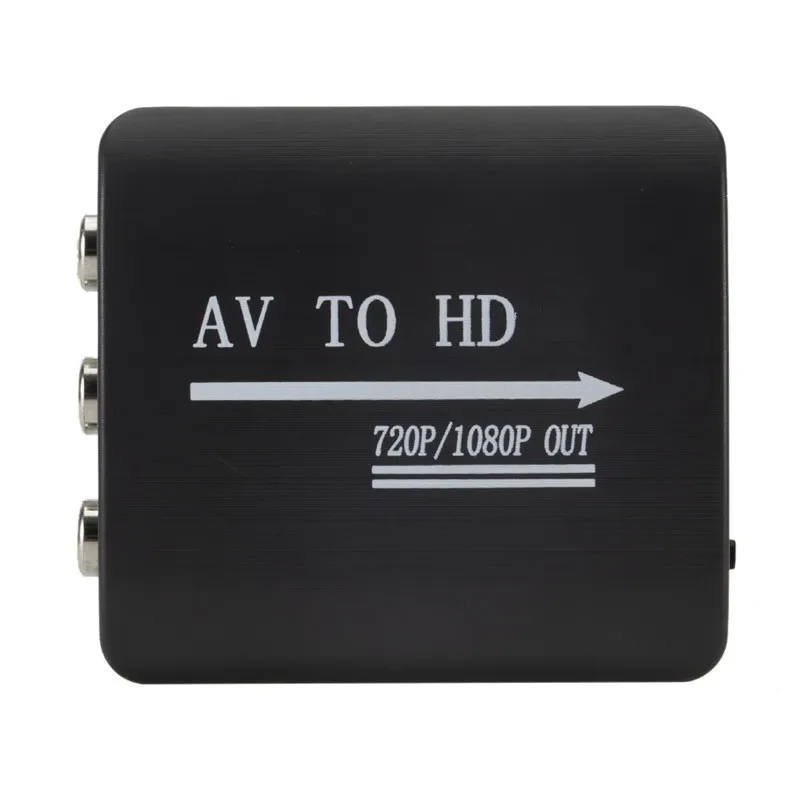
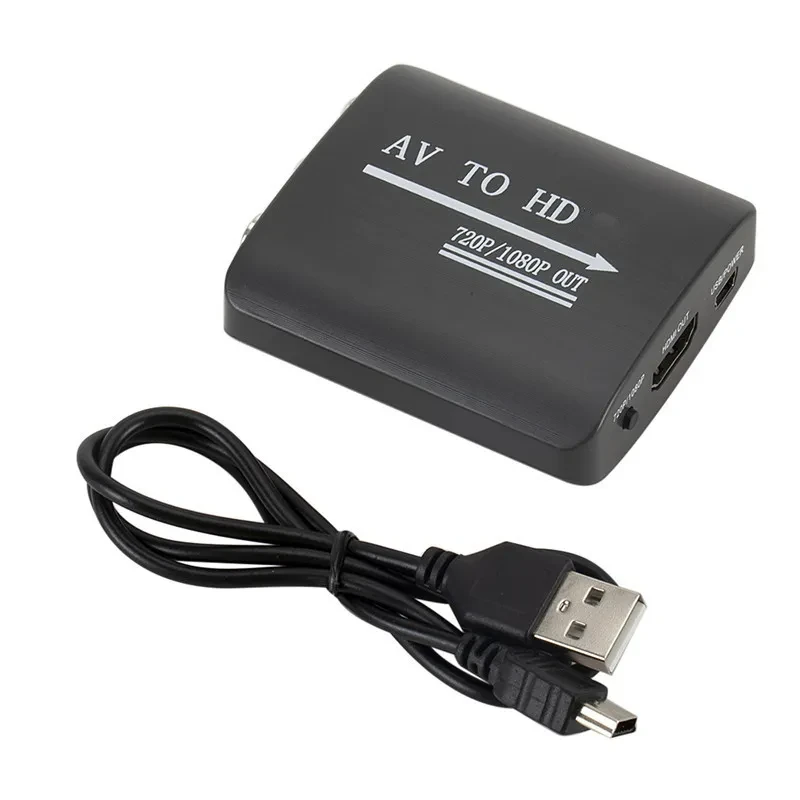
AV to HDMI Converter NZ

Product information:
Model: AV to HDMI
Type: Adapter/adapter
Resolution: 1080
Line length: 0.08 (m)
Product Features:
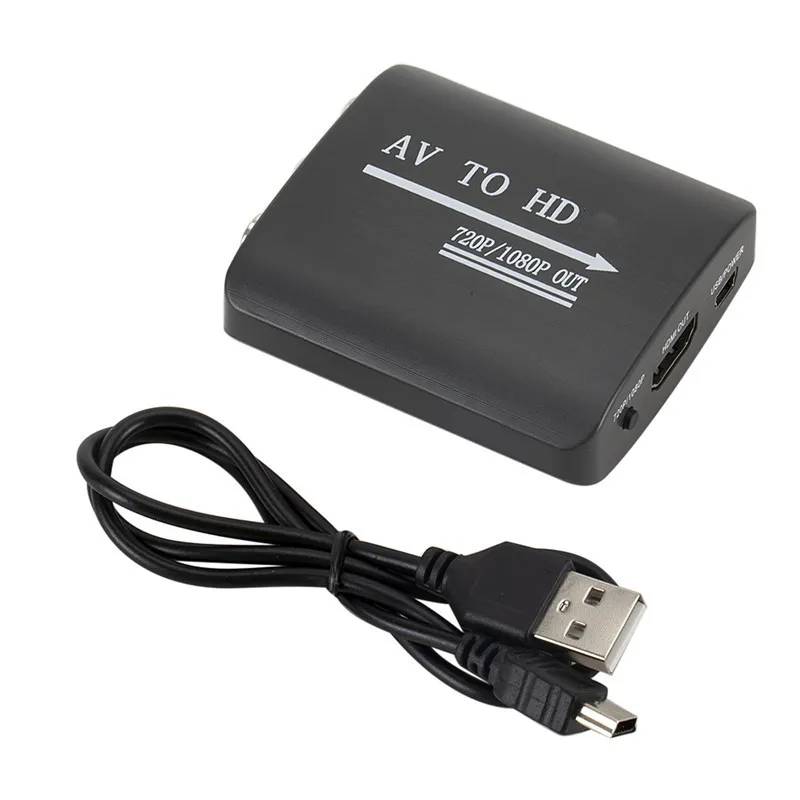
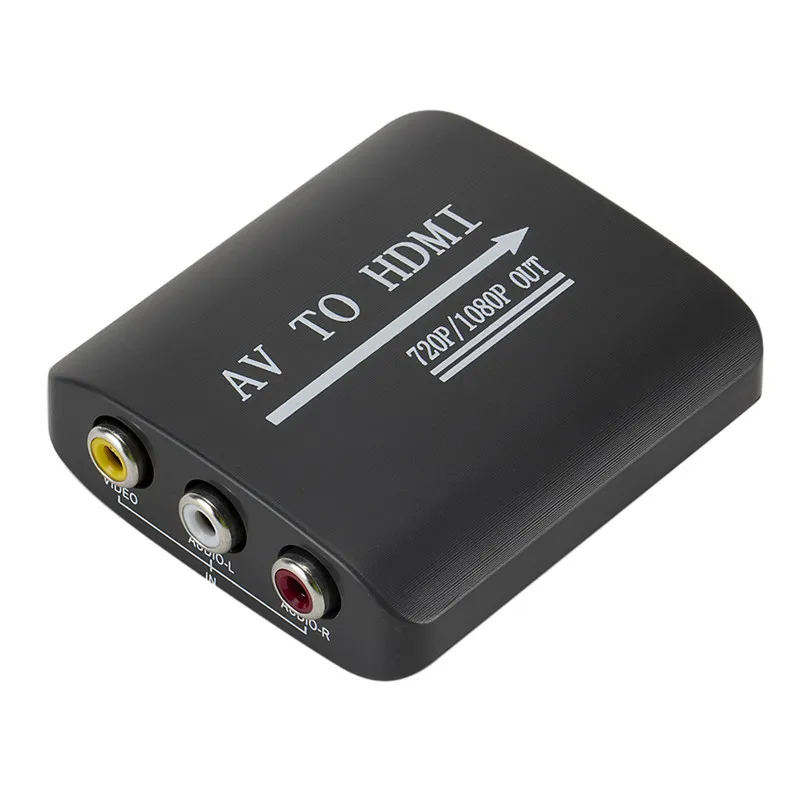
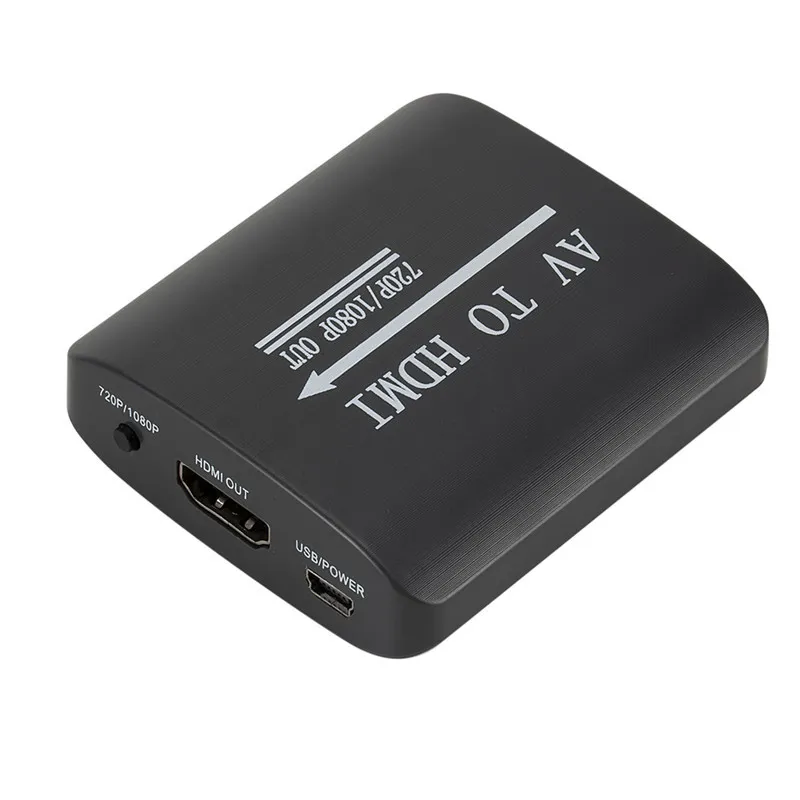
AV2/HDMI is an AV to HDMI and HDMI to HDMI output converter that can convert 480I (NTSC)/576I (PAL) format audio and video signals to 720P or 1080P high-definition HDMI signals. It is convenient to connect DVDs, set-top boxes, high-definition players, game consoles (PS2, PS3, PSP, WII, XBOX 360, etc.), and is convenient to connect LCD TVs, high-definition displays, etc., allowing you to experience the immersive experience brought about by high-definition effects.
Packing list:
1* converter+data cable
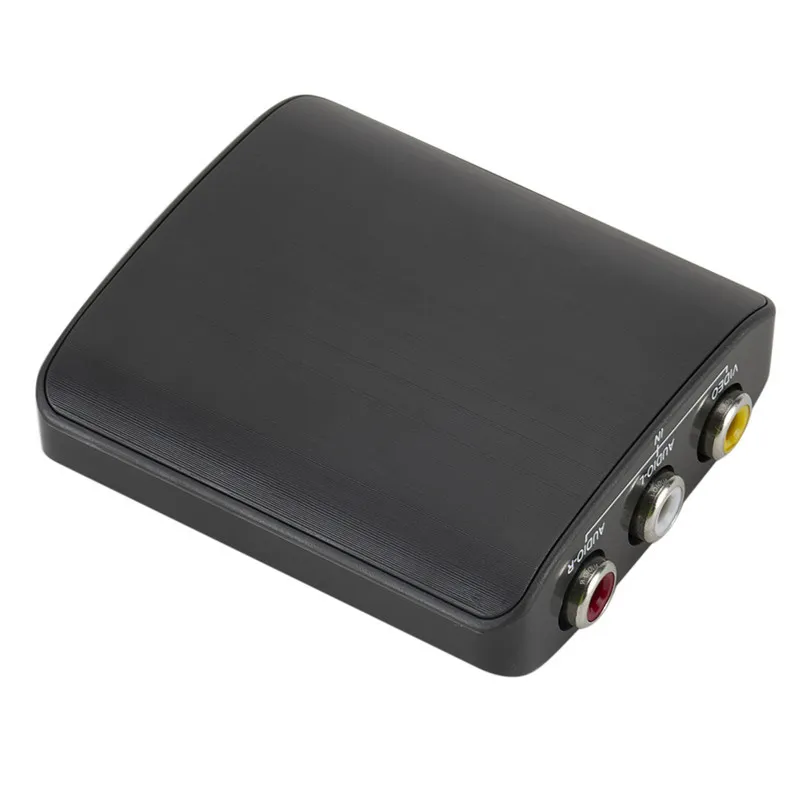
Product picture:
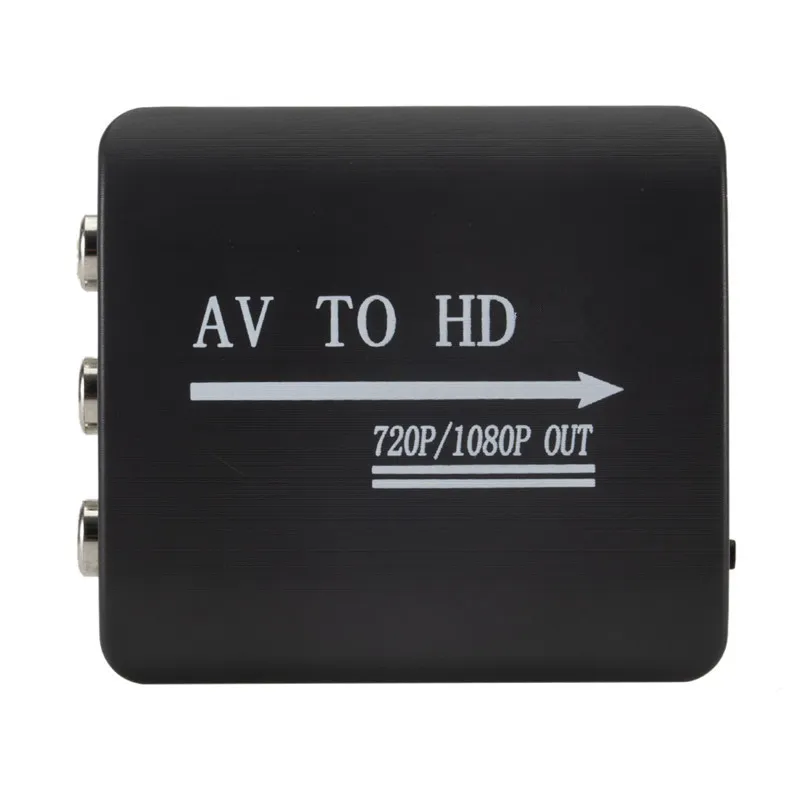
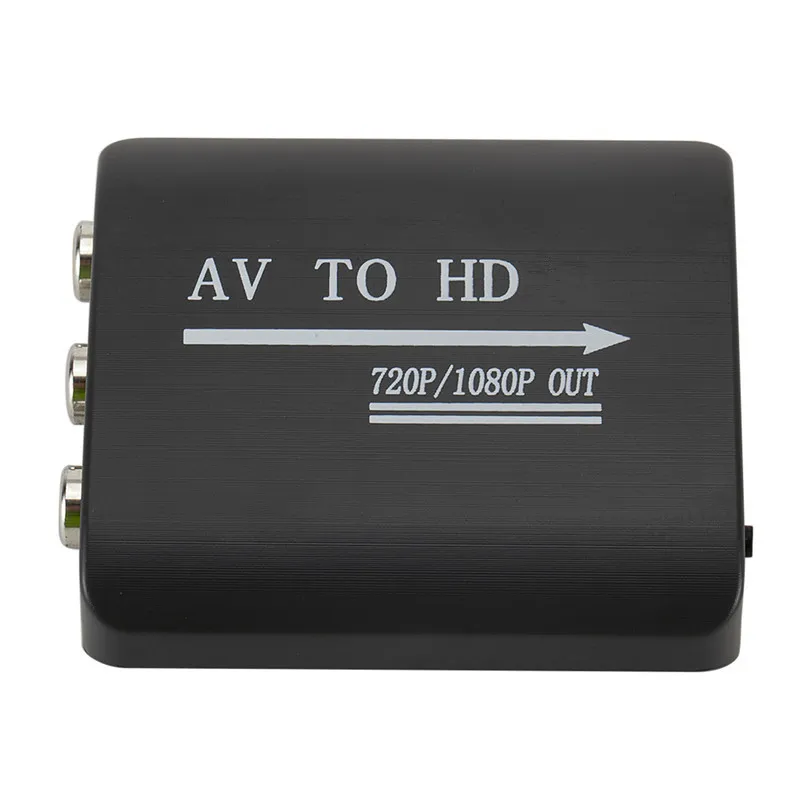
AV to HDMI Converter – Upgrade Analog Devices to Modern Displays
Perfect for TVs, Projectors, Gaming Consoles and Media Devices
An AV to HDMI converter is ideal for users in New Zealand who want to connect older devices to modern TVs or displays. Whether you are using DVD players, gaming consoles, set-top boxes, or older media equipment, this converter allows you to enjoy your content on HDMI-supported screens. It is perfect for home entertainment setups where compatibility between old and new technology is needed.
Description – AV to HDMI Converter
An AV to HDMI converter is designed to convert analogue AV signals into digital HDMI output, allowing seamless connection between older devices and modern displays. It supports standard AV inputs and transforms them into high-quality HDMI signals for clearer video and audio output.
Built for convenience, the converter offers plug-and-play functionality with no complicated setup required. Simply connect your AV cables to the input, plug the HDMI cable into your display, and power the device to start using it. This makes it suitable for both beginners and experienced users.
The device is constructed with durable components to ensure stable signal transmission. It helps reduce signal loss and improves picture clarity compared to direct analogue connections. Compact and lightweight, it is easy to carry and install in any entertainment setup.
This converter is compatible with a wide range of devices including DVD players, older gaming consoles, VCRs, and TV boxes. It is a practical solution for extending the usability of older equipment without needing to replace it.
Key Points
Signal Conversion: Converts AV signals to HDMI for modern display compatibility.
Plug and Play: Easy setup with no technical knowledge required.
Wide Compatibility: Works with various AV devices and HDMI displays.
Compact Design: Lightweight and easy to install anywhere.
Benefits
Improves Compatibility: Connect older devices to new TVs and screens.
Enhances Viewing: Provides clearer audio and video output.
Saves Money: Extends the life of existing devices without replacement.
Convenient Setup: Quick and simple installation for immediate use.
Why Choose This AV to HDMI Converter?
This AV to HDMI converter offers a reliable and cost-effective solution for bridging old and new technology. It is easy to use, durable, and compatible with a wide range of devices. Whether for home entertainment or occasional use, it ensures smooth and stable performance.
For New Zealand households, it is a practical way to keep older devices functional while enjoying modern display quality.
Conclusion
An AV to HDMI converter is an essential accessory for connecting analogue devices to HDMI-enabled displays. With its simple setup, reliable performance, and wide compatibility, it provides a convenient solution for upgrading your viewing experience.
The product may be provided by a different brand of comparable quality.
The actual product may vary slightly from the image shown.
Shop amazing plants at The Node – a top destination for plant lovers


.webp)
.webp)


.jpg)









.jpg)





.jpeg)





.jpeg)



.jpeg)








.jpeg)



.jpeg)

.jpeg)

.jpeg)

.jpeg)




.jpeg)
.jpg)

.jpeg)






.jpeg)
.jpeg)




.jpeg)





.jpeg)


.jpeg)

.jpeg)

.jpeg)

.jpeg)







.jpeg)
.jpeg)
.jpeg)





.jpeg)



.jpeg)






.jpg)
.jpeg)









.jpg)


ulva-Logo.jpg)




.jpeg)



.png)















.png)