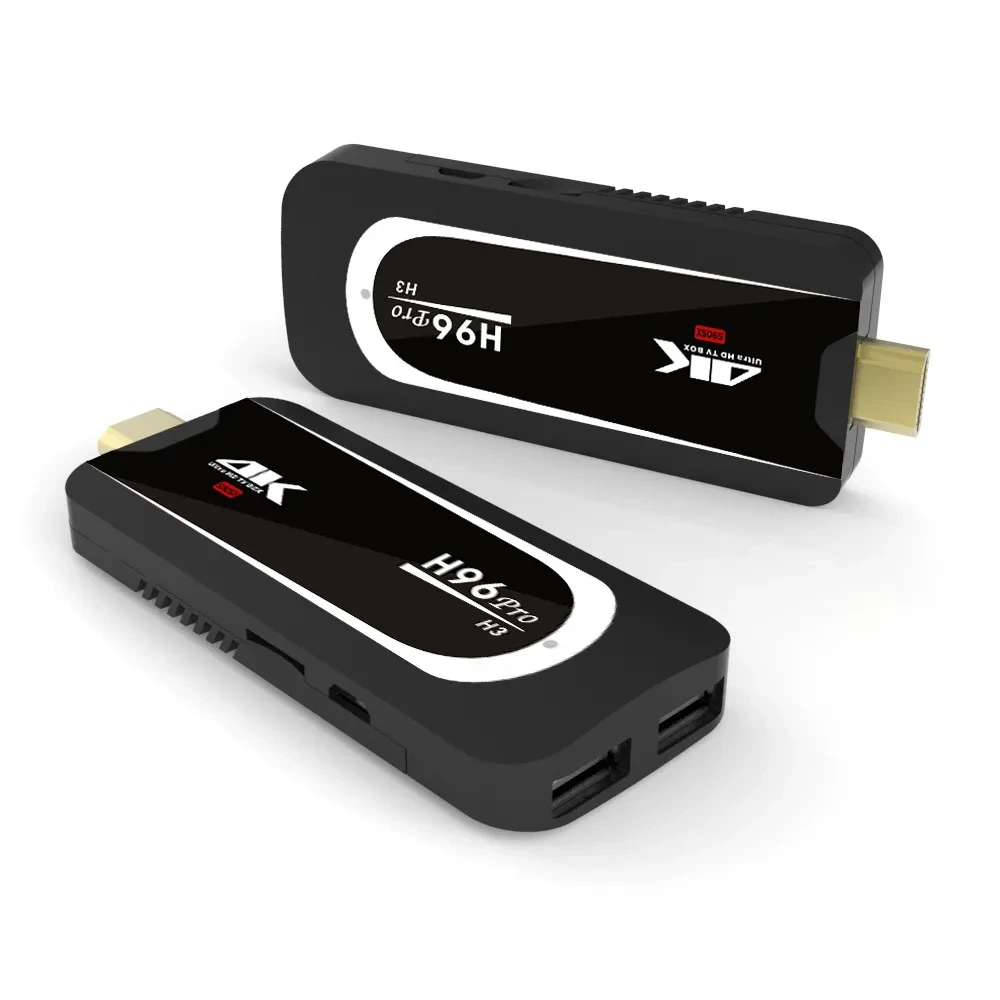
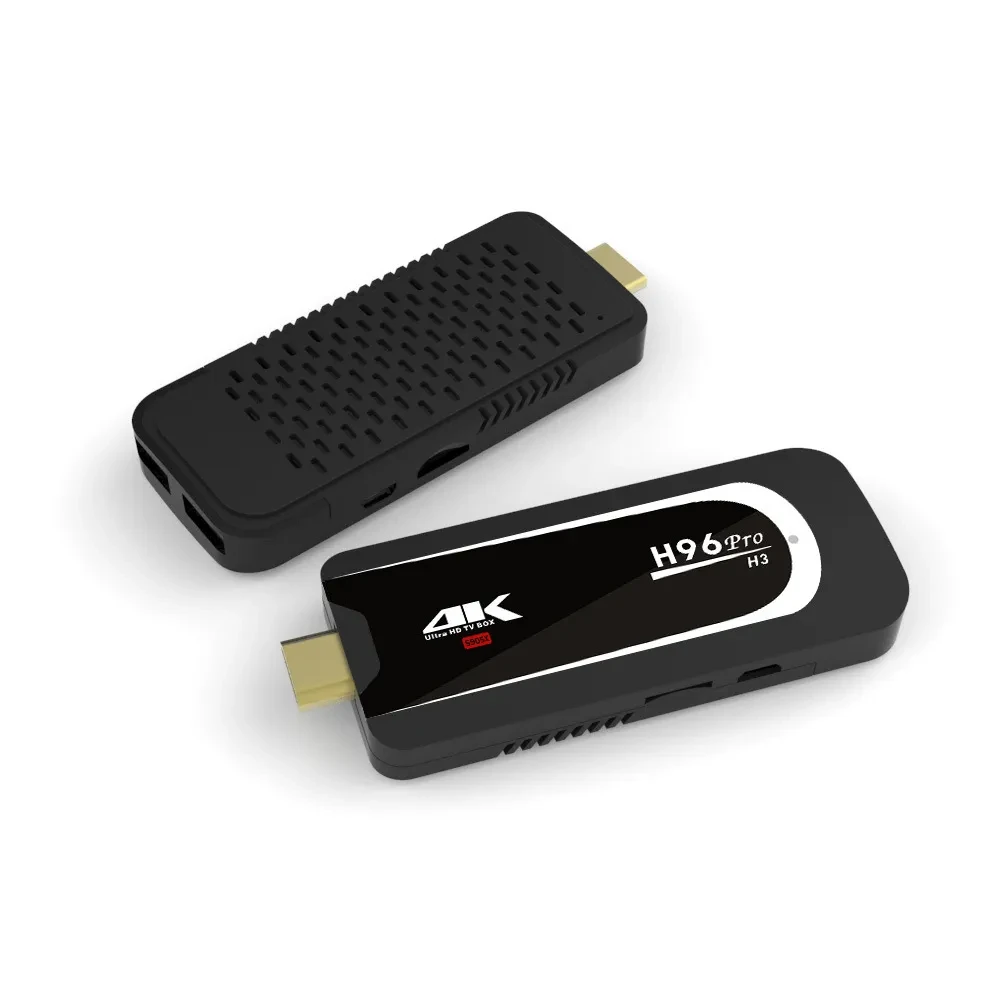
Android TV player

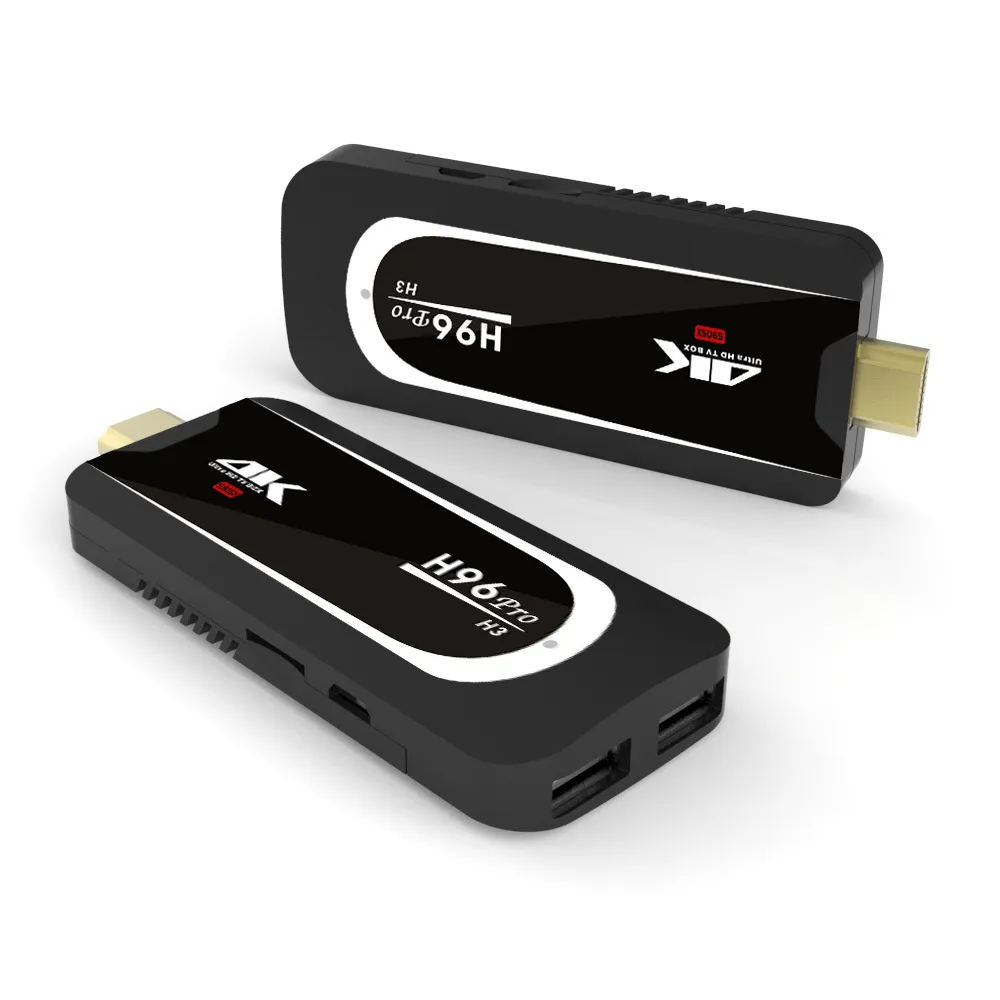
Android TV Player – Smart Entertainment Hub for Your Home
Upgrade Your TV into a Smart Entertainment Center
The Android TV Player is a powerful and compact device designed to transform any standard television into a smart TV. By running on the Android operating system, it unlocks access to a wide range of entertainment options, including streaming apps, games, and online content. Whether you want to watch movies, stream live TV, or browse the internet, this TV player delivers smooth performance and a user-friendly experience for the whole family.
High-Performance Streaming and Media Playback
Built for seamless entertainment, the Android TV Player supports high-definition and ultra-clear video playback, ensuring crisp visuals and immersive sound quality. It handles popular video formats smoothly, allowing you to enjoy movies, TV shows, and online videos without buffering or lag. With powerful processing capabilities, switching between apps and content is fast and responsive, making everyday use effortless and enjoyable.
Access to Thousands of Apps and Content
With the Android platform, this TV player gives you access to a massive library of applications through the app ecosystem. You can install streaming services, music apps, educational tools, and games directly on your TV. This flexibility allows you to customize your entertainment experience based on your preferences, whether you enjoy movies, sports, kids’ content, or productivity apps. Regular updates also ensure compatibility with the latest applications and features.
Smart Connectivity and Wireless Convenience
The Android TV Player supports wireless connectivity, making it easy to connect to the internet and other devices. You can stream content directly from your smartphone, tablet, or laptop, turning your TV into a larger display for photos, videos, and presentations. Bluetooth support allows pairing with wireless keyboards, controllers, headphones, and speakers, enhancing both entertainment and usability.
User-Friendly Interface and Voice Control Support
Designed for simplicity, the interface is intuitive and easy to navigate, even for first-time users. Content recommendations, organized menus, and quick access to favorite apps make everyday operation smooth. Many Android TV players also support voice control, allowing you to search for content, open apps, and control playback using simple voice commands, adding extra convenience to your viewing experience.
Compact Design with Easy Installation
The compact and lightweight design makes the Android TV Player easy to install and discreetly place near your TV. Setup is straightforward, requiring minimal cables and no technical expertise. Once connected, it instantly enhances your TV with smart features, making it suitable for living rooms, bedrooms, offices, or travel use.
Ideal for Home Entertainment and Beyond
This device is perfect for families, movie lovers, gamers, and professionals alike. It supports home entertainment, online learning, casual gaming, and even basic productivity tasks. Its versatility makes it a valuable addition to any modern home.
Conclusion
The Android TV Player is a smart, reliable, and versatile solution for upgrading your television experience. With smooth streaming, access to countless apps, smart connectivity, and an easy-to-use interface, it delivers powerful entertainment in a compact device. Ideal for everyday viewing and advanced media needs, it brings convenience, flexibility, and modern technology into your home entertainment setup.
The product may be provided by a different brand of comparable quality.
The actual product may vary slightly from the image shown.
Shop amazing plants at The Node – a top destination for plant lovers
.png)











.jpg)









.jpg)





.jpeg)





.jpeg)



.jpeg)








.jpeg)



.jpeg)

.jpeg)

.jpeg)

.jpeg)




.jpeg)
.jpg)

.jpeg)






.jpeg)
.jpeg)




.jpeg)





.jpeg)


.jpeg)

.jpeg)

.jpeg)

.jpeg)







.jpeg)
.jpeg)
.jpeg)





.jpeg)



.jpeg)






.jpg)
.jpeg)









.jpg)


ulva-Logo.jpg)




.jpeg)



.png)















.png)