

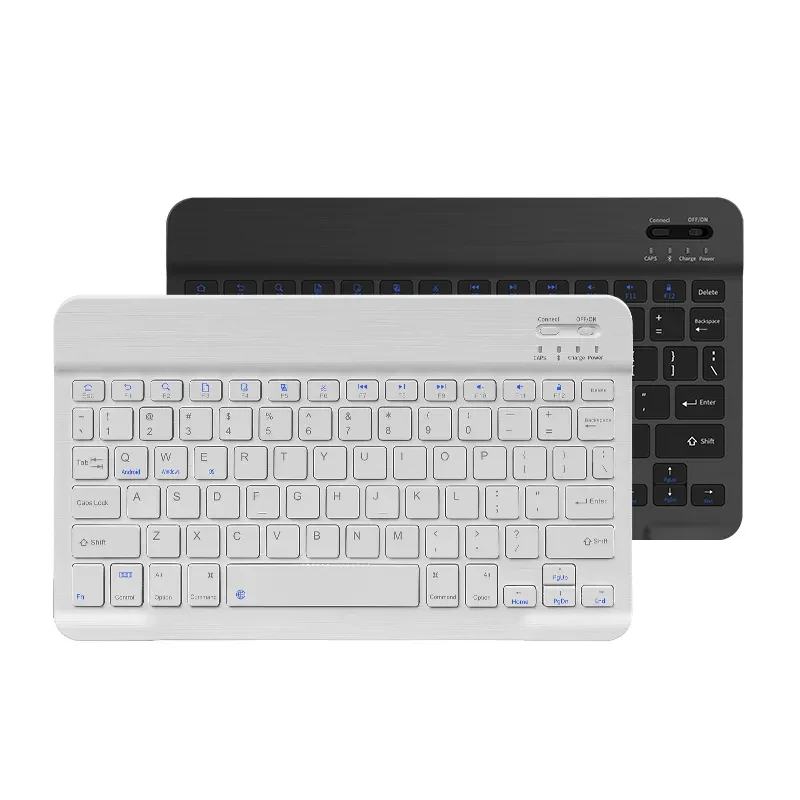
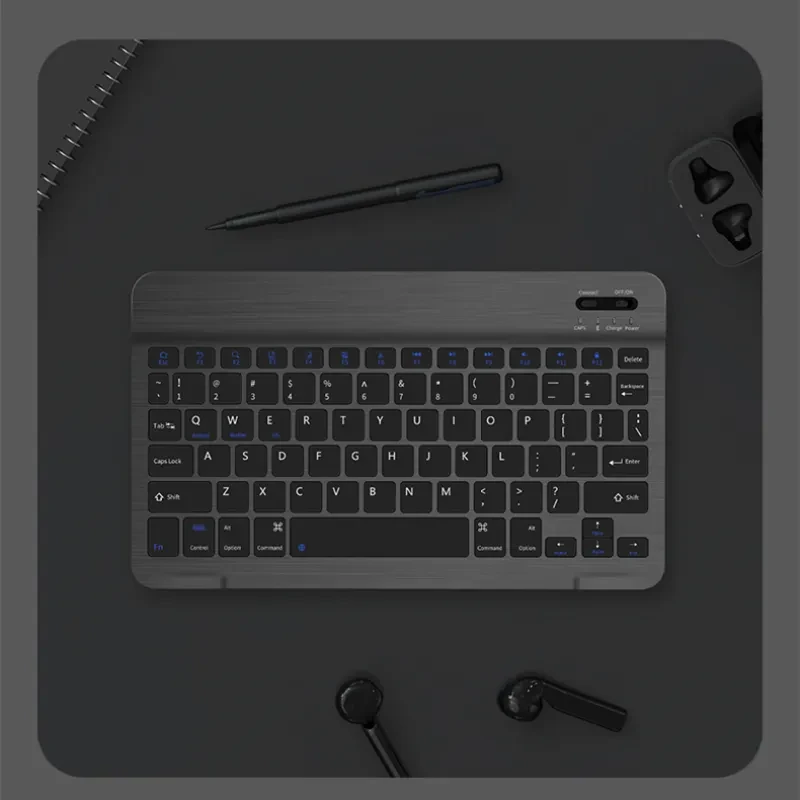
Wireless Mouse For Tablets And Laptops

Interface: USB
Whether to support plug and play: support
Connection with computer: Bluetooth
Is there a multimedia function key: Yes
Shortcut keys: Yes
With or without hand rest: No
Waterproof function: does not support waterproof
Key technology: X architecture
Backlight function: Seven-color backlight
Whether to support ergonomics: not supported
Material: ABS
Line length: 0.5 (meters)
Packing list:
Bluetooth mouse*1
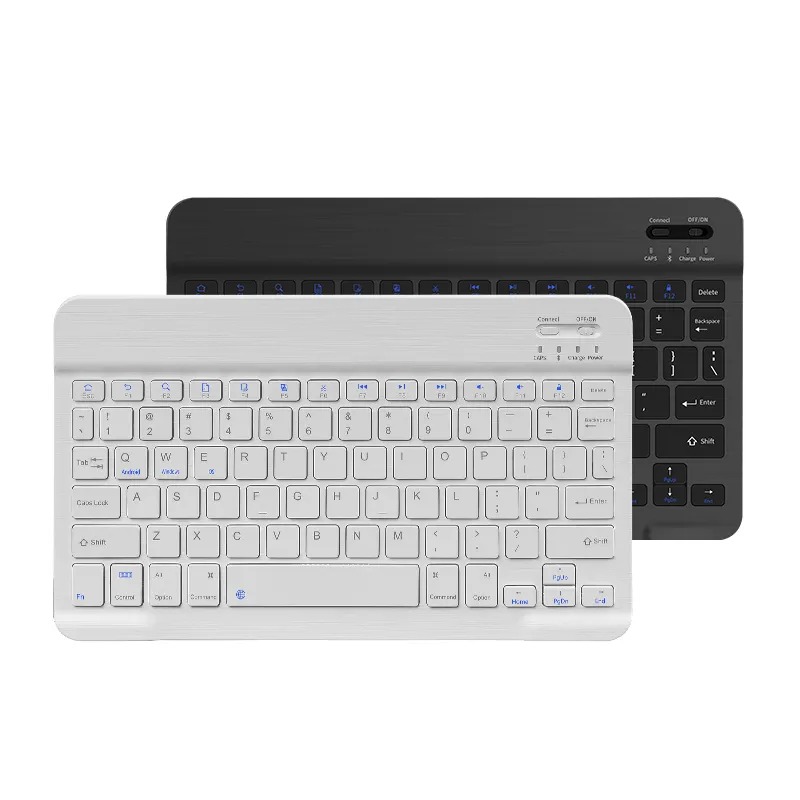
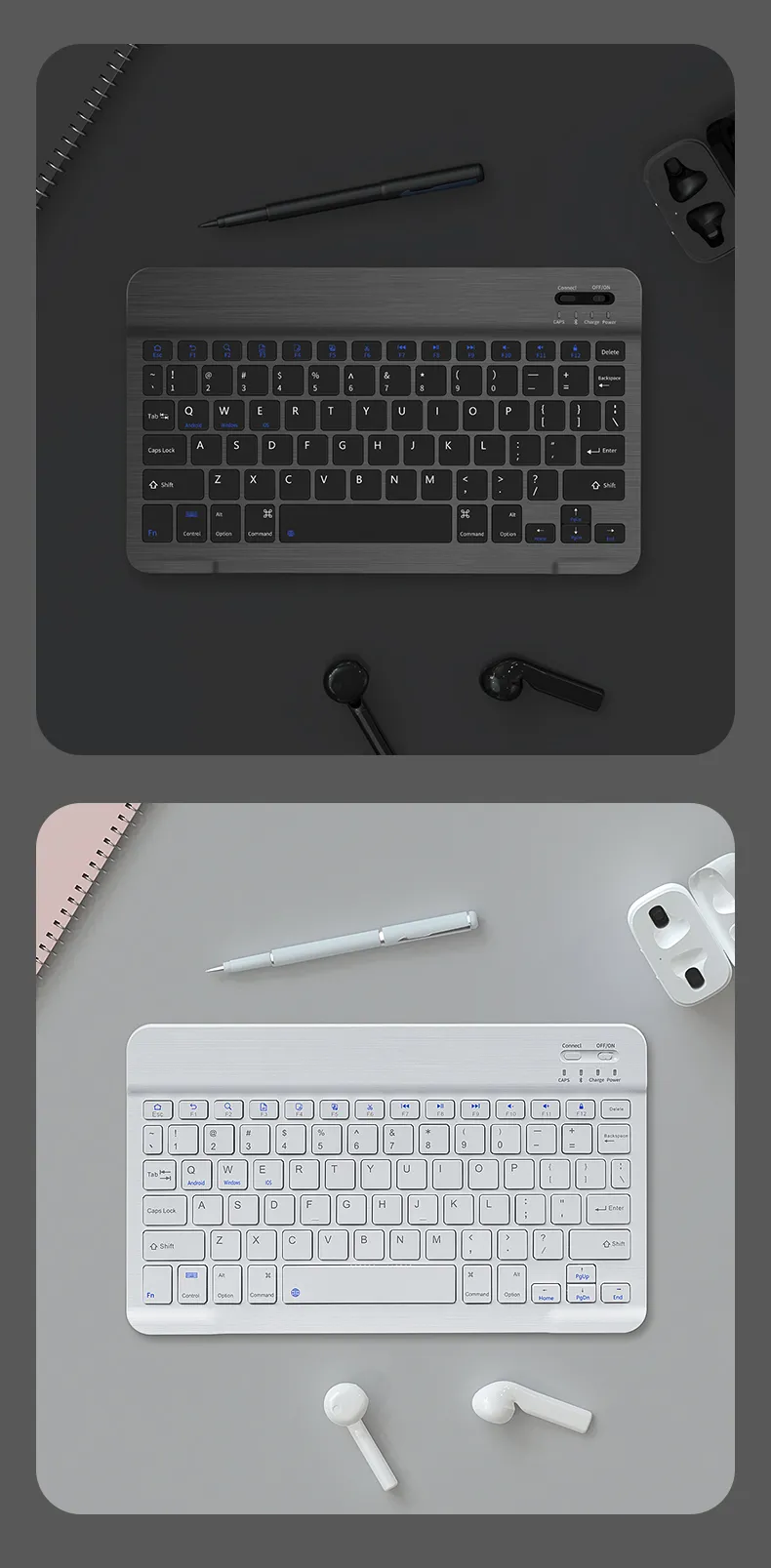
Wireless Mouse For Tablets And Laptops – Smooth Navigation For Portable Devices
Perfect for Tablet Users, Laptop Users, Students, Professionals, And Remote Workers
The Wireless Mouse For Tablets And Laptops is designed to provide comfortable and accurate control for users who want a better navigation experience with their portable devices. Ideal for work, study, browsing, presentations, and everyday computer tasks, this wireless mouse offers a convenient alternative to touchscreens and built-in touchpads. With a compact design and flexible compatibility, it is a practical accessory for modern digital lifestyles.
Description – Wireless Mouse For Tablets And Laptops
The Wireless Mouse For Tablets And Laptops provides a convenient way to improve device control and productivity across compatible portable devices. Designed for users who need greater precision and comfort, this wireless mouse helps create a more efficient workspace whether at home, in the office, or while travelling.
Touchscreens and laptop touchpads are useful for basic navigation, but many users prefer the accuracy and familiarity of a dedicated mouse. This wireless mouse provides smoother movement, easier clicking, and improved control for activities such as browsing websites, editing documents, managing files, and navigating applications.
The wireless design helps reduce cable clutter and allows users to operate their devices more freely. Without the limitation of wired connections, users can create a cleaner workspace and enjoy greater flexibility when using tablets and laptops.
The compact and lightweight structure makes the mouse easy to carry in a laptop bag, backpack, or travel case. This makes it suitable for students, professionals, and travellers who need a portable accessory to improve their device experience.
The Wireless Mouse For Tablets And Laptops is suitable for various activities including office work, online learning, creative projects, presentations, and everyday entertainment. It provides a simple upgrade for users who want more comfortable control over their digital devices.
For New Zealand customers who use laptops and tablets for work, study, and personal tasks, this wireless mouse offers a convenient combination of portability, comfort, and practical performance.
Key Points
Wireless Convenience: Provides cable-free operation for a cleaner and more flexible workspace.
Compatible With Tablets And Laptops: Designed for use with compatible portable devices.
Smooth Navigation Control: Helps users browse, select, and manage content with improved accuracy.
Portable Compact Design: Easy to carry for school, office, travel, and mobile work setups.
Comfortable Everyday Use: Provides a familiar mouse experience for extended computer tasks.
Ideal Productivity Accessory: Suitable for work, study, browsing, and entertainment.
Benefits
Improves Device Control: The Wireless Mouse For Tablets And Laptops provides more precise navigation compared with touchscreen or touchpad use.
Enhances Productivity: Helps users complete tasks more efficiently when working with documents, websites, and applications.
Supports Mobile Workstyles: Ideal for users who move between different locations and need portable accessories.
Creates A Cleaner Workspace: Wireless operation reduces cable clutter and improves desk organisation.
Provides Comfortable Operation: A dedicated mouse can make long computer sessions more convenient.
Useful For Multiple Activities: Suitable for professional tasks, education, creative work, and everyday use.
Why Choose This Wireless Mouse For Tablets And Laptops?
The Wireless Mouse For Tablets And Laptops is a practical choice for users who want improved control and convenience when using portable devices. While touchscreens and touchpads provide basic functionality, a dedicated wireless mouse can offer a more familiar and efficient experience.
For New Zealand students, remote workers, and professionals, having the right accessories can improve daily productivity. This mouse provides an easy way to upgrade a laptop or tablet setup without requiring complicated equipment.
Its compact design makes it ideal for people who frequently travel or work in different locations. Users can easily carry it alongside their laptop or tablet and create a more comfortable workspace whenever needed.
The wireless functionality also makes it suitable for modern work environments where flexibility and organisation are important. It helps users maintain a tidy desk while providing reliable navigation support.
Choosing this Wireless Mouse For Tablets And Laptops means choosing a practical, portable, and user-friendly accessory designed to improve everyday digital experiences.
Conclusion
The Wireless Mouse For Tablets And Laptops is a convenient accessory that provides improved navigation, comfort, and flexibility for portable device users. With its wireless design, compact structure, and versatile applications, it is suitable for work, study, travel, and everyday computing. This practical mouse helps users enjoy a smoother and more efficient way to interact with their tablets and laptops.
The product may be provided by a different brand of comparable quality.
The actual product may vary slightly from the image shown.
Shop amazing plants at The Node – a top destination for plant lovers

.png)






.jpg)









.jpg)





.jpeg)





.jpeg)



.jpeg)








.jpeg)



.jpeg)

.jpeg)

.jpeg)

.jpeg)



.jpeg)
.jpg)

.jpeg)






.jpeg)
.jpeg)




.jpeg)





.jpeg)


.jpeg)

.jpeg)

.jpeg)

.jpeg)







.jpeg)
.jpeg)
.jpeg)





.jpeg)



.jpeg)





.jpg)
.jpeg)









.jpg)


ulva-Logo.jpg)




.jpeg)



.png)















.png)