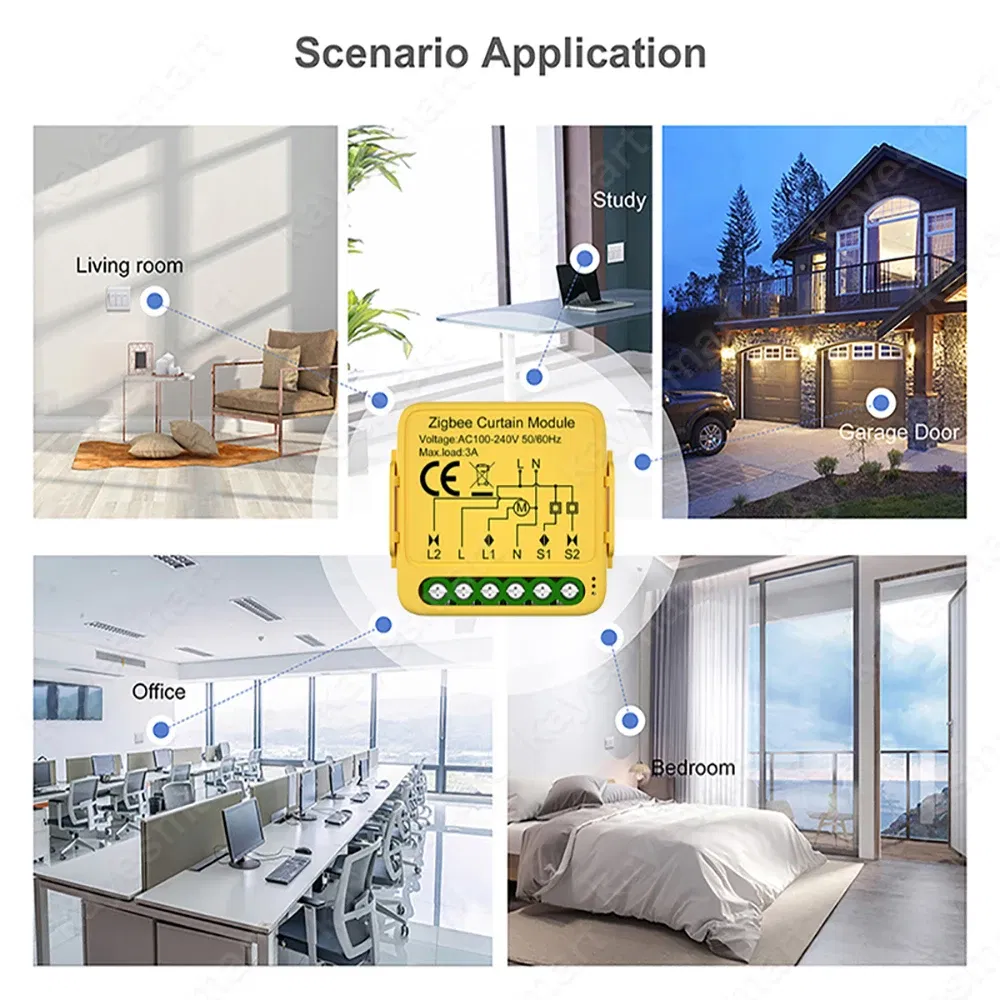
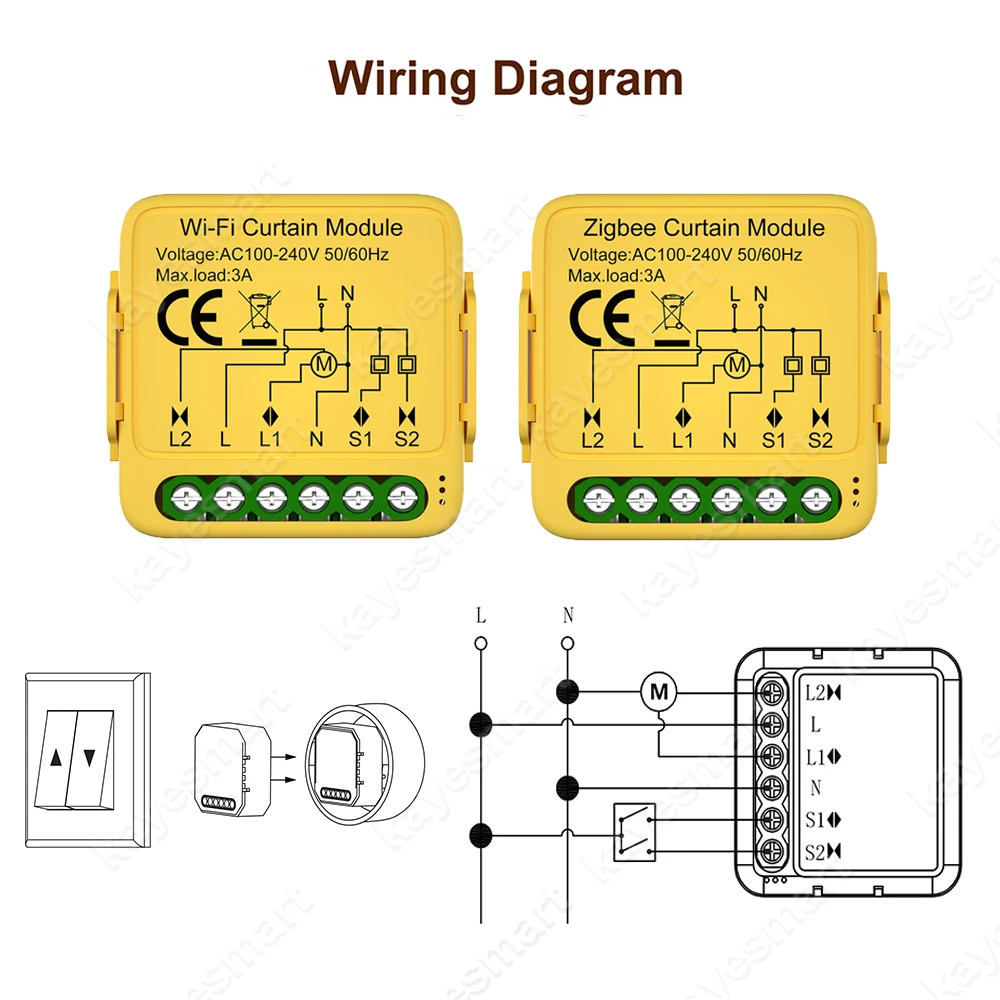
Color: WHITE, Ships From: CHINA - Tuya Smart WiFi Zigbee Curtain Switch Module Connected Roller Shutters Blind Motor Smart Life APP Works with Alexa Google Home

Voltage: 110-240V
Certification: CE
Certification: RoHS
Model Number: Smart Curtain Module
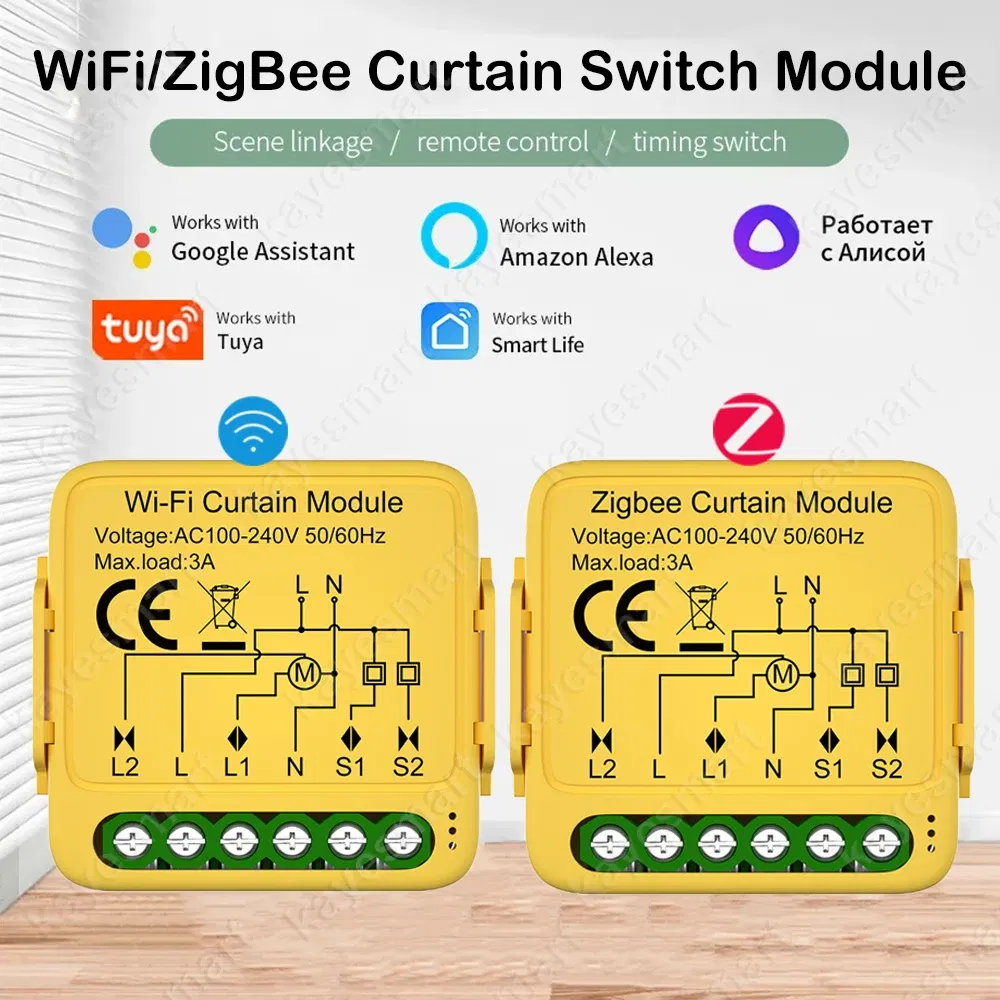
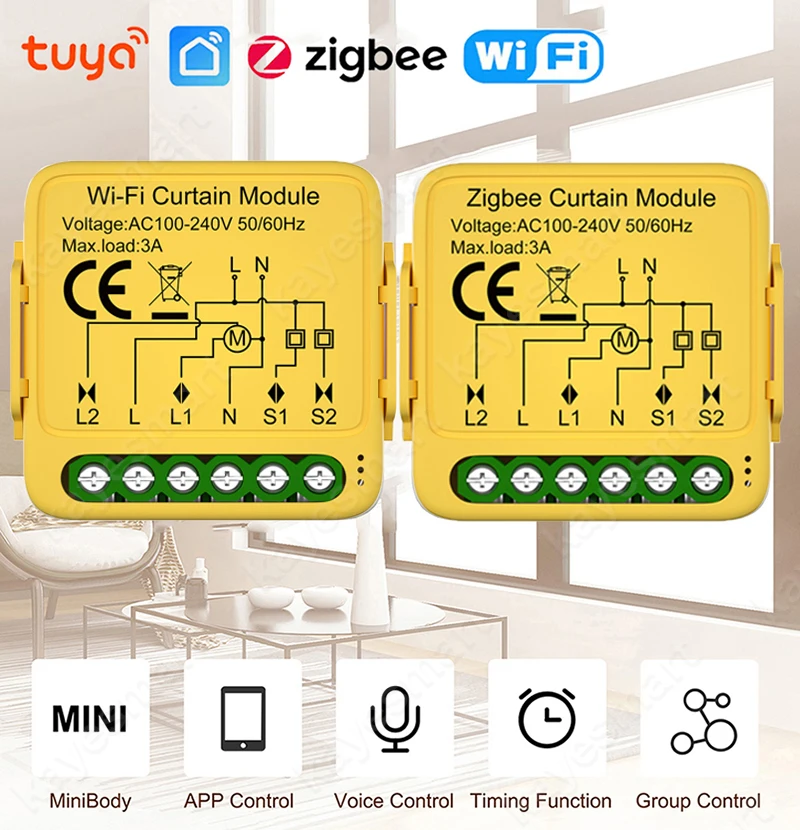
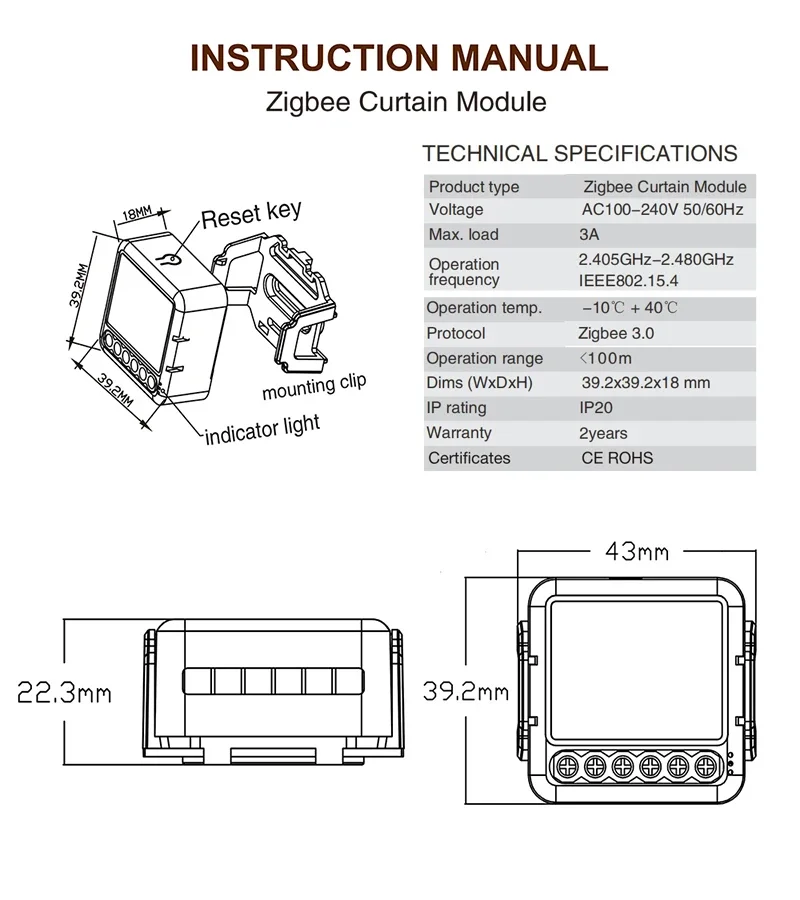
Voltage: AC100-240V 50/60MHz
Max. load: 3A
Operation frequency: 2.4GHz
Operation temp: -10℃~+40℃
Protocol: WIFI IEEE 802.11b/g/n
Dims (WxDxH): 39.2x39.2x18 mm
App: Smart Life, Tuya Smart
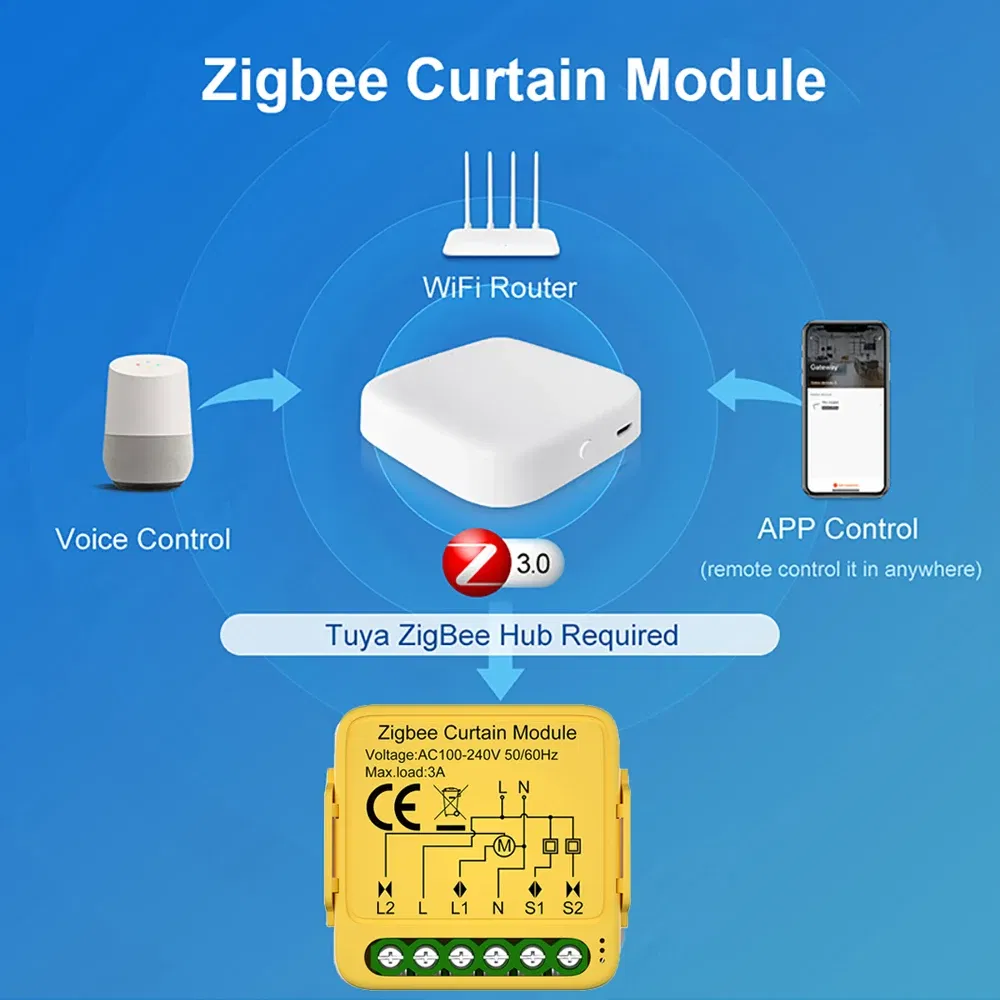
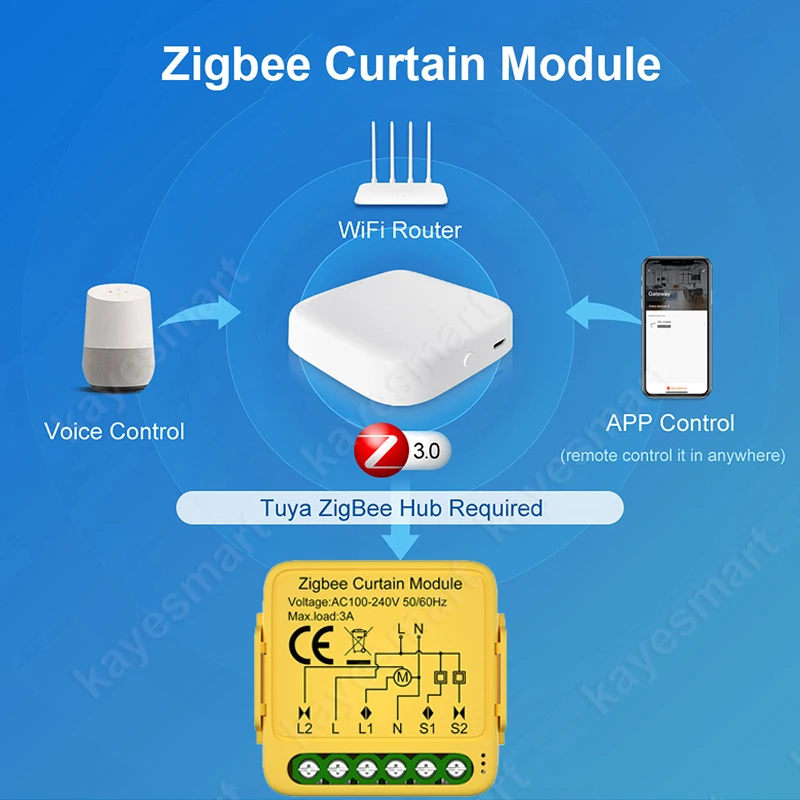
zigbee gateway: Required (zigbee version)
Choice: yes
semi_Choice: yes
Tuya Smart WiFi Zigbee Curtain Module Blind Switch Controller for Roller Shutter Electric Motor Works with Google Home Alexa
Note:
The zigbee version curtain module needs to be used with Tuya zigbee gateway.
If you don't have Tuya zigbee gateway. You can buy "WiFi Version".
Feature:
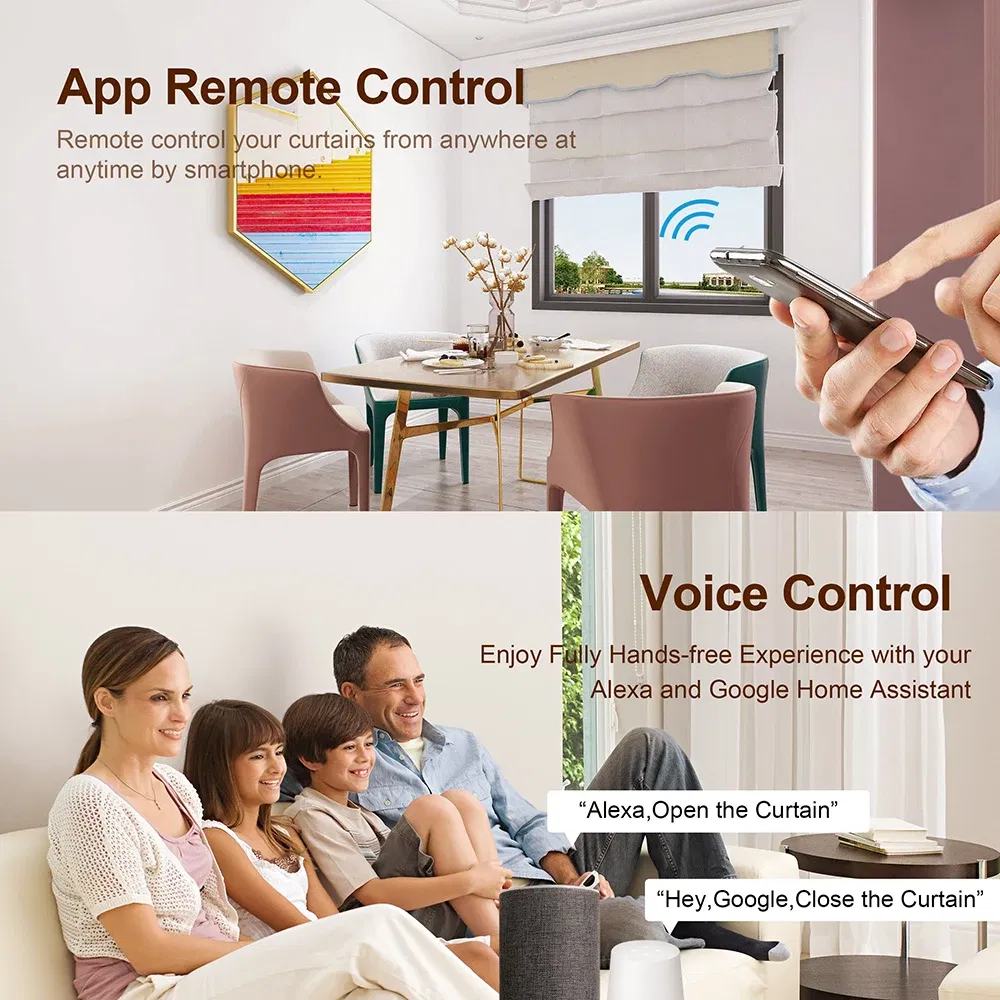
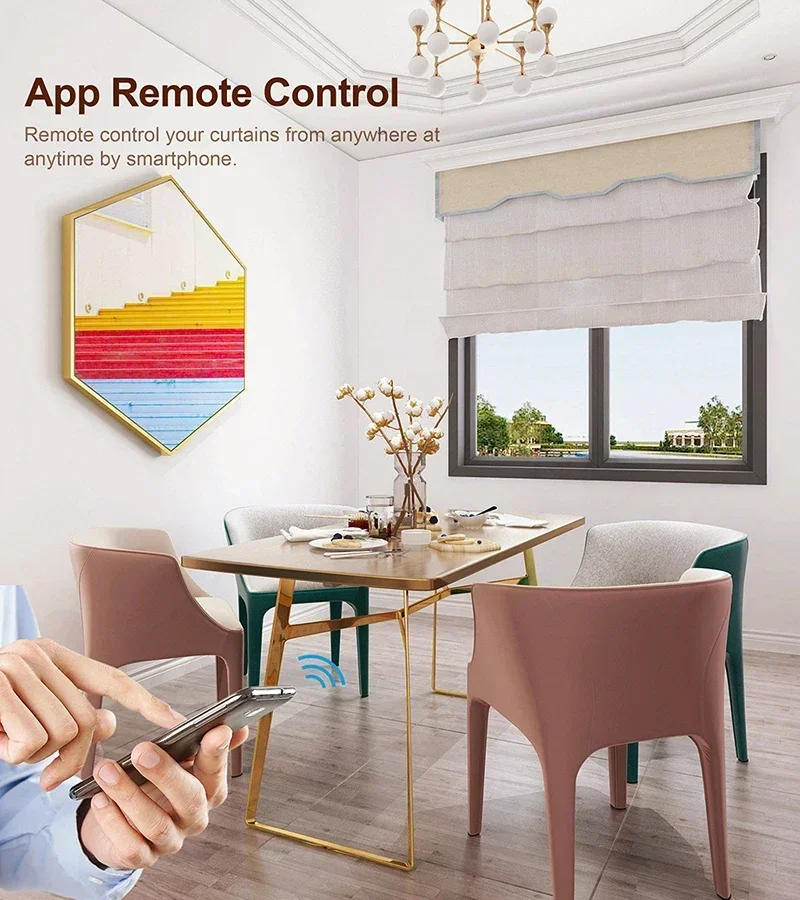
App Remote Control:
You can control the switch anywhere and anytime according to your own requirement. Enjoy your convenient smart life via using the Smart Life app or Tuya app, whether you are on vacation/business or at home.
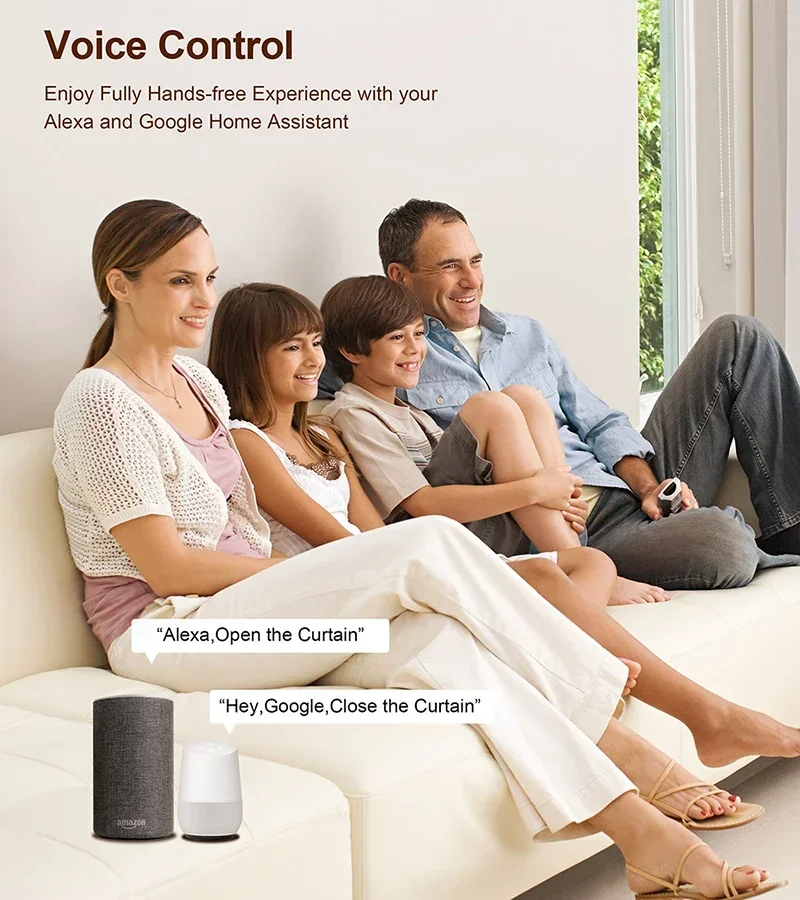
Voice Control:
After connecting the switch to the app, you can voice control the switch through Alexa or Google Assistant. Enjoy the hands-free when you are sitting at home or when you are on the go.
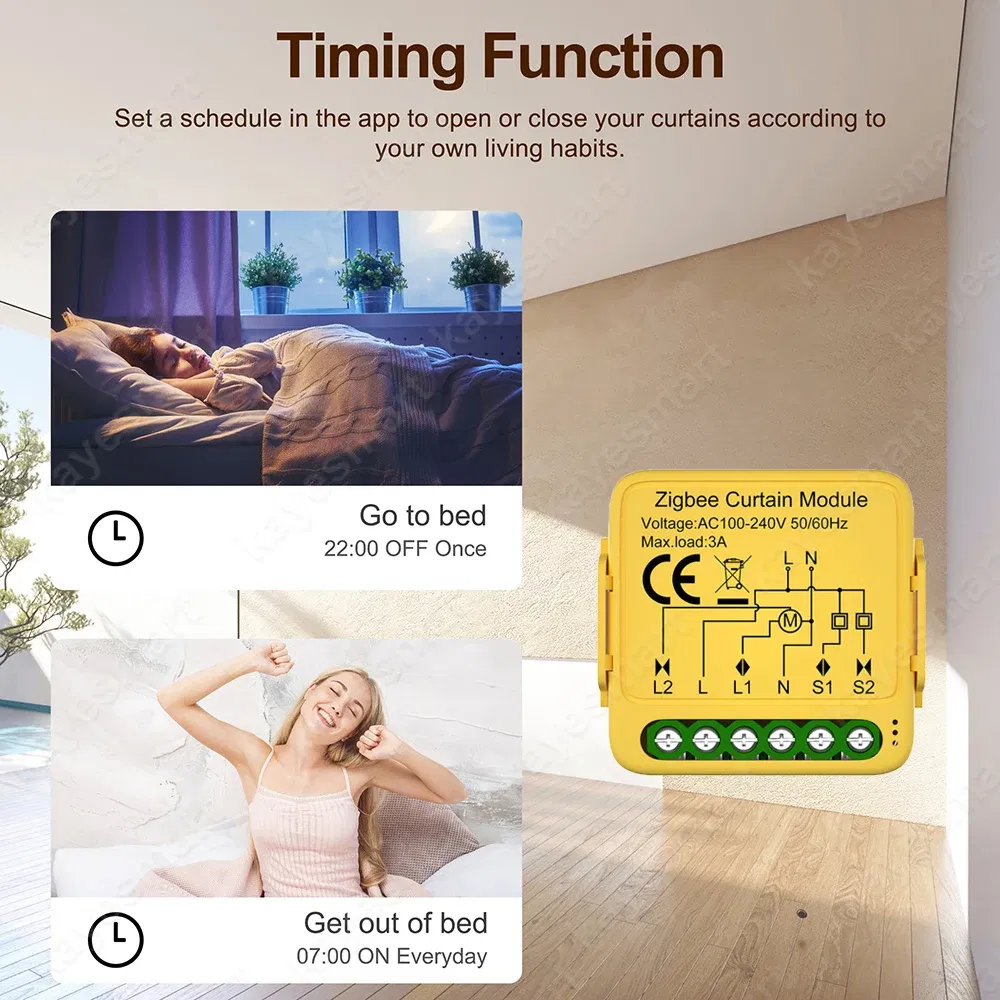
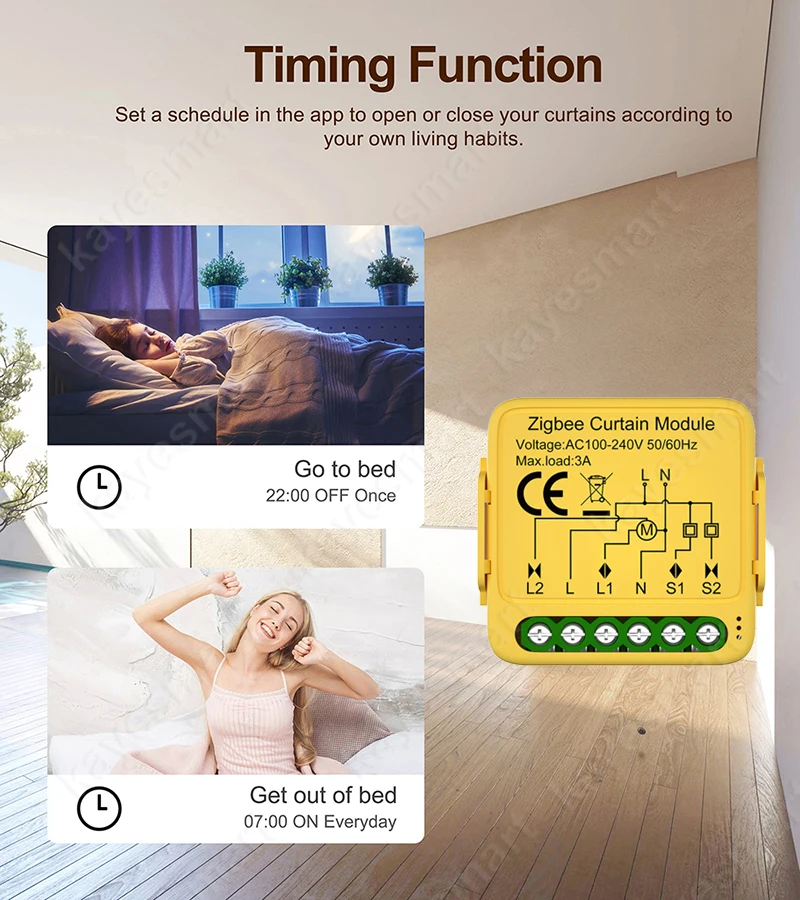
Timer Schedule:
You can set a timing schedule for the switch module according to your individual needs. Enjoy the convenient smart life without repeating on and off on the app or manually control.
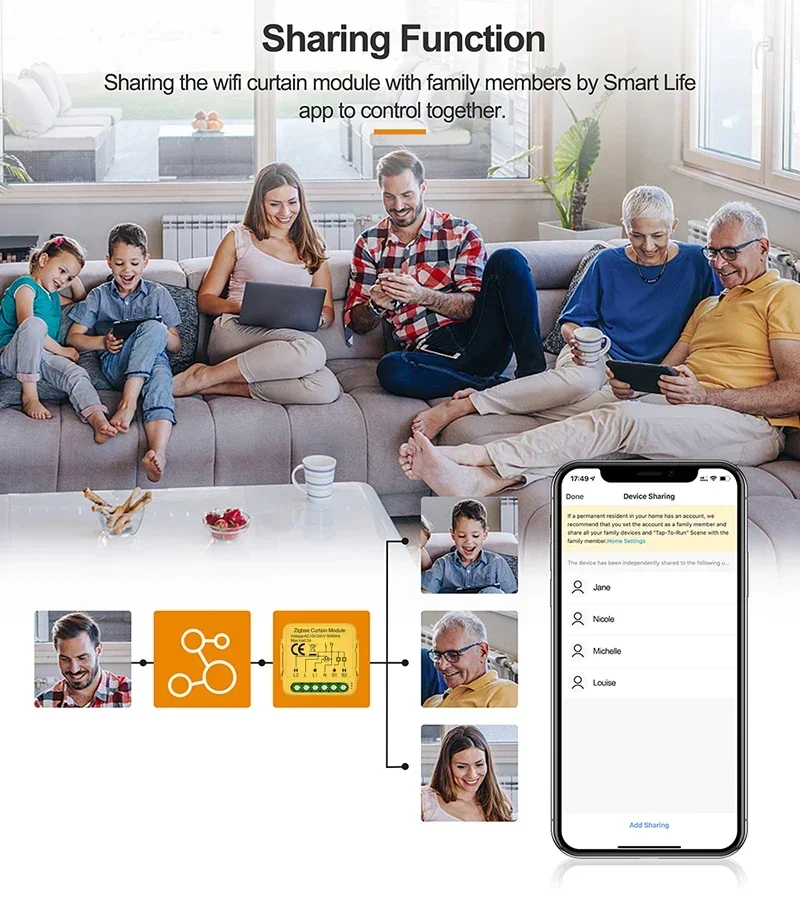
Sharing Function:
It is convenient to set a group and share the device to your family members or your friends, so that they can control the devices with you. You can enjoy the smart life with your families and friends.
Specifications:
Product type: Wi-Fi/Zigbee Curtain Module
Voltage:AC100-240V 50/60MHz
Max. load: 3A
Operation frequency: 2.412GHz-2.484GHz
Operation temp.: -10℃~+40℃
Protocol: WIFI IEEE 802.11b/g/n
Dims (WxDxH): 39.2x39.2x18 mm
IP rating: IP20
Zigbee gateway: Required (zigbee version)
App: Smart Life, Tuya Smart
Package Included:
1*Smart Curtain Module
1*Manual
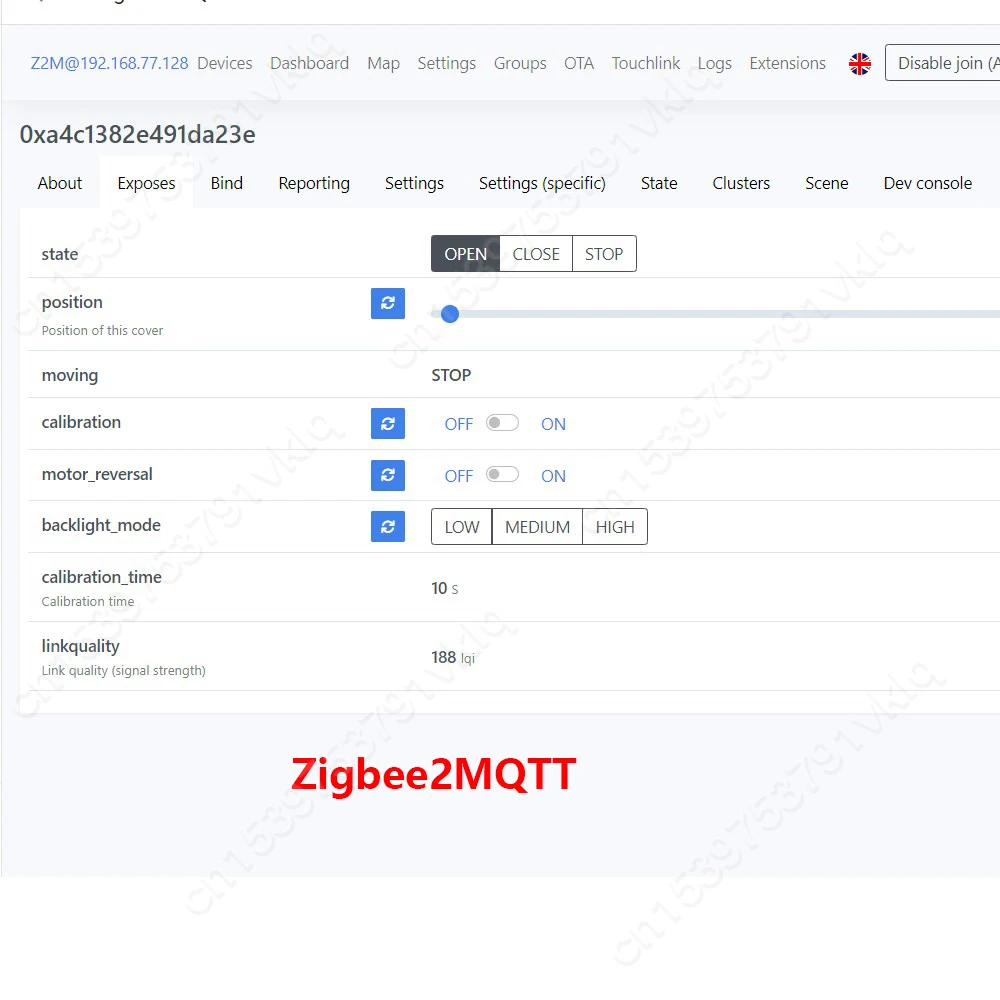
Zigbee Version (Zigbee2QMTT)
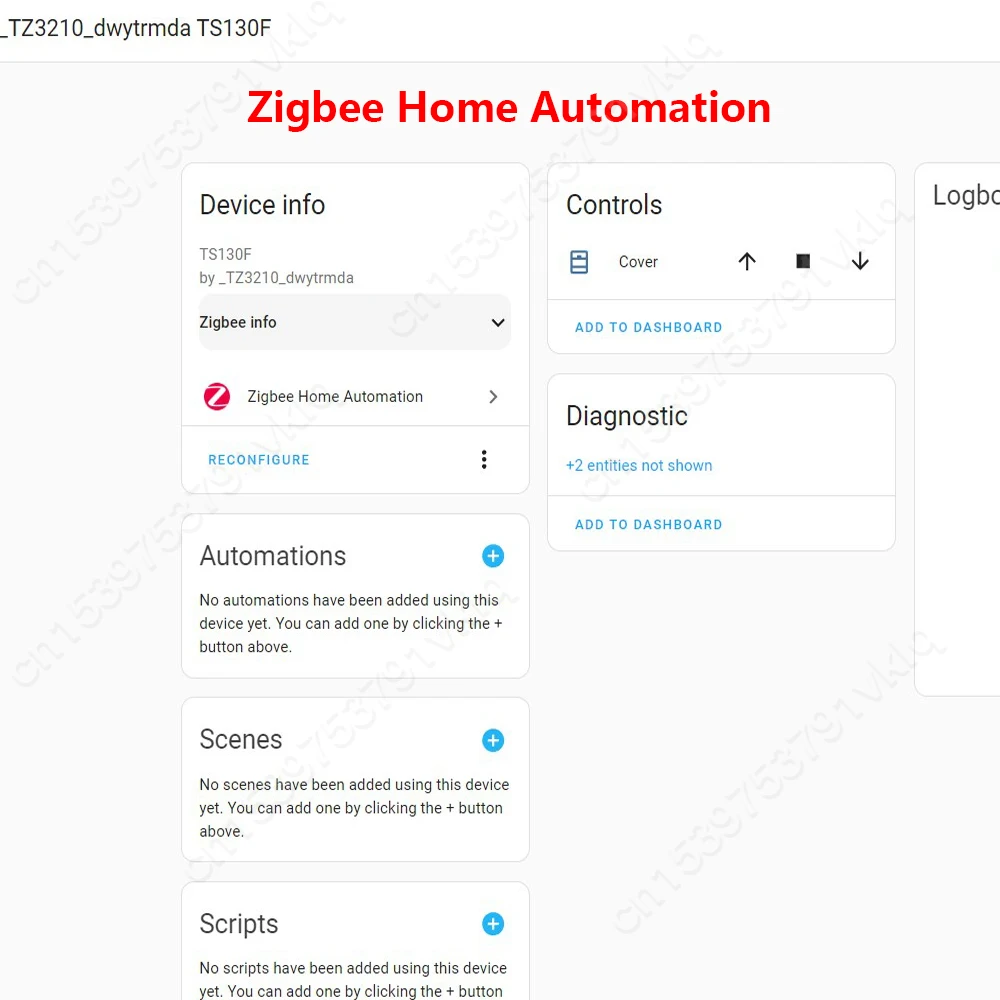
Zigbee Version (ZigBee Home Assistant)
FAQ:
Q1: What should | do if I can’t configure the switch module?
a. Please check whether device is powered on.
b. Make sure your mobile and switch module are under the same 2.4 Ghz WIFI network.
C. Whether it’s in good internet conditions.
d. Make sure the password entered in App is correct.
e. Make sure the wiring is correct.
Q2: What happens if the WIFI goes off?
You can still control the device connected the switch module with your traditional switch and
once Wi-Fi is active again the device connected to module will connect automatically to your
Wi-Fi network.
Q3: What should I do if I change the WIFI network or change the password?
You have to re-connect our Wi-Fi switch module to the new Wi-Fi network accordingly as per
the App User Manual.
Q5: How do I reset the device?
Power on/off device for 5 times until the indicator light flash.
The product may be provided by a different brand of comparable quality.
The actual product may vary slightly from the image shown.
Shop amazing plants at The Node – a top destination for plant lovers









.jpg)









.jpg)





.jpeg)





.jpeg)



.jpeg)








.jpeg)



.jpeg)

.jpeg)

.jpeg)

.jpeg)




.jpeg)
.jpg)

.jpeg)






.jpeg)
.jpeg)




.jpeg)





.jpeg)


.jpeg)

.jpeg)

.jpeg)

.jpeg)







.jpeg)
.jpeg)
.jpeg)





.jpeg)



.jpeg)






.jpg)
.jpeg)









.jpg)


ulva-Logo.jpg)




.jpeg)



.png)















.png)