How To Shop Online For The First Time
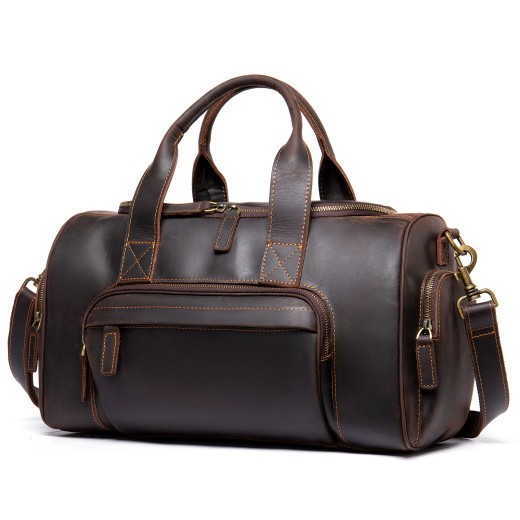
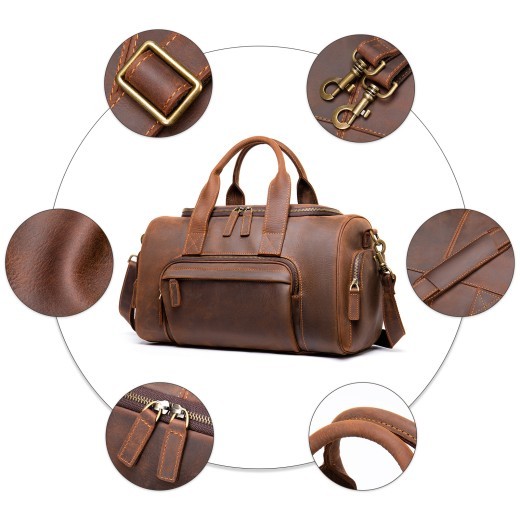
Nuevo bolso de mano de cuero retro hecho a mano para hombre, de gran capacidad
Gift Tree
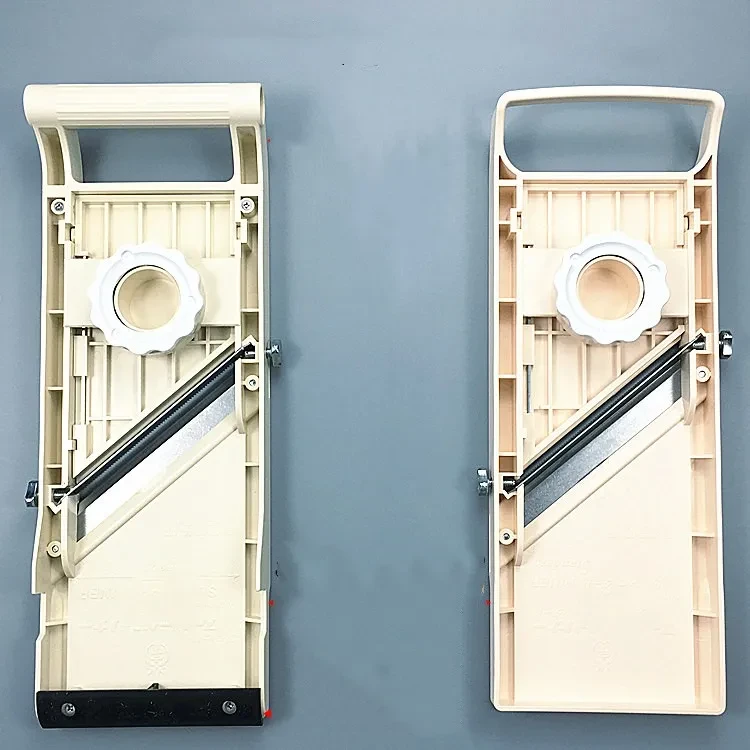
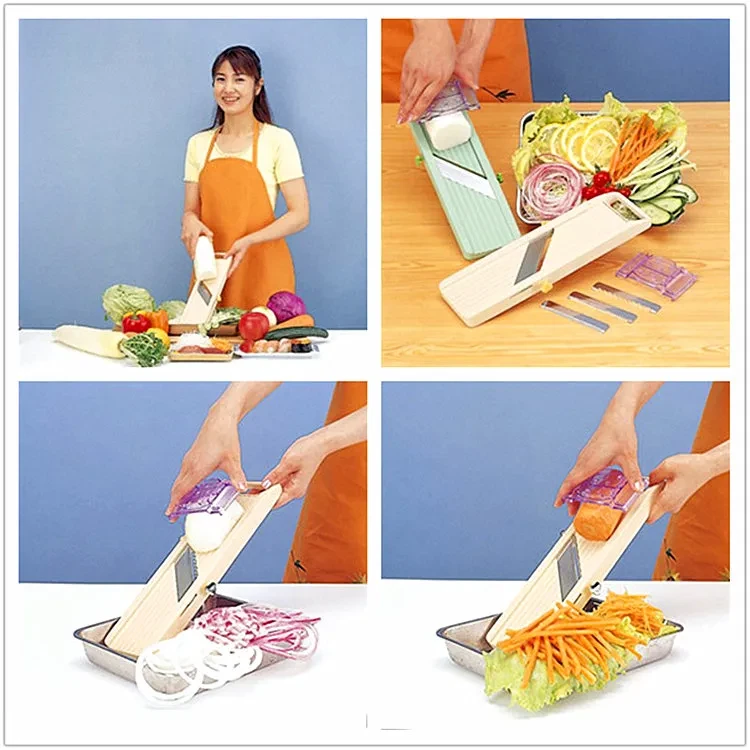

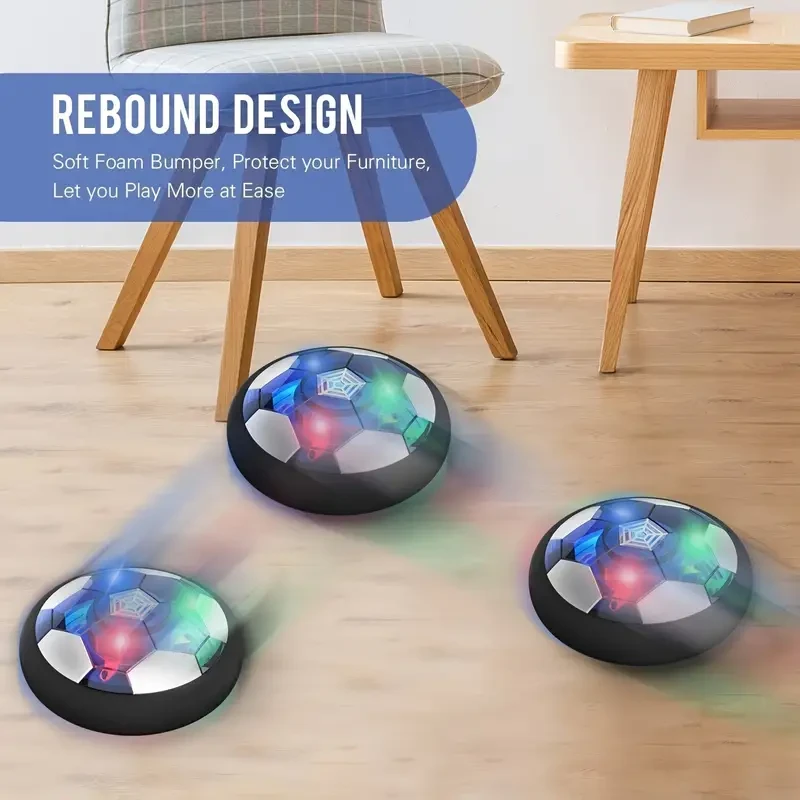

Balón de fútbol flotante con luces LED, recargable y con parachoques de espuma, juguete deportivo para niños y niñas, material PP, azul. Regalo ideal para los amantes del fútbol.
Gift Tree


Bola de citrino decorativa de piedra rugosa pulida para el hogar y la oficina
Gift Tree
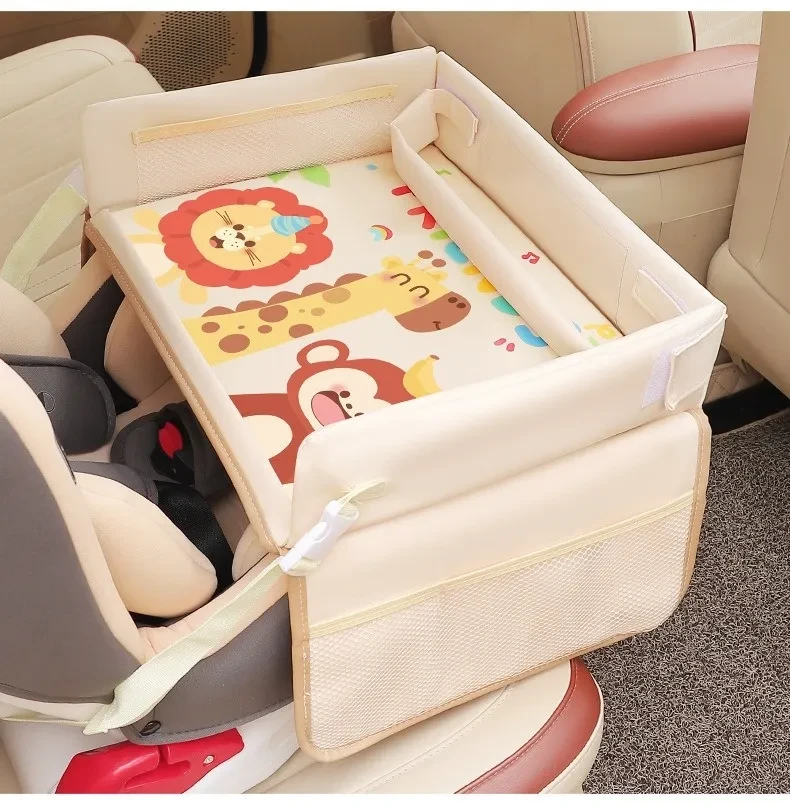
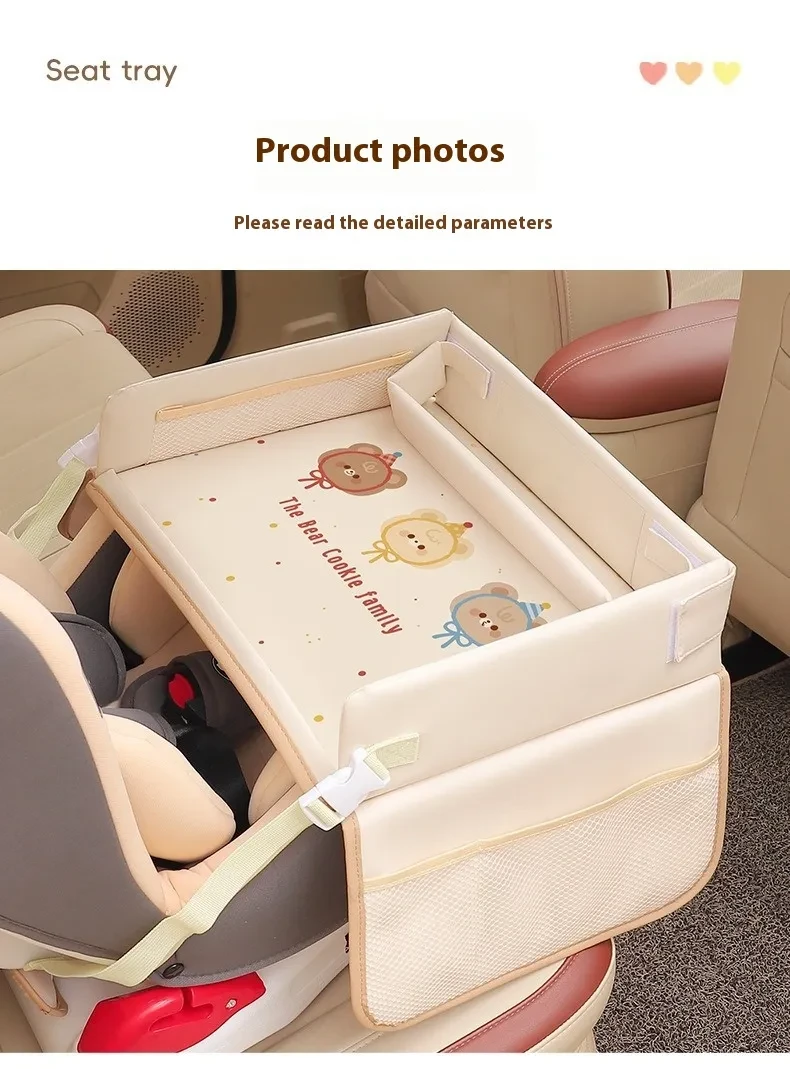

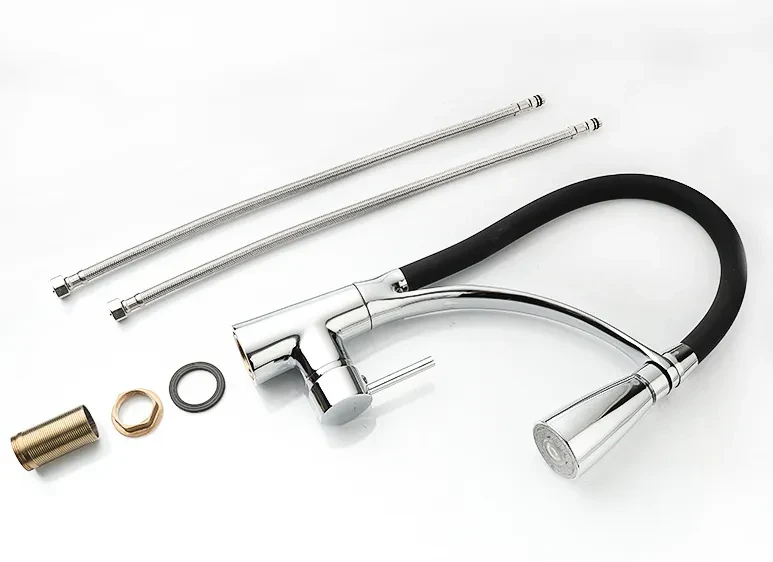
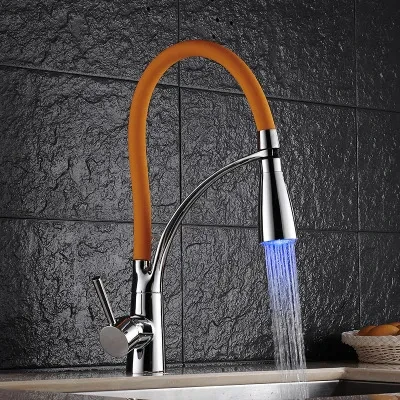
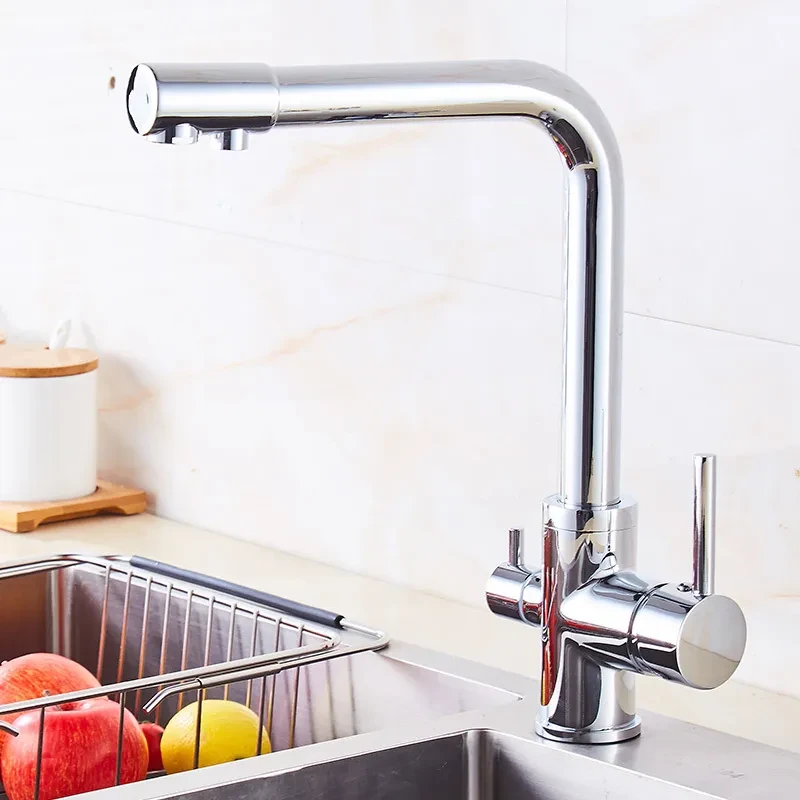
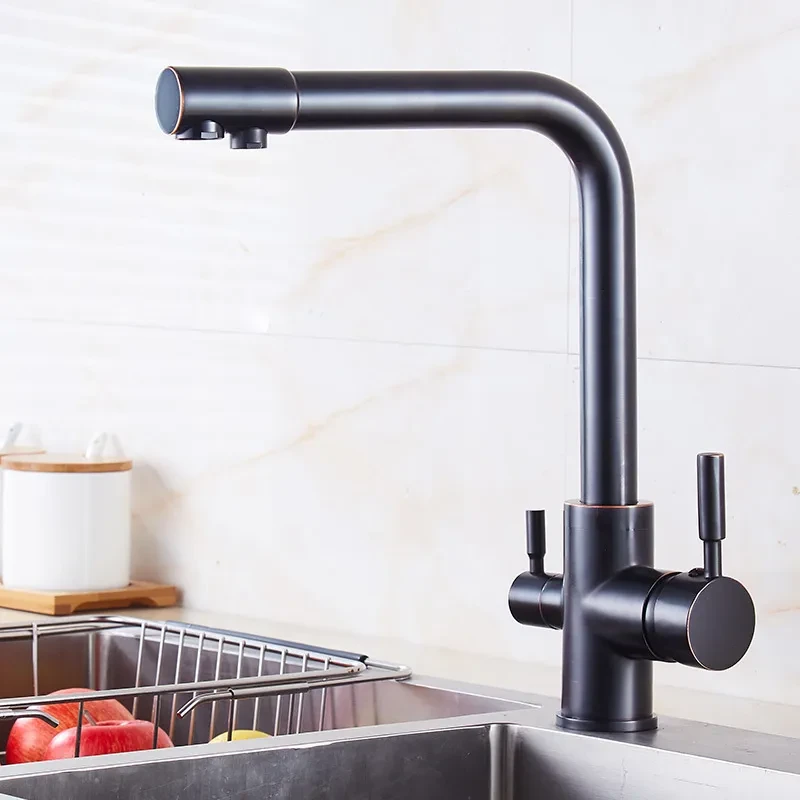
Grifo giratorio para lavabo de cocina de tubo de cobre con agua caliente y fría
Gift Tree

.png)


.webp)
.webp)
American Creative Industrial Style Retro Wall Lamp Boat Anchor Solid Wood Distressed Lamp
Gift Tree
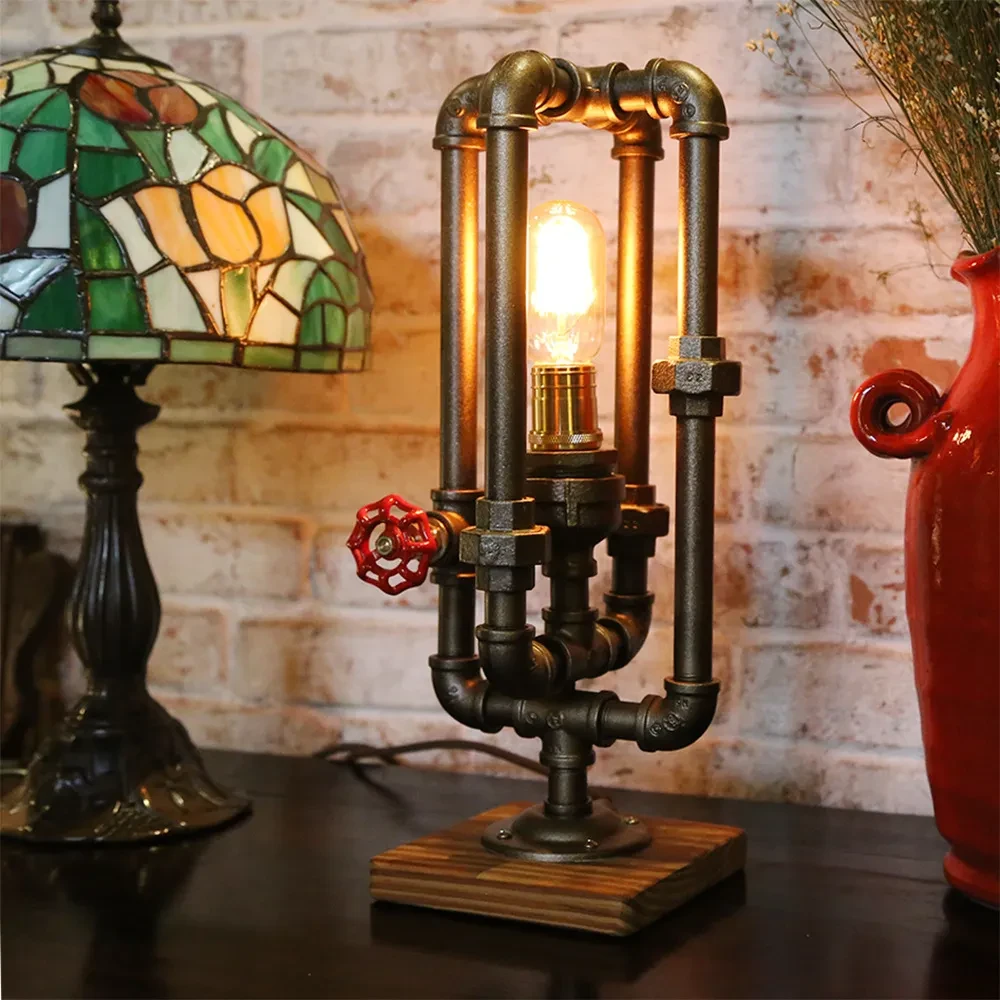

American Industrial Style Creative Desk Lamp Retro Edison Light Bulb
Gift Tree
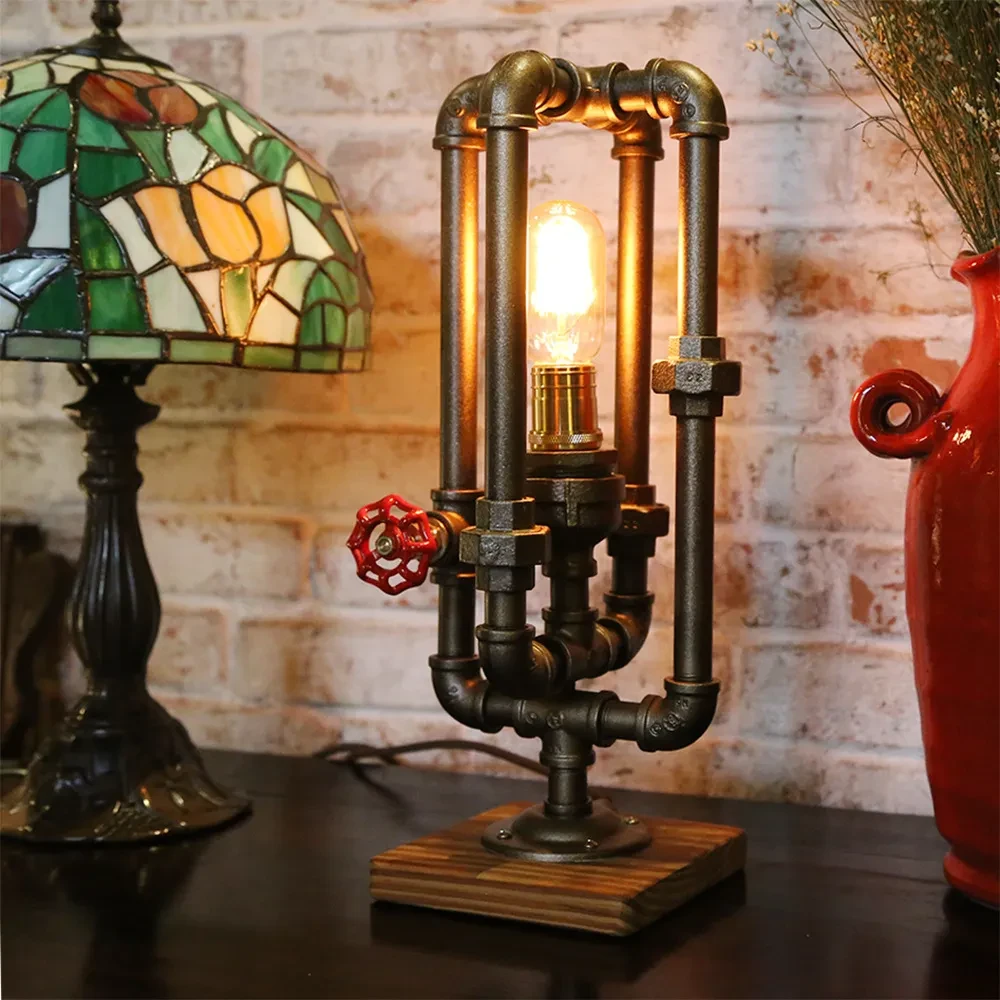

American Industrial Style Creative Desk Lamp Retro Edison Light Bulb
Gift Tree
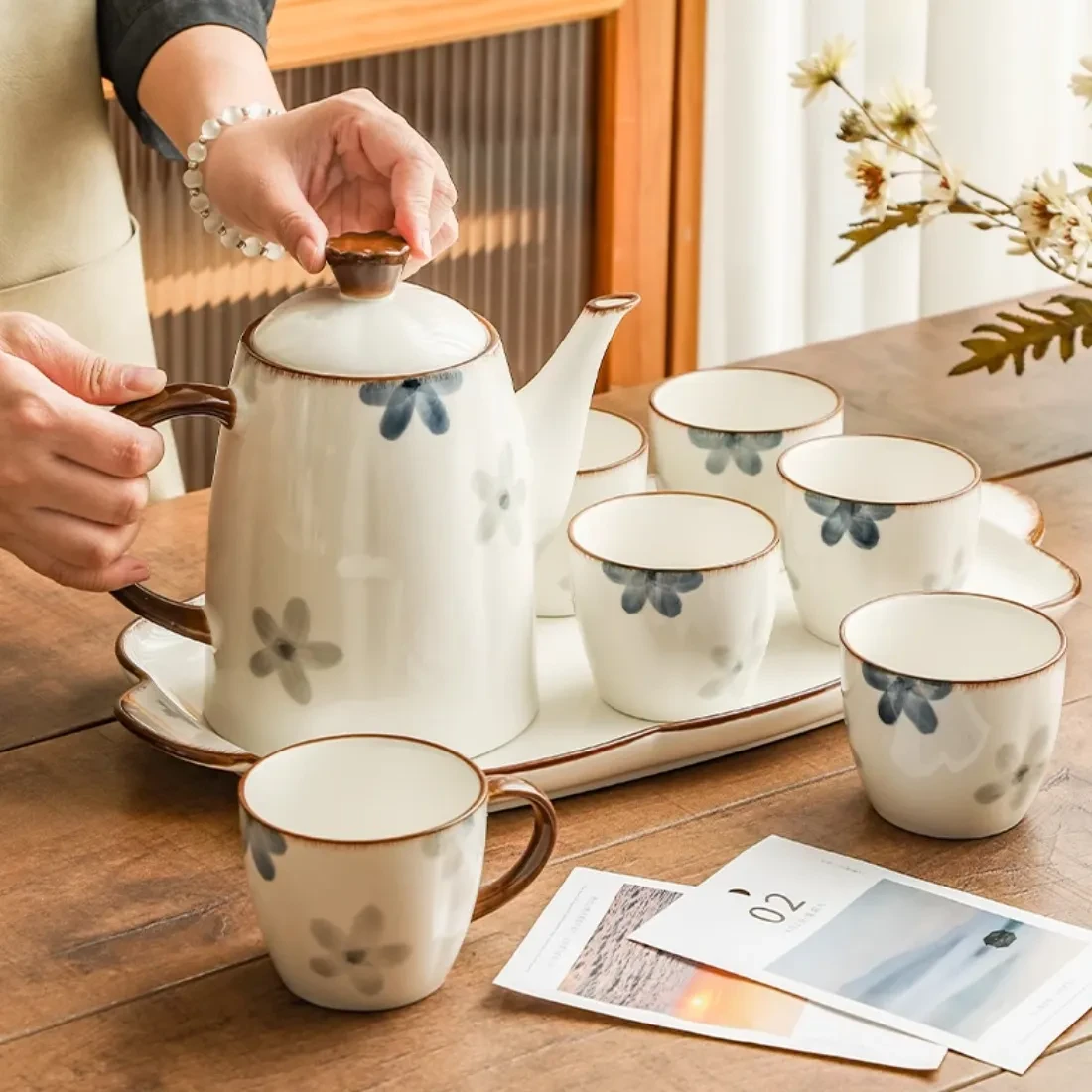
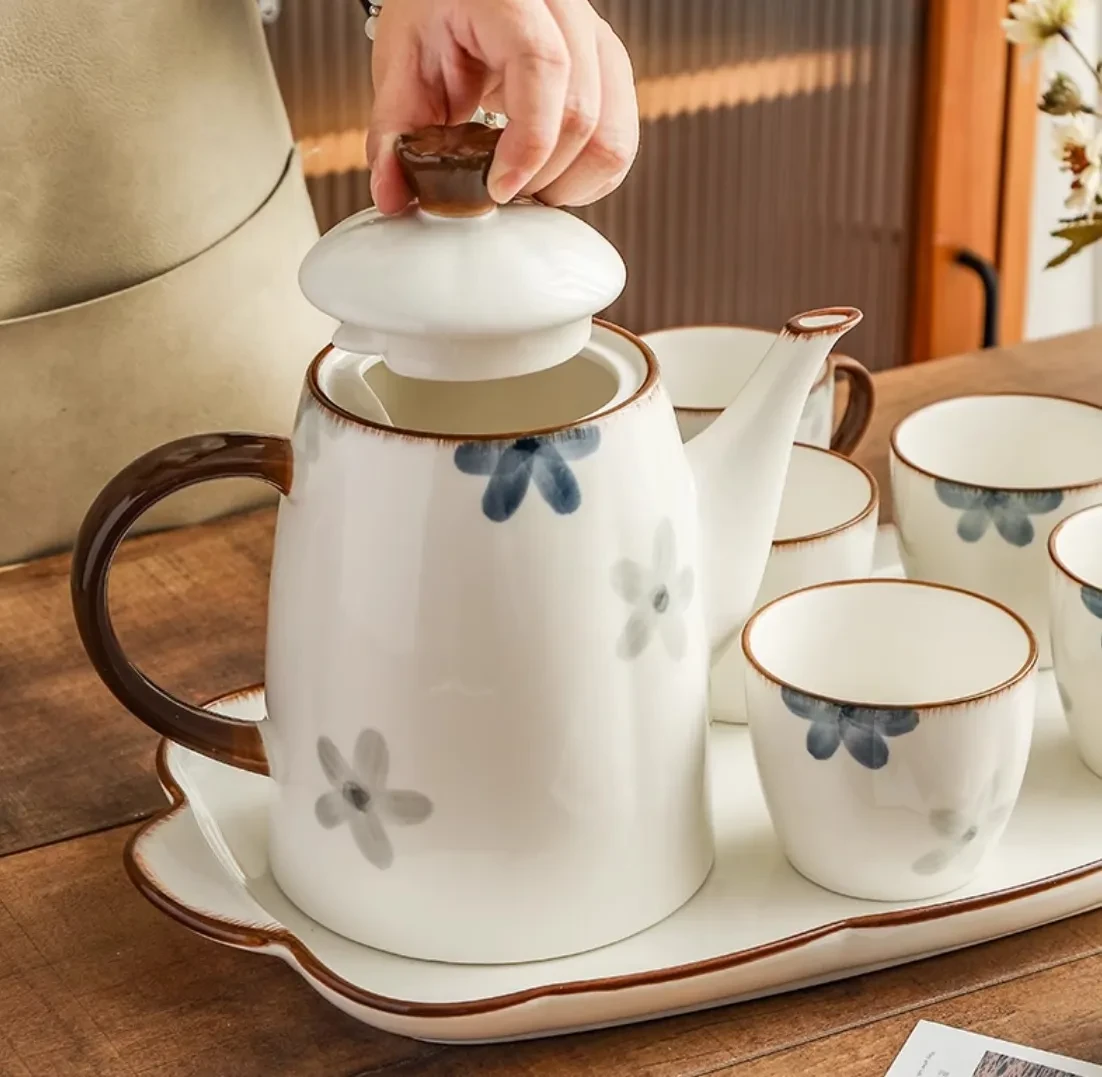


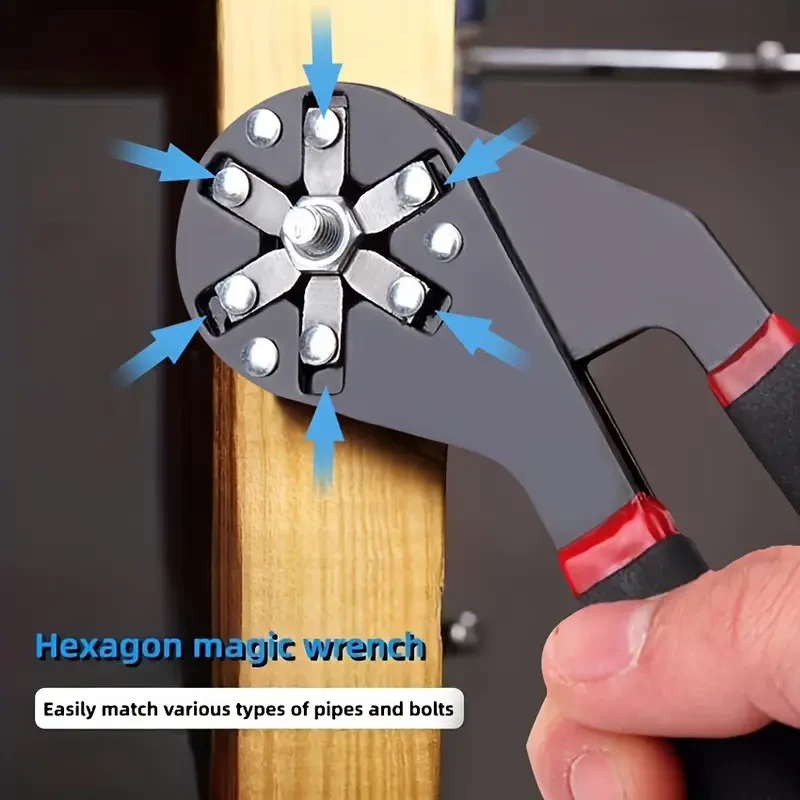
Llave hexagonal de 15,24 cm/20,32 cm, llave dinamométrica ajustable, herramienta de apertura, reparación y extracción, llave mágica, llave dinamométrica ajustable multifuncional, llave hexagonal de fijación, herramienta de reparación doméstica para electr
Gift Tree
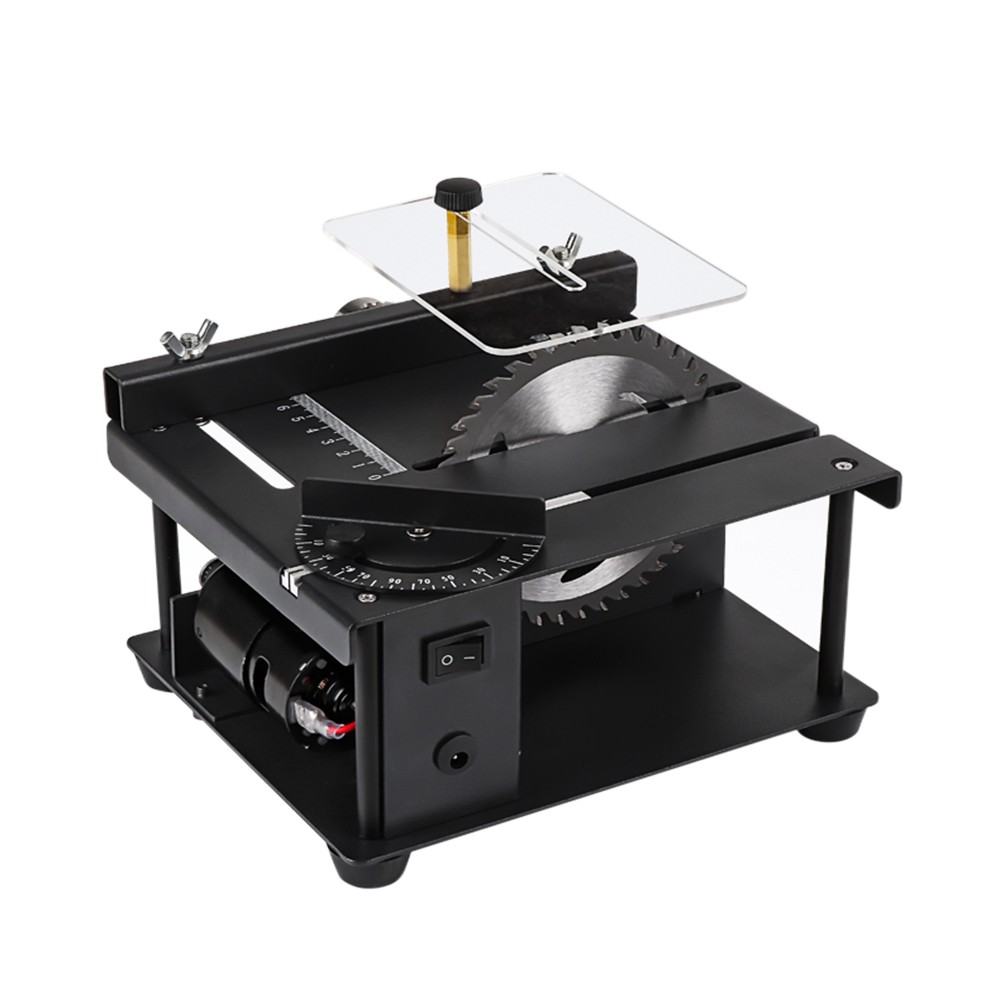
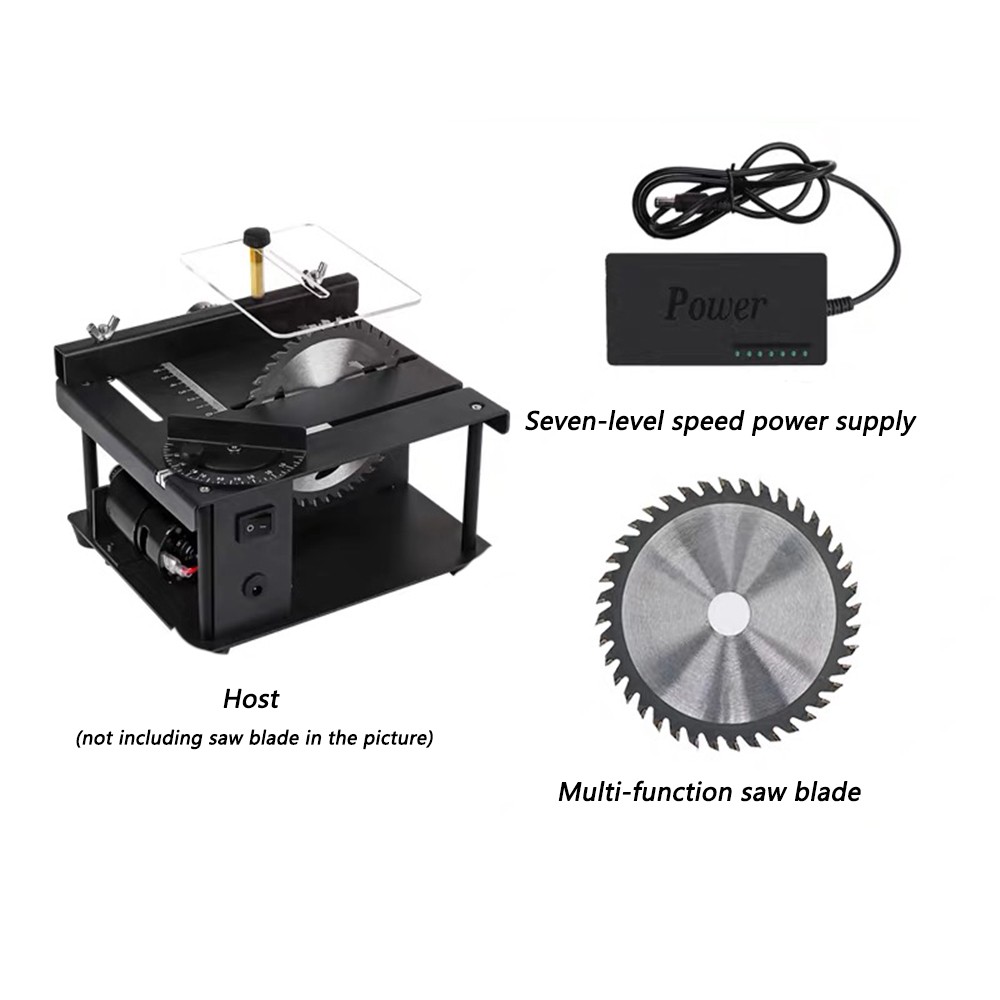
Sierra de mesa de precisión en miniatura, minisierra eléctrica, sierra de mesa doméstica pequeña, sierra de mesa deslizante portátil para carpintería, máquina de corte multifuncional
Gift Tree
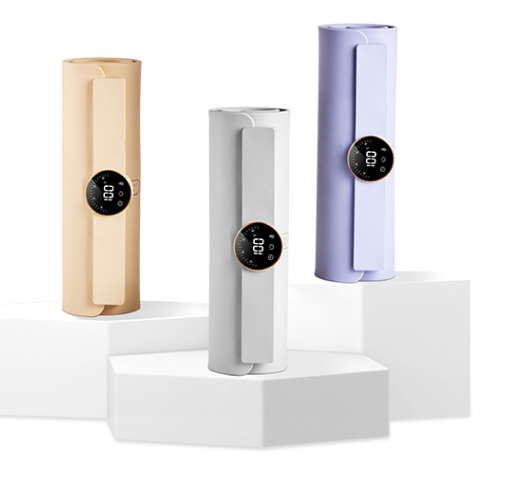
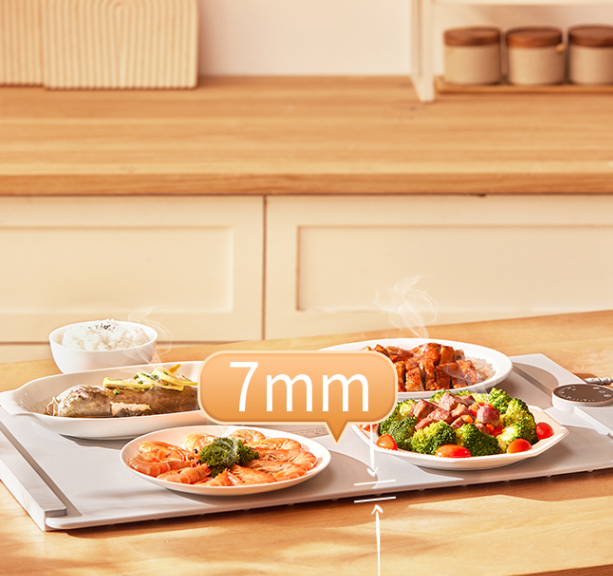
Tabla de cortar de silicona flexible, plegable y cálida, tabla aislante para alimentos, almacenamiento de tesoros de comida caliente, tabla de cortar aislante con pantalla digital
Gift Tree
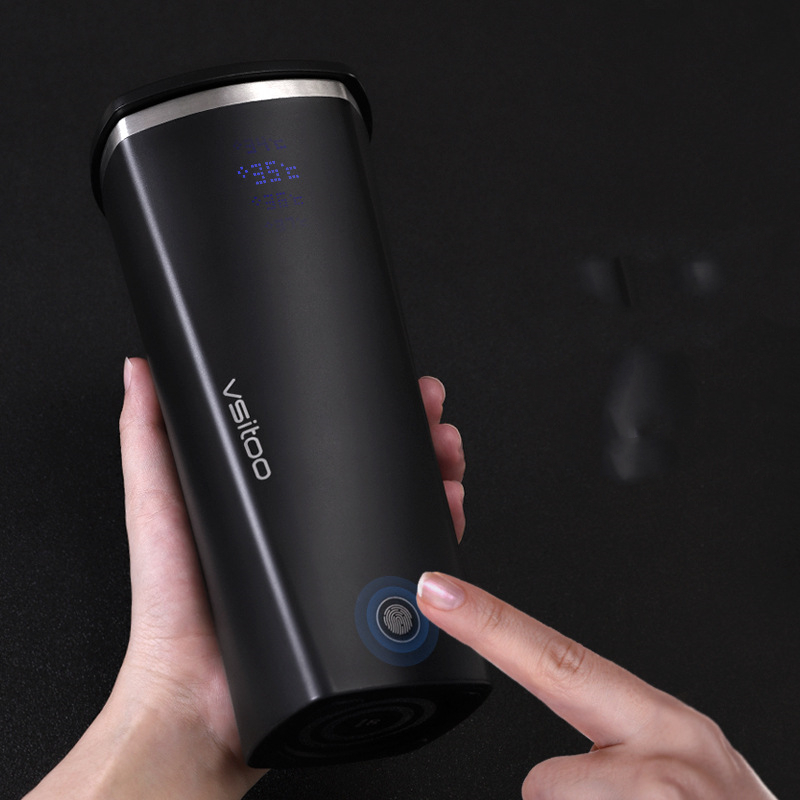
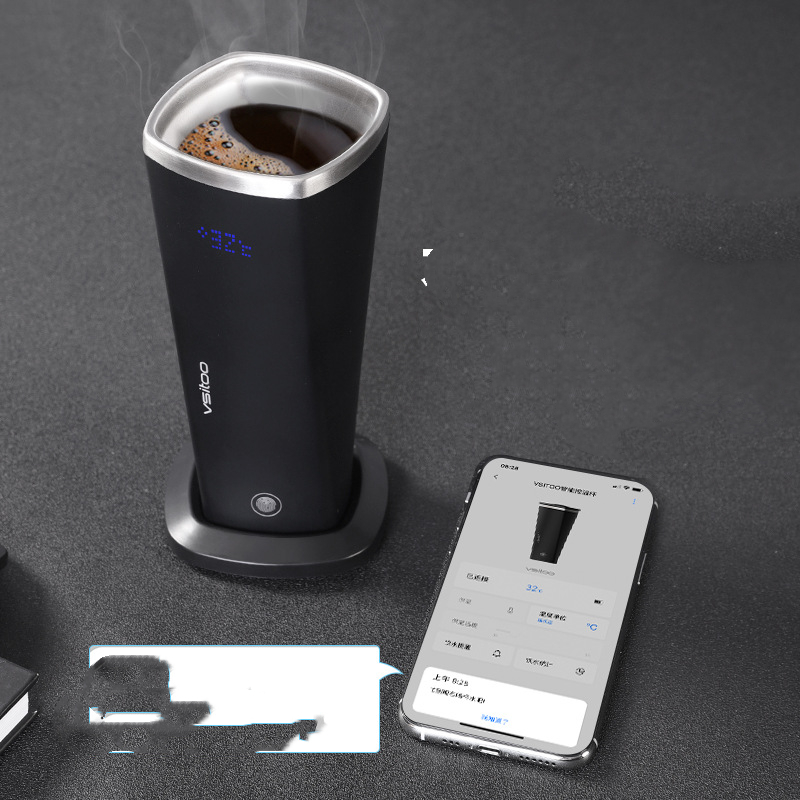
Taza de agua inteligente S2: recordatorio para beber agua, regalo creativo
Gift Tree
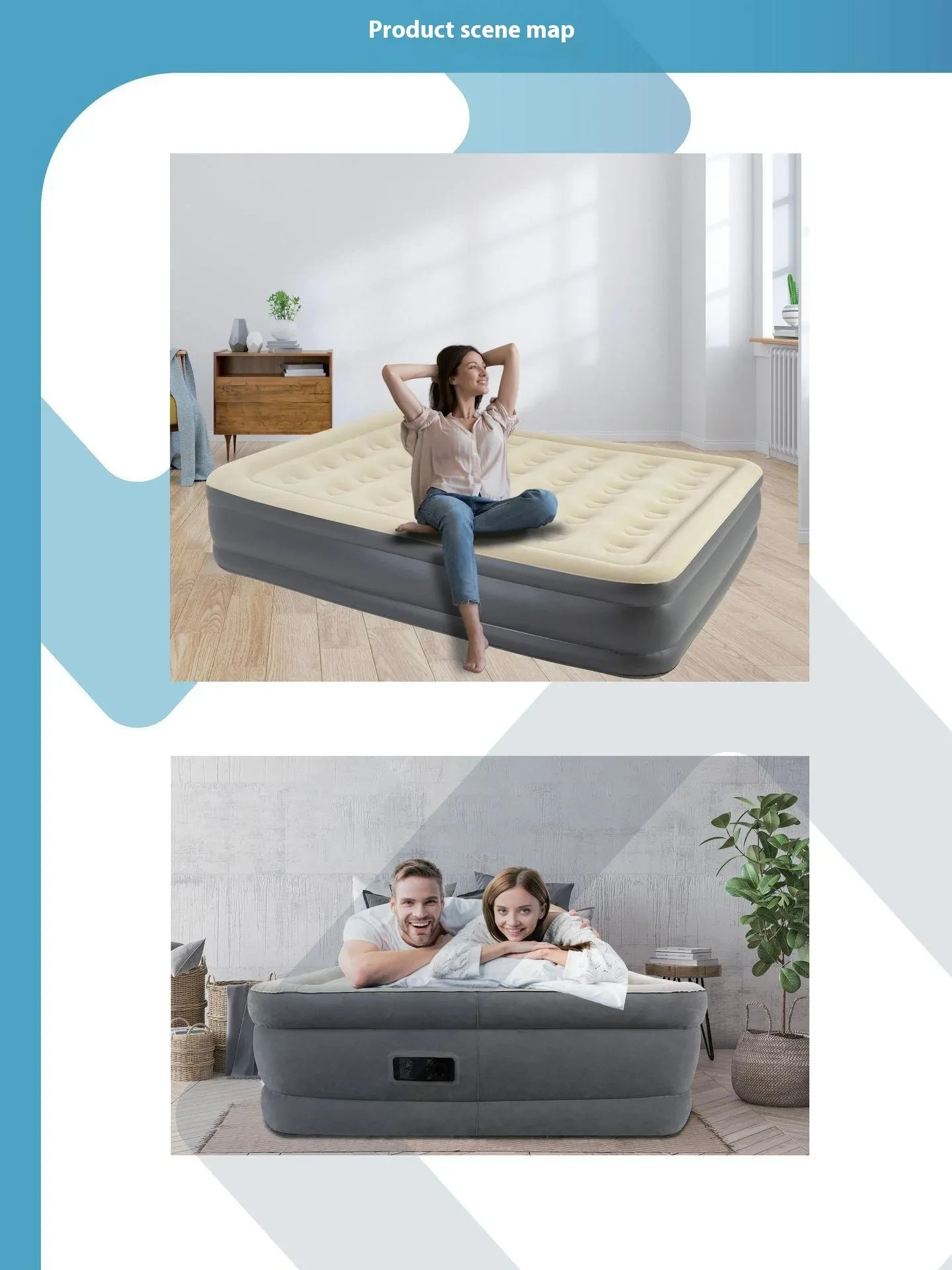
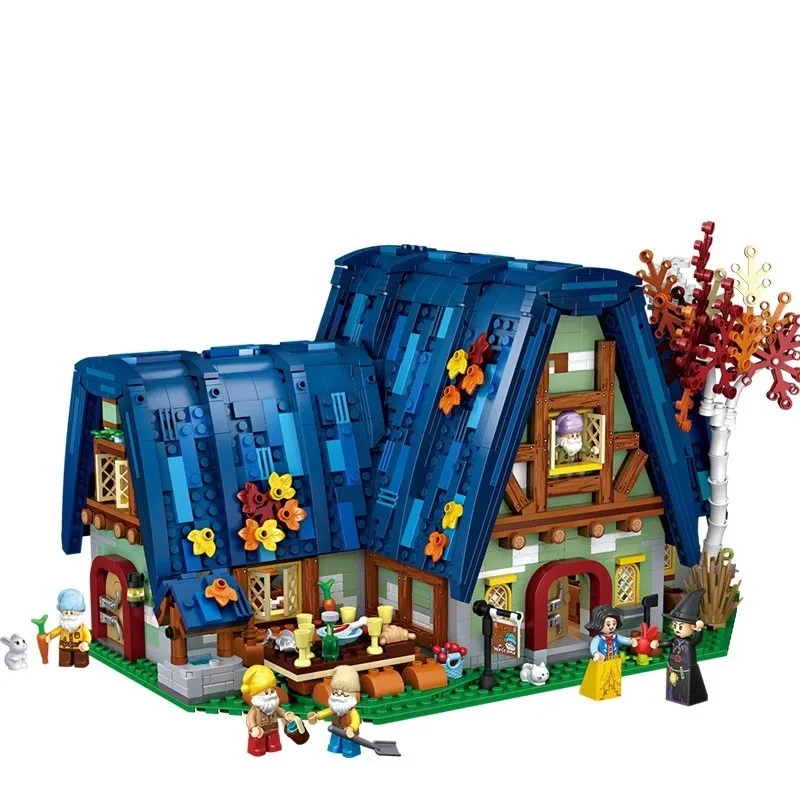
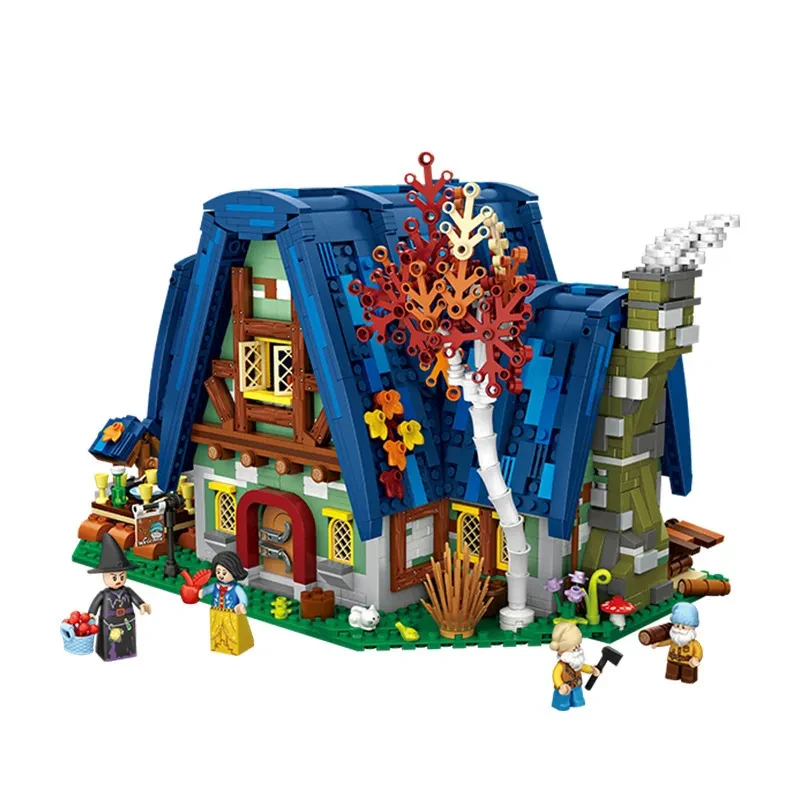
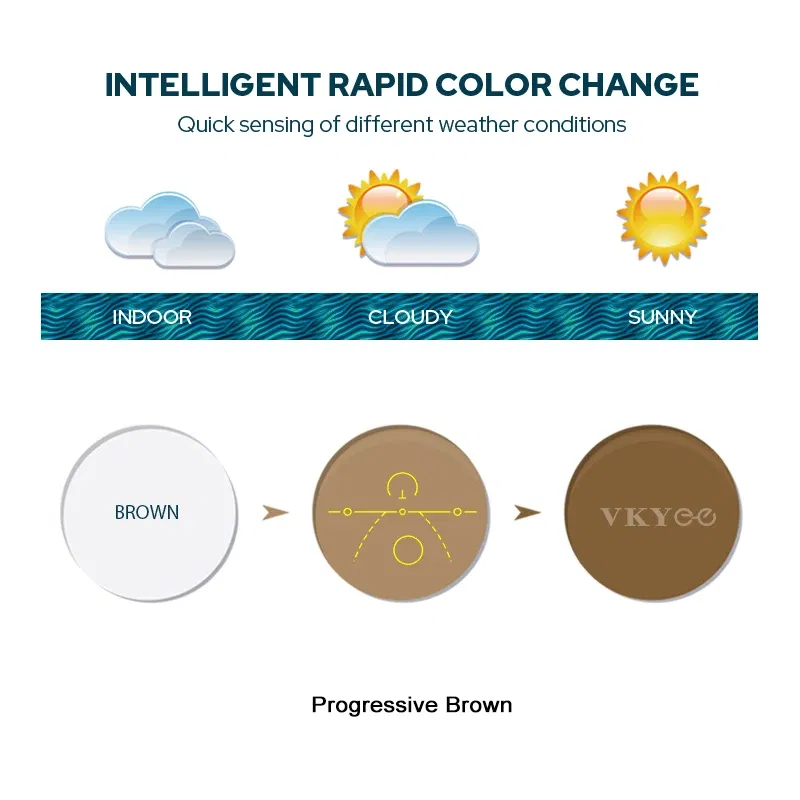
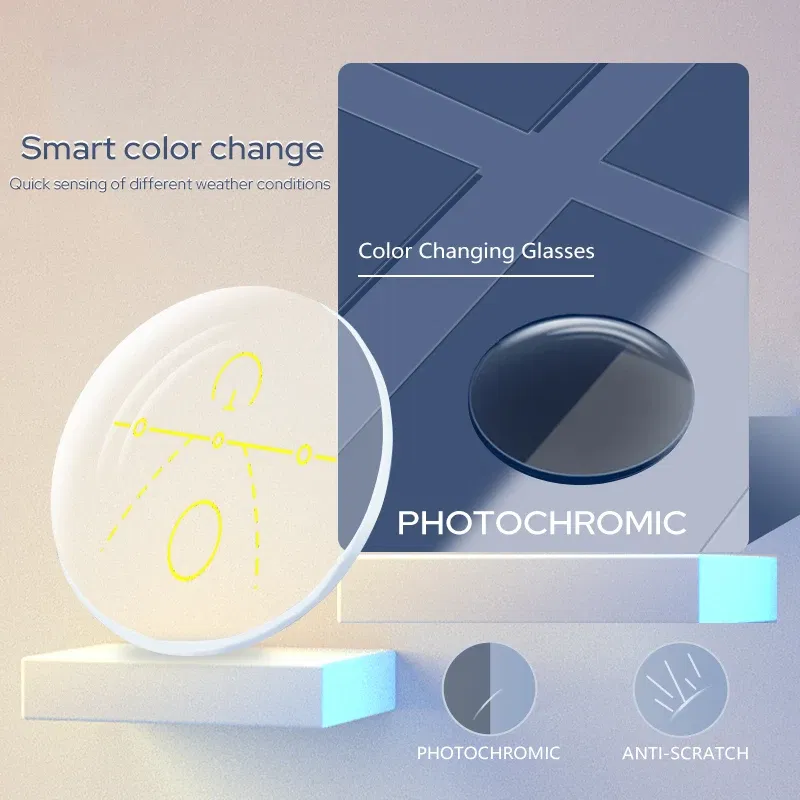
Lenses Color: black, Ships From: CHINA, Lens Index: 1.74 - VICKI Multifocal Progressive Photochromic CR-39 Resin Aspheric Spectacle Lenses Myopia & Hyperopia UV400 Sun Protection Lenses
Gift Tree


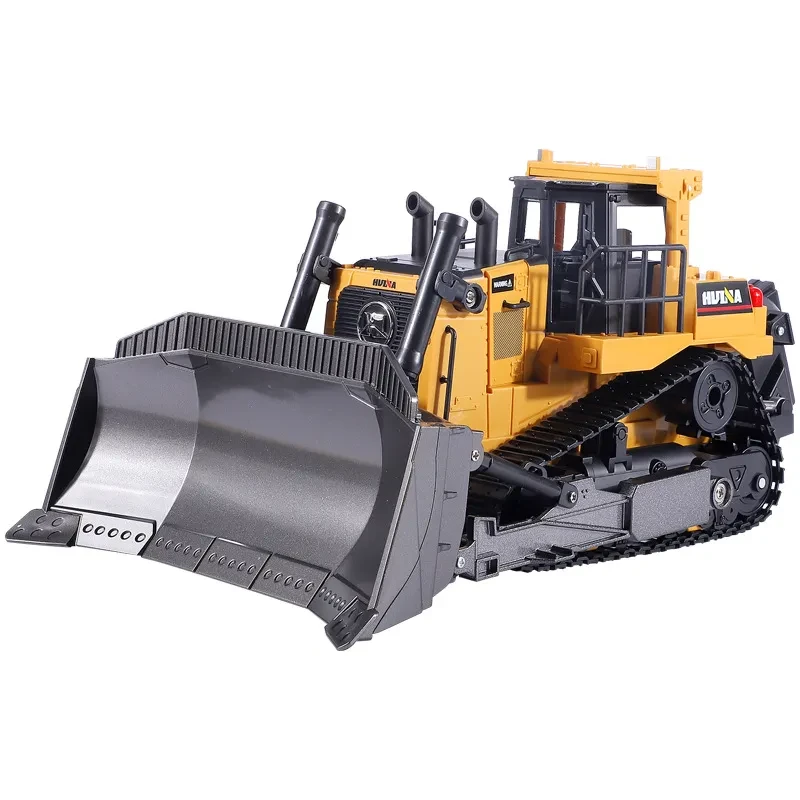
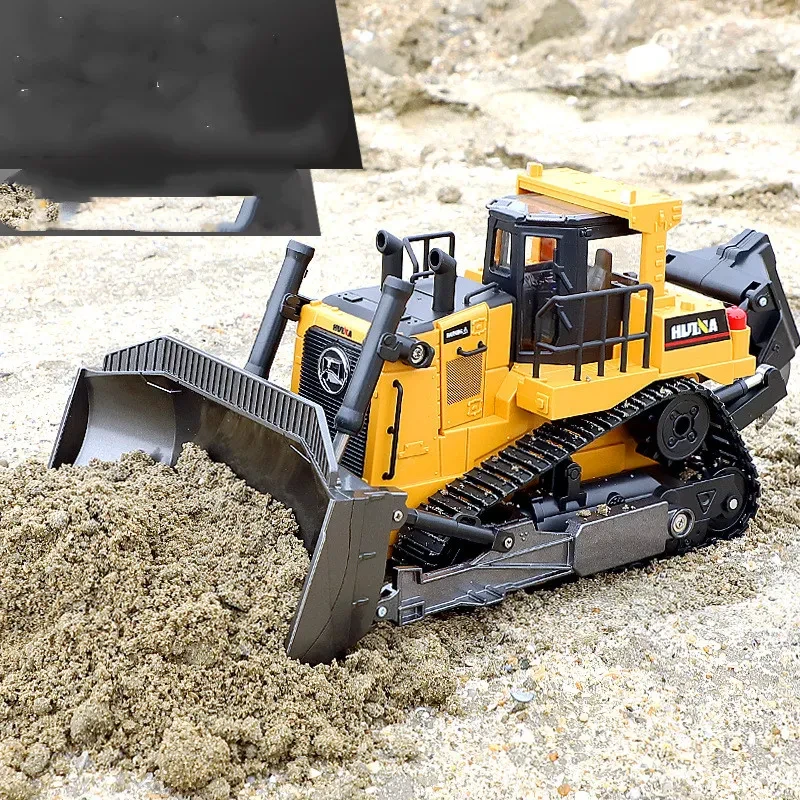
Carretilla elevadora eléctrica a control remoto, excavadora con tracción en las cuatro ruedas, vehículo de ingeniería de aleación de juguete para niños
Gift Tree
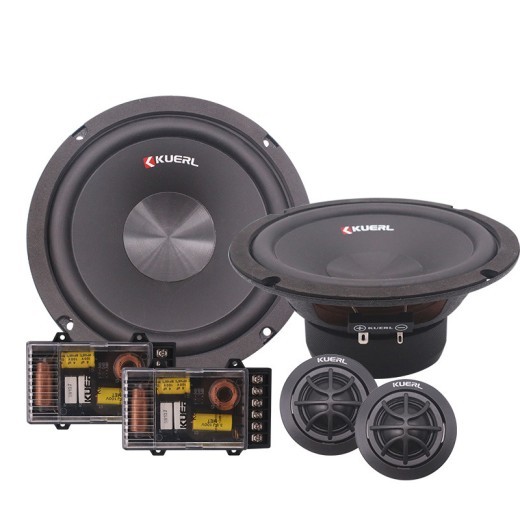
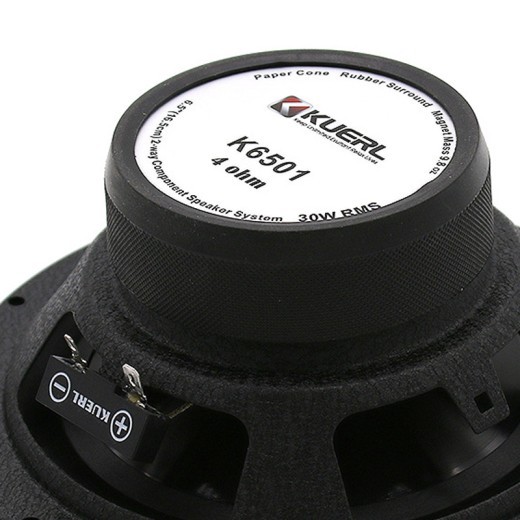
Conjunto de altavoces de audio para coche modificados y mejorados de 6,5 pulgadas
Gift Tree
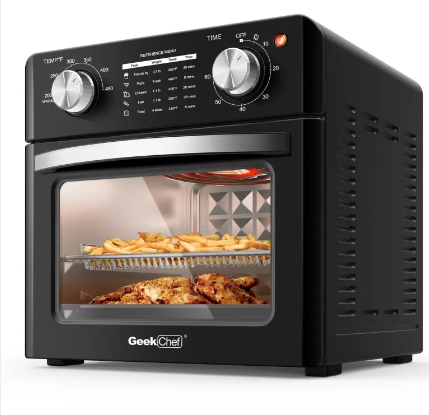

Freidora de aire Geek Chef de 10 cuartos, horno tostador de encimera,
Gift Tree
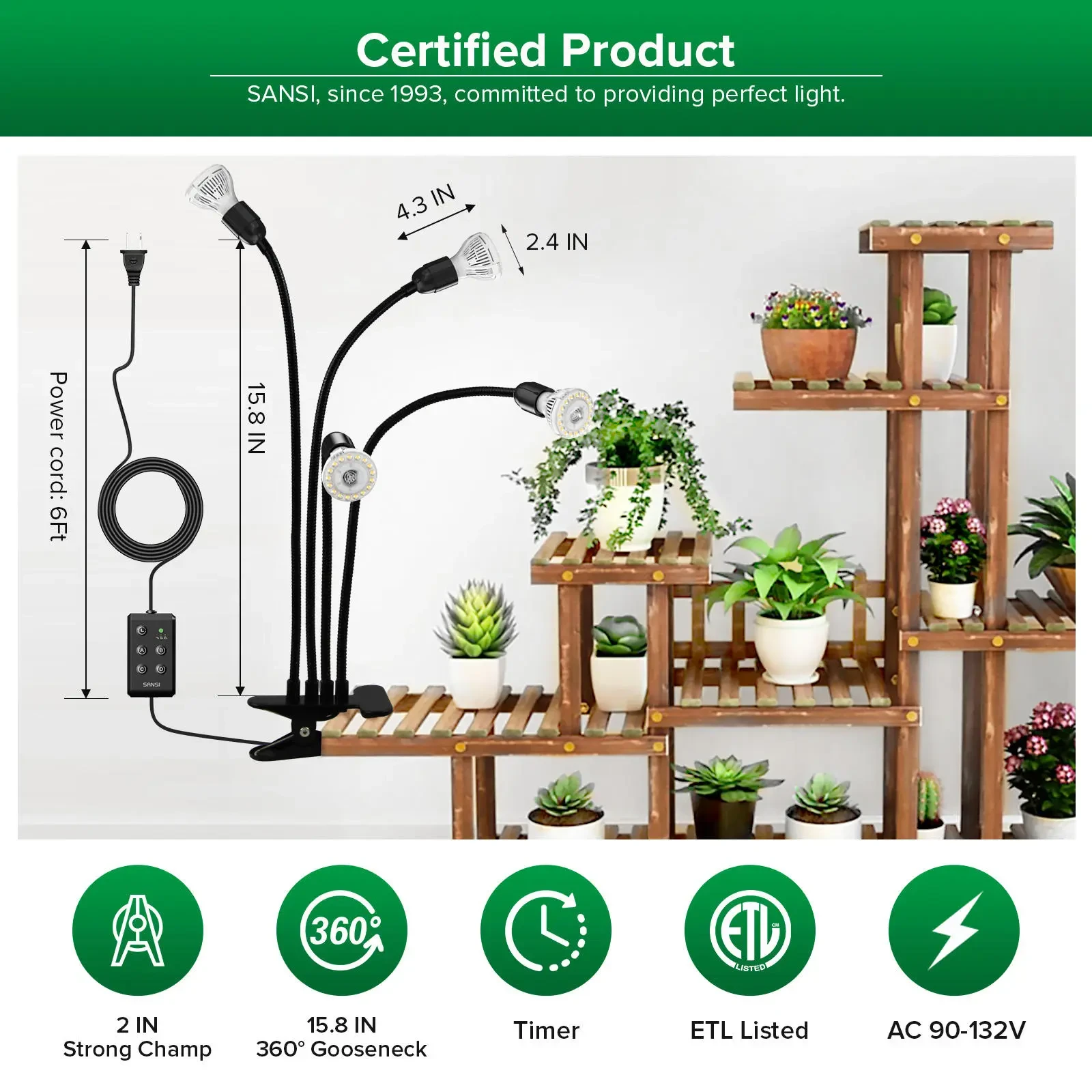
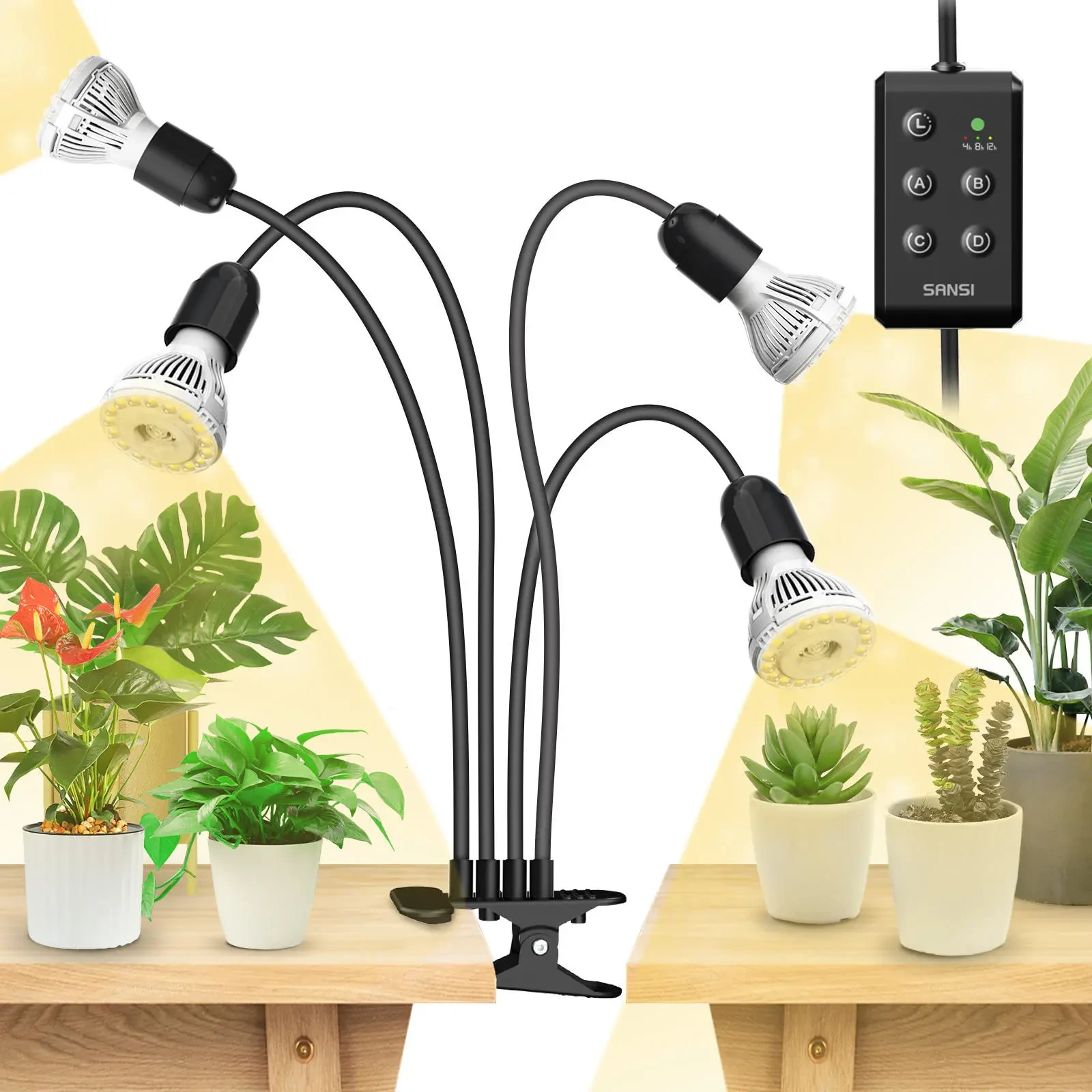






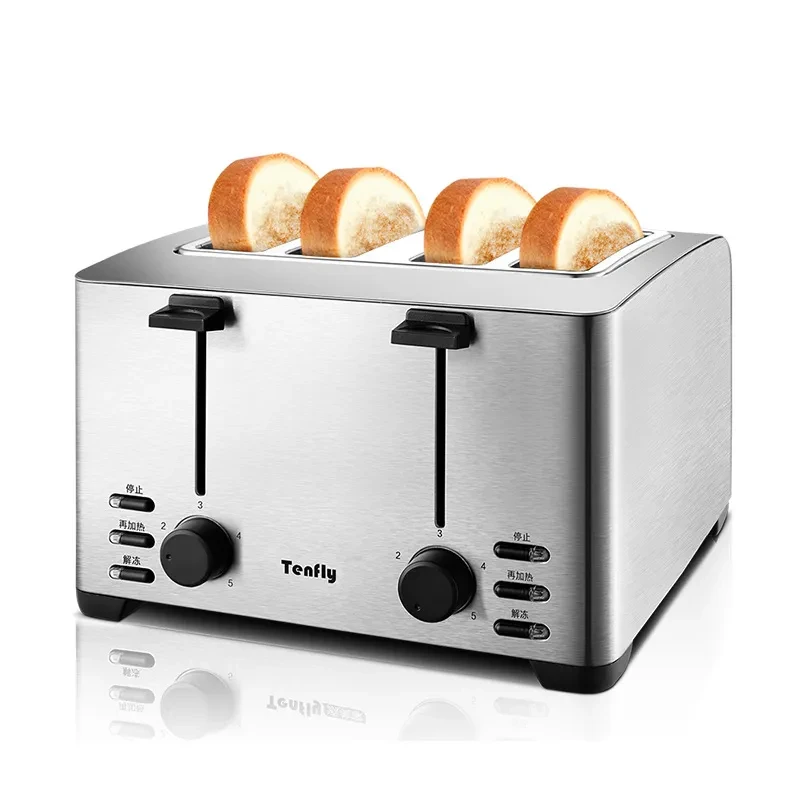
Toaster – Perfectly Toasted Bread Every Time for a Quick and Delicious Breakfast
Gift Tree
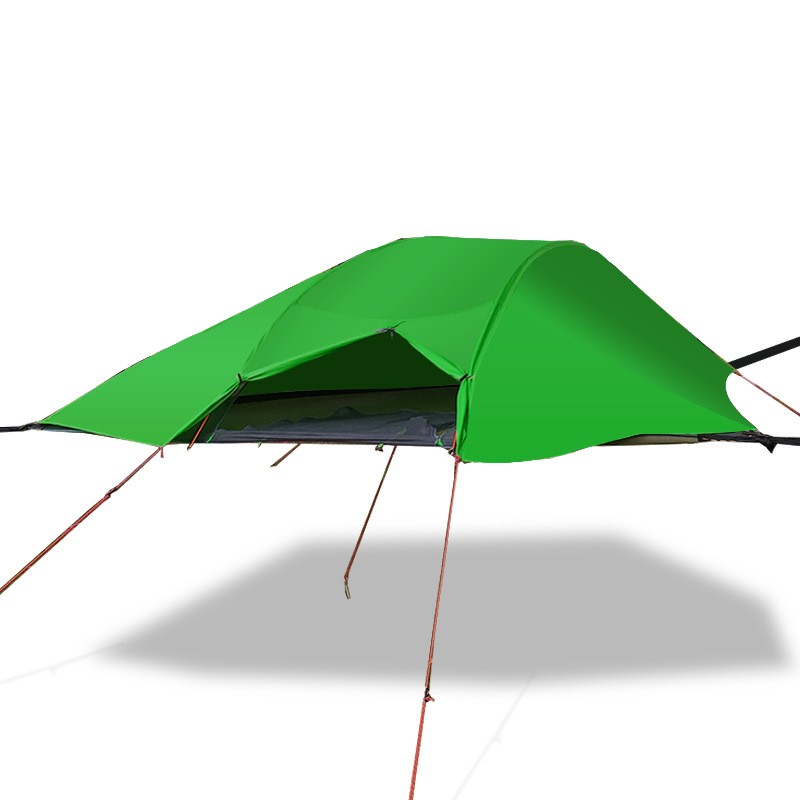
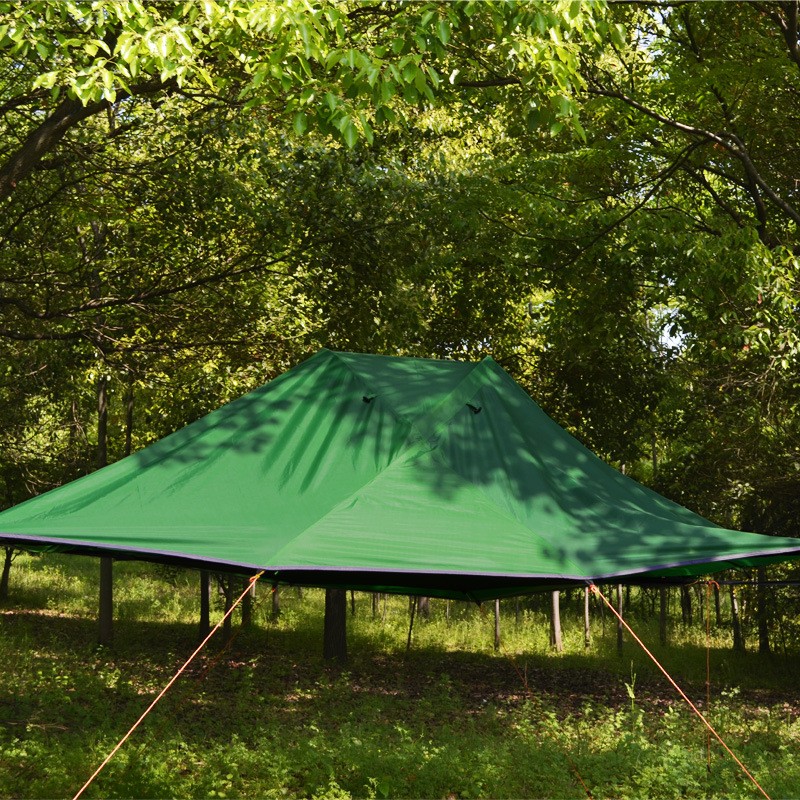
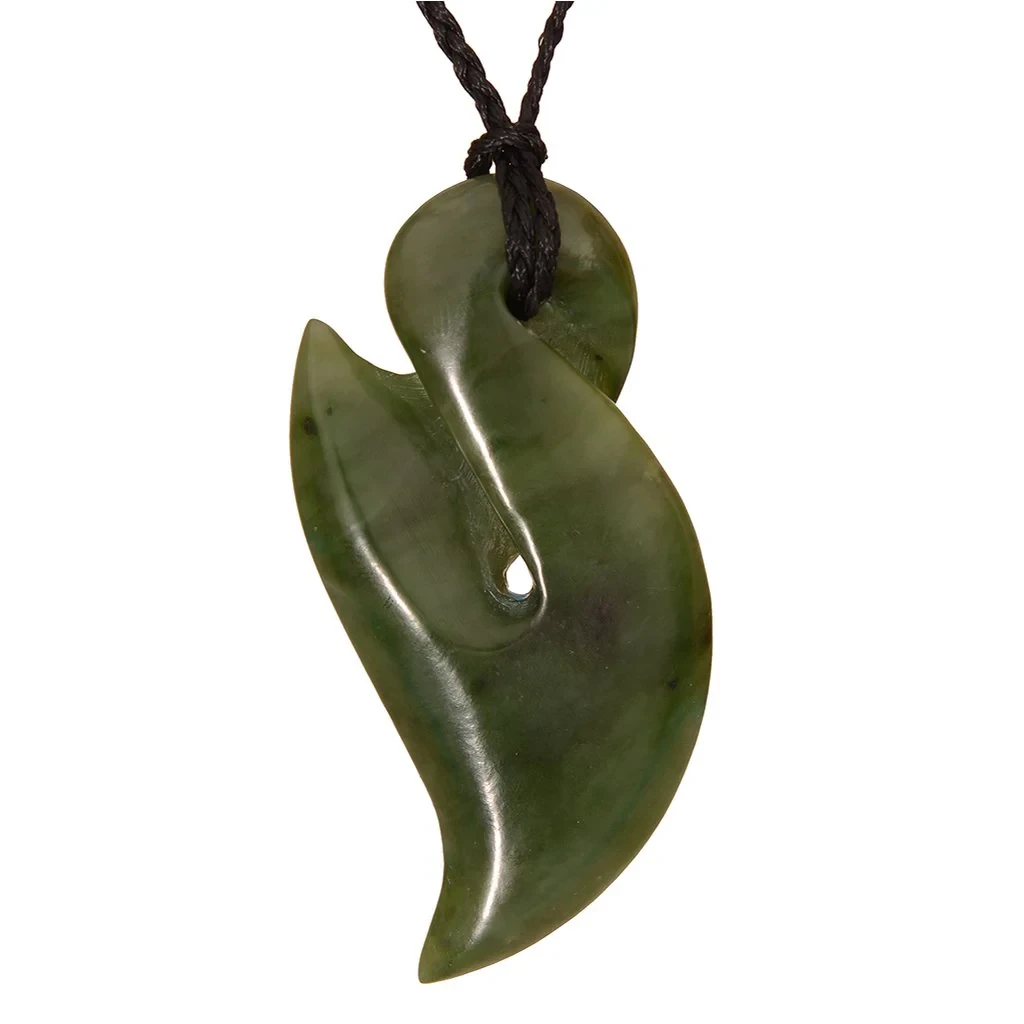
Start Your Online Shopping Journey in New Zealand with Confidence
Shopping online for the first time can feel like a daunting task, but with the right guidance, it can be an exciting and rewarding experience. As more people in New Zealand turn to the internet for their shopping needs, it’s essential to understand the process and take the necessary steps to ensure a safe and enjoyable experience. This guide provides a comprehensive overview of everything you need to know before making your first online purchase.
Why Shop Online in New Zealand?
The internet has revolutionized the way we shop. For those new to online shopping in New Zealand, the benefits are endless. Shopping online offers convenience, variety, and often better prices compared to traditional brick-and-mortar stores. Whether you’re looking for the latest fashion trends, kitchen gadgets, or home decor, there’s no shortage of online options available to Kiwis.
Moreover, New Zealand’s online shopping market continues to grow, with many local and international retailers offering delivery to the country. This means you can shop from the comfort of your home and have products delivered directly to your door.
How to Get Started: A Step-by-Step Guide
For beginners, the first step is understanding the basics of online shopping. Here’s a simple breakdown to help guide you through the process:
-
Choose the Right Online Retailer:
Before making a purchase, research various online retailers. Look for trusted and well-established websites that are reputable and offer secure payment options. In New Zealand, sites like The Warehouse, Mighty Ape, and Fishpond offer a variety of products and ensure safe transactions. Additionally, many international websites like Amazon and eBay also deliver to New Zealand.
-
Create an Account:
Once you've selected a retailer, the next step is to create an account. This typically involves entering your personal details, including your name, shipping address, and payment method. Ensure that the website uses secure encryption for storing your information, which can be checked by verifying a "https://" at the beginning of the URL.
-
Browse for Products:
Most online stores will have categories such as "Home & Kitchen," "Fashion," or "Electronics." Use the search bar or categories to find the products you're interested in. Pay attention to product reviews, ratings, and detailed descriptions to make sure the product meets your expectations.
-
Add to Cart:
Once you find a product you want to buy, you can add it to your cart. If you’re purchasing multiple items, keep track of your cart to ensure everything you need is included. Many online stores allow you to review your cart before proceeding to the checkout, where you can adjust quantities or remove items if needed.
-
Review Your Order and Make Payment:
Before completing your purchase, double-check the details, including the total cost, shipping fees, and estimated delivery time. When you’re ready, proceed to checkout. Online stores usually offer various payment methods, including credit and debit cards, PayPal, and sometimes even online payment services like Afterpay. Choose the method that works best for you and ensure that the payment is processed through a secure connection.
-
Track Your Order:
Once your purchase is confirmed, you’ll receive an order confirmation email with tracking details (if available). Most retailers in New Zealand provide tracking numbers that allow you to monitor the progress of your order until it reaches your doorstep.
Common Online Shopping Mistakes to Avoid
Shopping online for the first time is an exciting experience, but there are common mistakes you should avoid to ensure your safety and satisfaction. Here are some to keep in mind:
-
Ignoring Return Policies:
Make sure to read the return and refund policies before purchasing any item. Some retailers offer full refunds, while others may have specific conditions that must be met. Understanding these policies ahead of time can save you from headaches later on.
-
Overlooking Shipping Costs:
While shopping online offers great deals, don't forget to factor in shipping costs. Some retailers offer free shipping within New Zealand, but others may charge for delivery, which can affect the overall cost of your purchase. Always check if shipping is free or calculate the cost to avoid surprises at checkout.
-
Not Reading Product Reviews:
Online shopping offers convenience, but without the ability to physically see and touch products, it’s essential to read product reviews. Customer feedback will give you an insight into the quality of the item, its usability, and any potential issues.
-
Using Unsecure Payment Methods:
Ensure that you are using a secure payment method. PayPal, credit cards, and debit cards offer protection against fraudulent transactions. Never enter your payment details on websites that don’t offer a secure connection, indicated by a padlock symbol or "https://" in the web address.
-
Failing to Compare Prices:
Just because an item looks like a great deal doesn’t mean it is. It’s always wise to compare prices across different websites to ensure you’re getting the best deal. Take the time to search for similar products and compare their features, prices, and reviews.
How to Stay Safe When Shopping Online in New Zealand
When shopping online for the first time, safety should always be your priority. Here are a few tips to ensure a secure shopping experience:
-
Use Trusted Websites:
Stick to well-known, reputable websites when making your purchases. Check reviews on third-party sites like Trustpilot to gauge the reputation of the retailer. Websites with secure connections, as mentioned before, are a must.
-
Avoid Public Wi-Fi:
When shopping online, avoid using public Wi-Fi networks as they may not be secure. Instead, make your purchases using a secure home network or data connection.
-
Enable Two-Factor Authentication:
Many online retailers offer two-factor authentication for your account to add an extra layer of security. This feature may require you to enter a code sent to your phone or email before completing a purchase.
-
Watch for Phishing Scams:
Be wary of unsolicited emails or texts asking for personal information. Always verify the sender's address and avoid clicking on suspicious links.
-
Use Credit Cards for Extra Protection:
Credit cards often provide more protection against fraud than other payment methods. In case of a dispute or fraudulent transaction, your credit card company may offer chargeback services to help you recover your funds.
The Future of Online Shopping in New Zealand
As online shopping continues to evolve in New Zealand, expect even more exciting developments. Local retailers are constantly enhancing their websites, offering better customer service, and improving their delivery options. Furthermore, international brands are expanding their reach, making it easier for New Zealand shoppers to access products that were once unavailable in the country.
The rise of mobile commerce also means that you can shop anytime, anywhere, with just a few taps on your smartphone. In the near future, we may see more advanced features like virtual try-ons for clothing and augmented reality (AR) experiences to help visualize products before purchase.
Conclusion: Enjoy Your First Online Shopping Experience
With these tips and insights, you’re now ready to embark on your online shopping journey in New Zealand. Start with smaller purchases, familiarize yourself with the process, and always prioritize safety. Shopping online is a fantastic way to save time, access a wider variety of products, and find great deals. Whether you're buying everyday essentials or indulging in something special, the convenience and ease of online shopping are unmatched. Happy shopping!
Enter your content here


.jpg)









.jpg)





.jpeg)





.jpeg)



.jpeg)








.jpeg)



.jpeg)

.jpeg)

.jpeg)

.jpeg)




.jpeg)
.jpg)

.jpeg)






.jpeg)
.jpeg)




.jpeg)





.jpeg)


.jpeg)

.jpeg)

.jpeg)

.jpeg)







.jpeg)
.jpeg)
.jpeg)





.jpeg)



.jpeg)






.jpg)
.jpeg)









.jpg)


ulva-Logo.jpg)




.jpeg)



.png)















.png)